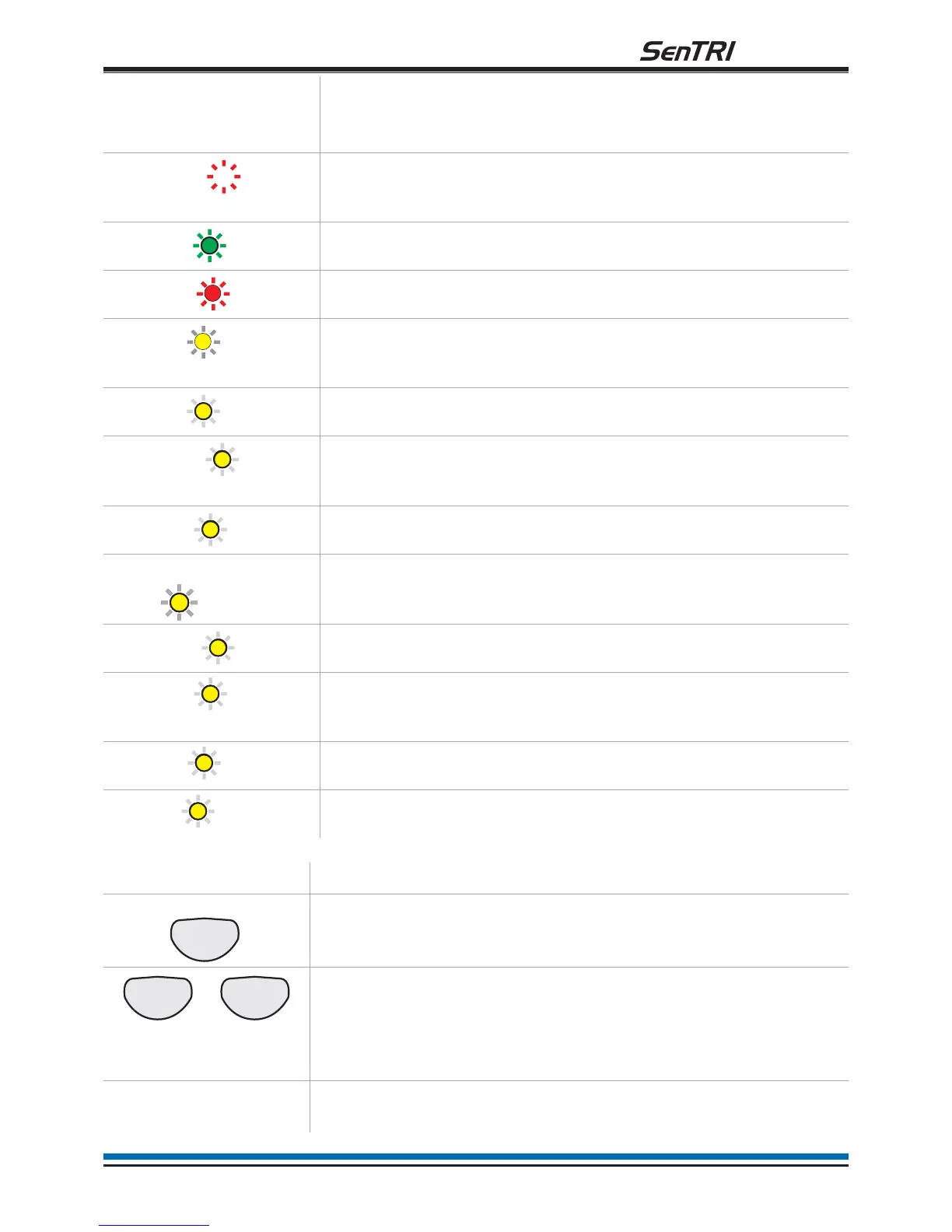
Indicators Description
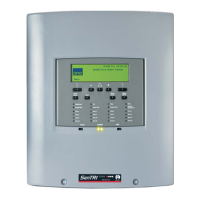
Display The Display provides messages of the system status / events
by means of 8 lines by 40 characters per line display.
(red)
Secret-until-lit fire zone indicators. When "Zones" text and
number(s) are illuminated it indicates that a FIRE has been
detected in the specified zone(s).
(green)
When illuminated it indicates that a supply to the panel is
present.
(red)
When illuminated it indicates that a FIRE has been detected in
the protected premises.
(amber)
When illuminated it indicates that the Verify button has been
pressed and the alarm sounders in the system are delayed
from sounding.
(amber)
When illuminated it indicates that a FAULT has been detected
in the fire detection and alarm system.
(amber)
When illuminated it indicates that a fault has occurred with the
system processor. It is important to investigate this fault
because the fire system may not be able to detect fires.
(amber)
When illuminated it indicates that a part of the system has been
disabled.
CB253 or CB254
(amber)
When illuminated it indicates command builds 253 or 254 has
been activated.
(amber)
When illuminated it indicates the battery or mains supply to the
panel has failed.
(amber)
When illuminated (always with either the FAULT light or the
DISABLEMENT light) it indicates that there is a sounder fault
(flashing indication) or sounder disablement (steady indication).
(amber)
When illuminated it indicates that one or more delay blocks are
setup on the panel.
(amber)
When illuminated it indicates one or more zones are in Test
mode.
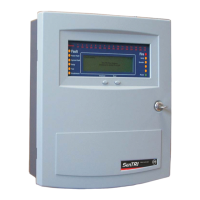
Controls Description
Pressing Menu On/Off will enable/disable the on screen menu
facility which gives access to the system menus.
The 'Fn' buttons are used to select functions and sub-functions
of the system menus which appear on the display. Each option in
the menus corresponds to one of the function buttons and
pressing a button will select the option which appears above it on
the display.
The Cancel Buzzer button when pressed will stop the internal
panel buzzer from sounding.
7
fire system
Zones 1
Power
Fire


 To Next Page