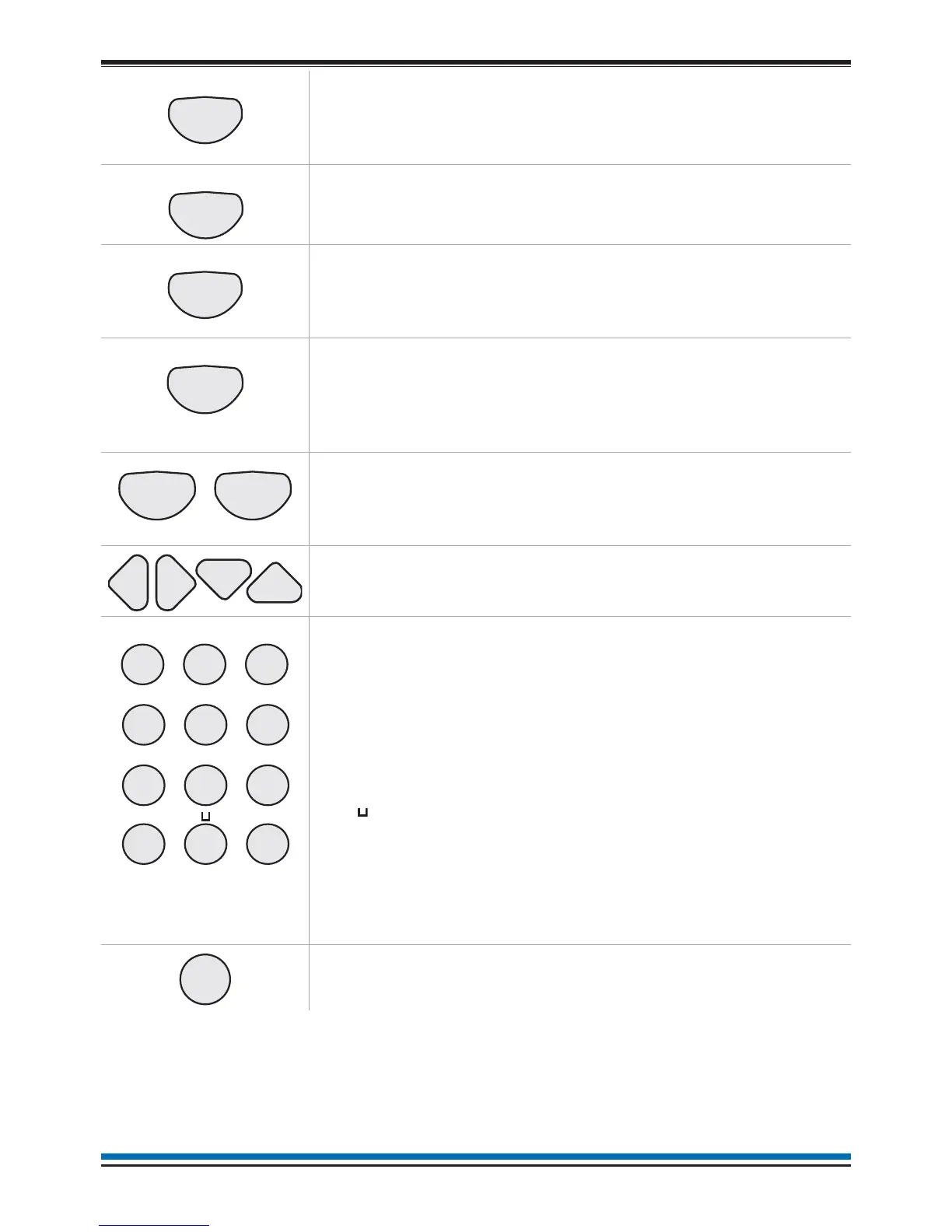
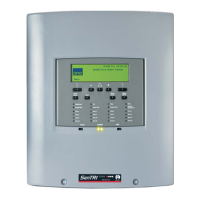
Pressing the Sound Alarms button will sound all the system
alarms. This button is only pressed in an emergency or at other
agreed times, for example when conducting a sounder test or
practice evacuation.
Pressing the Silence Alarms button will silence the system
alarms.
Pressing the Reset button will clear any fires and return the
panel to its normal state. If a fire condition occurs immediately
after reset then the indicated device should be investigated.
If the Verify facility has been set up, then pressing the Verify
button in the event of a fire condition, increases the time delay
before the sounders are activated. This gives the user time to
investigate the cause of the alarm and the option of cancelling
the alarm within the delay time period.
These buttons can be configured during commissioning to action
user-defined tasks, such as disablement of devices in areas
where smoke may be generated or where plant shutdown is
required.
These four buttons are used to scroll the displayed text.
These buttons allow data to be entered manually at the
panel/node.
When entering a label each press of a key will scroll the
character string, for example:
key 2 will scroll
ABC2abc.
key 1 will scroll 1?,.;&*/
The bottom row of text keys explained:
The button is used to enter a SPACE between characters
The INS key allows text to be moved one position to the right
The DEL key allows a character to be deleted
The BKSP button will delete previous character.
When entering a data range, such as a range of devices the key
THRU (-)isused to enter a range, for example1-5.
This button is pressed to acknowledge an entry of data such as
a label.
8
Operating instructions


 To Next Page