106
https://snapmaker.com/
You can also send the G-code file to your machine at Workspace or via the USB flash drive.
For more detailed information, refer to our online User Manual: On the navigation bar of the
Snapmaker official website, click Support > Product Support > Snapmaker Artisan > User
Manual.
4.3.3 Start Your First Print
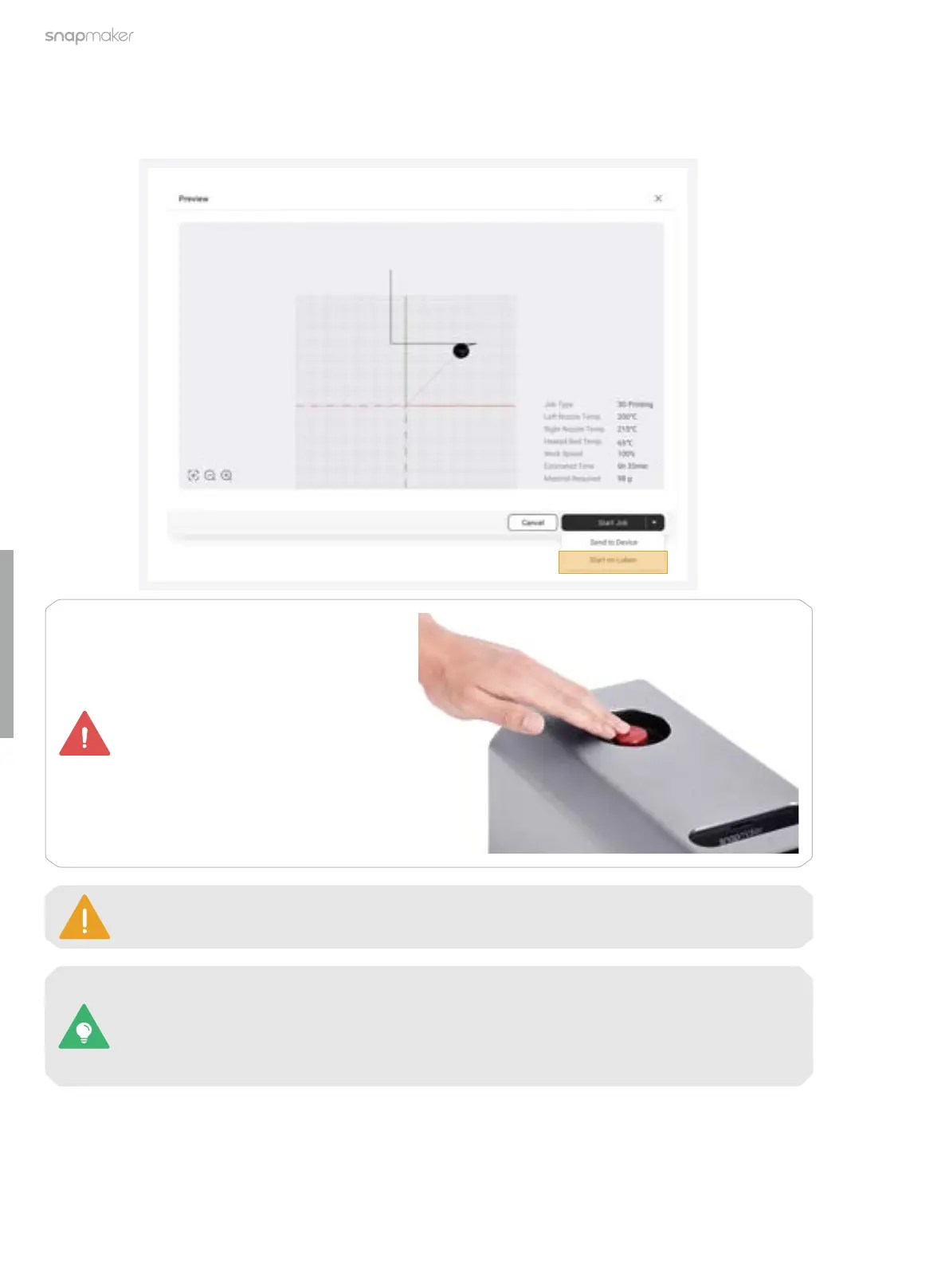
1. In the Preview window, click Start Job > Start on Luban to create your first print! If the Wi-Fi network is
unstable or disconnected during the printing, the ongoing printing process will not be affected.
In case of an emergency, press the
emergency stop button on top of
the Integrated Controller to stop the
printing immediately. After you have
handled the emergency, you can
release the emergency stop button
by rotating it clockwise.
Keep the front cover of the Dual Extrusion Module closed throughout the printing process.



 To Next Page