106-107
3D Printing
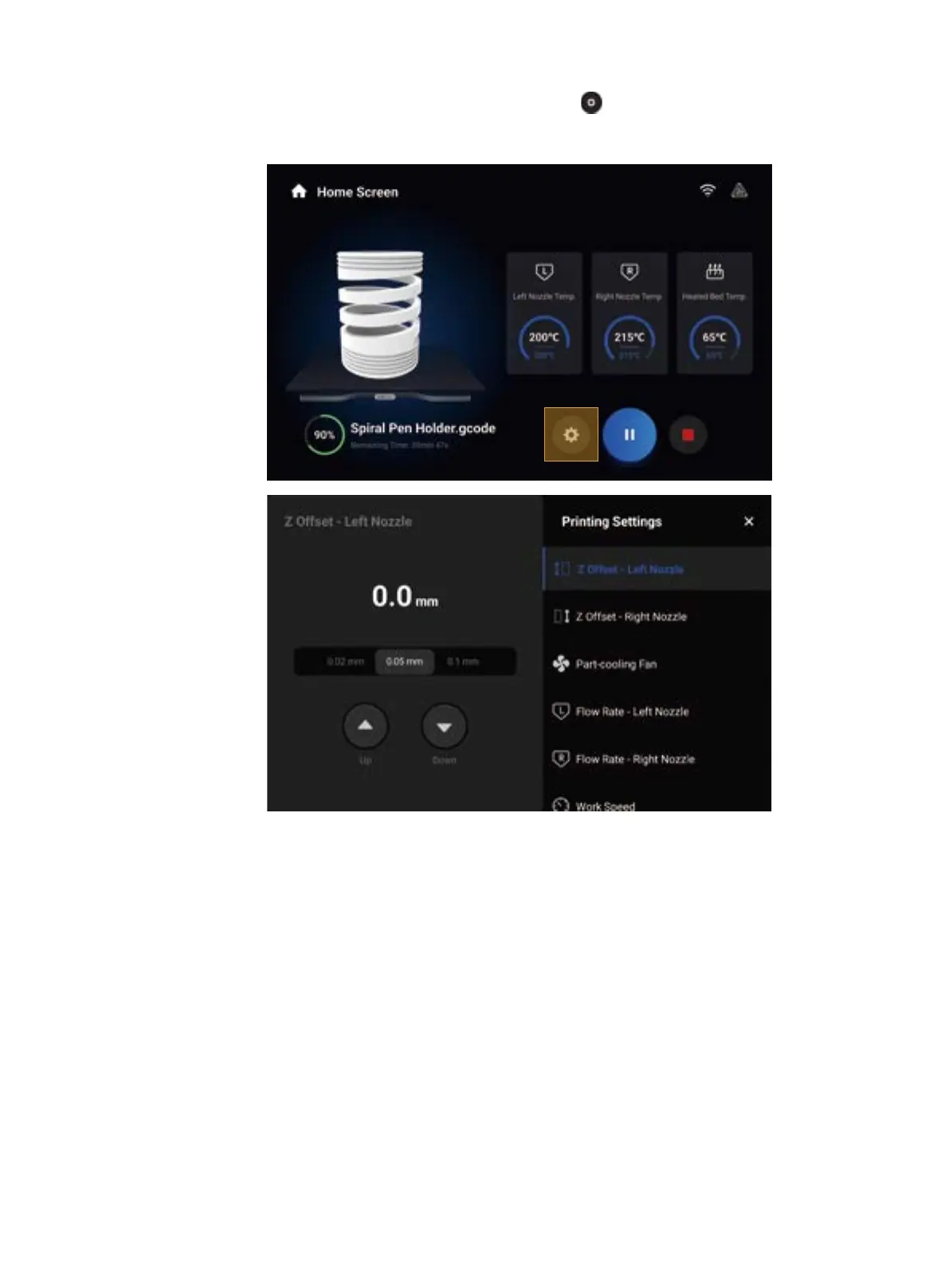
After the printing starts, you need to pay close attention to the first layer adhesion to detect any problems in
time to avoid wasting filaments. During the printing, you can tap to adjust the parameters such as the Z
Offset, Work Speed
,
and Flow Rate, and configure the settings of Enclosure, Air Purifier, and other addons.



 To Next Page