120
https://snapmaker.com/
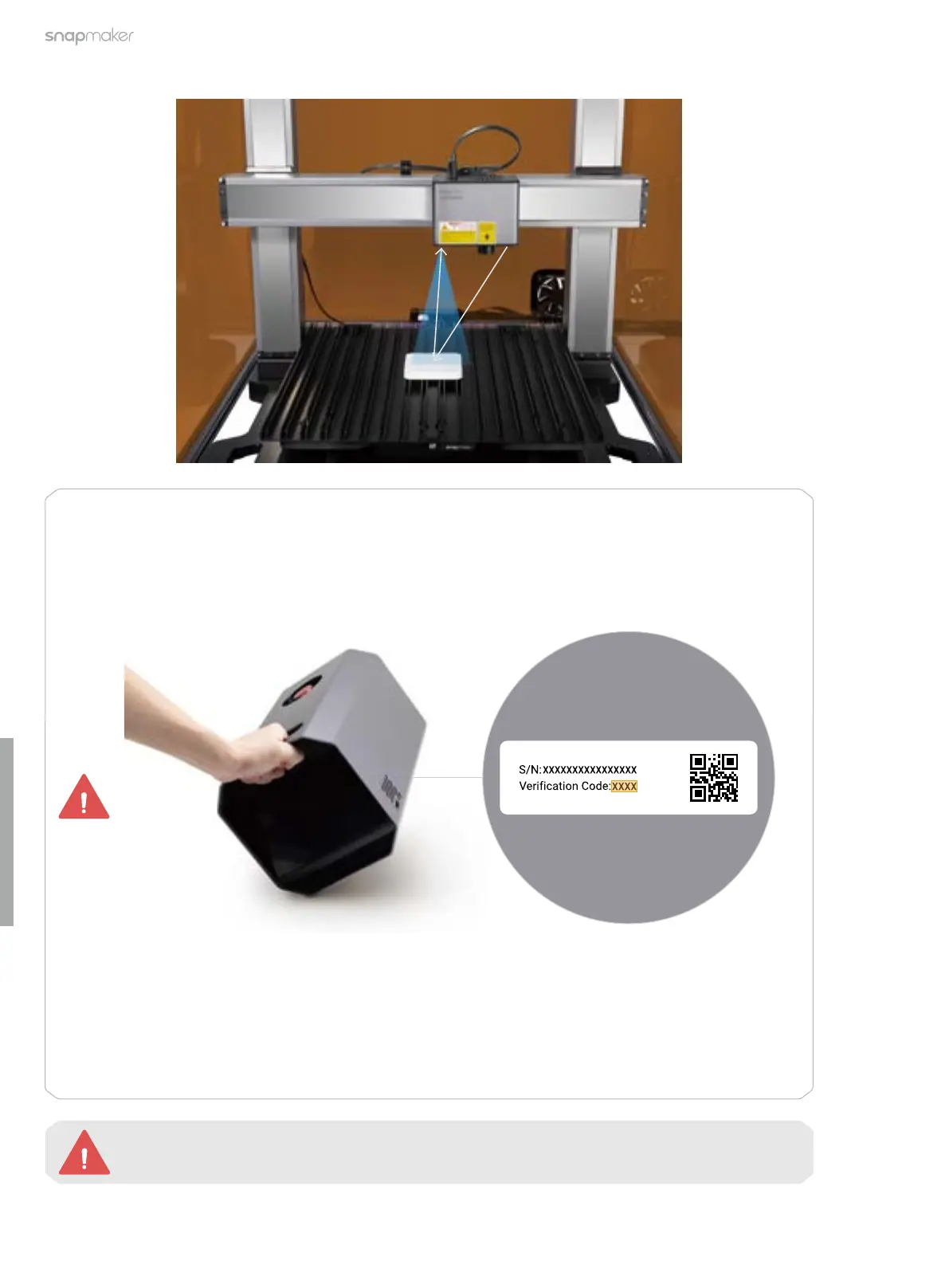
The red laser emitter is a Class 2 laser product. Do NOT look directly into its aperture when the
laser beam is being emitted.
Before you tap Start, ensure that the Enclosure door has been closed and then enter the Laser
Password on the Touchscreen.
The initial password is the verification code of the machine, which you can find at the bottom
of the Integrated Controller.
If you have initialized the 3D printing or the CNC function, you can also check the verification
code on the Touchscreen:
a. Turn off the machine, and replace the 10W Laser Module with the 3D Printing Module or
CNC Module.
b. Restart the machine, and tap Settings > About Machine on the Touchscreen to check the
verification code.



 To Next Page