128
https://snapmaker.com/
If the captured image is twisted out of shape, click Calibrate and follow Luban’s instructions
to calibrate the camera manually.
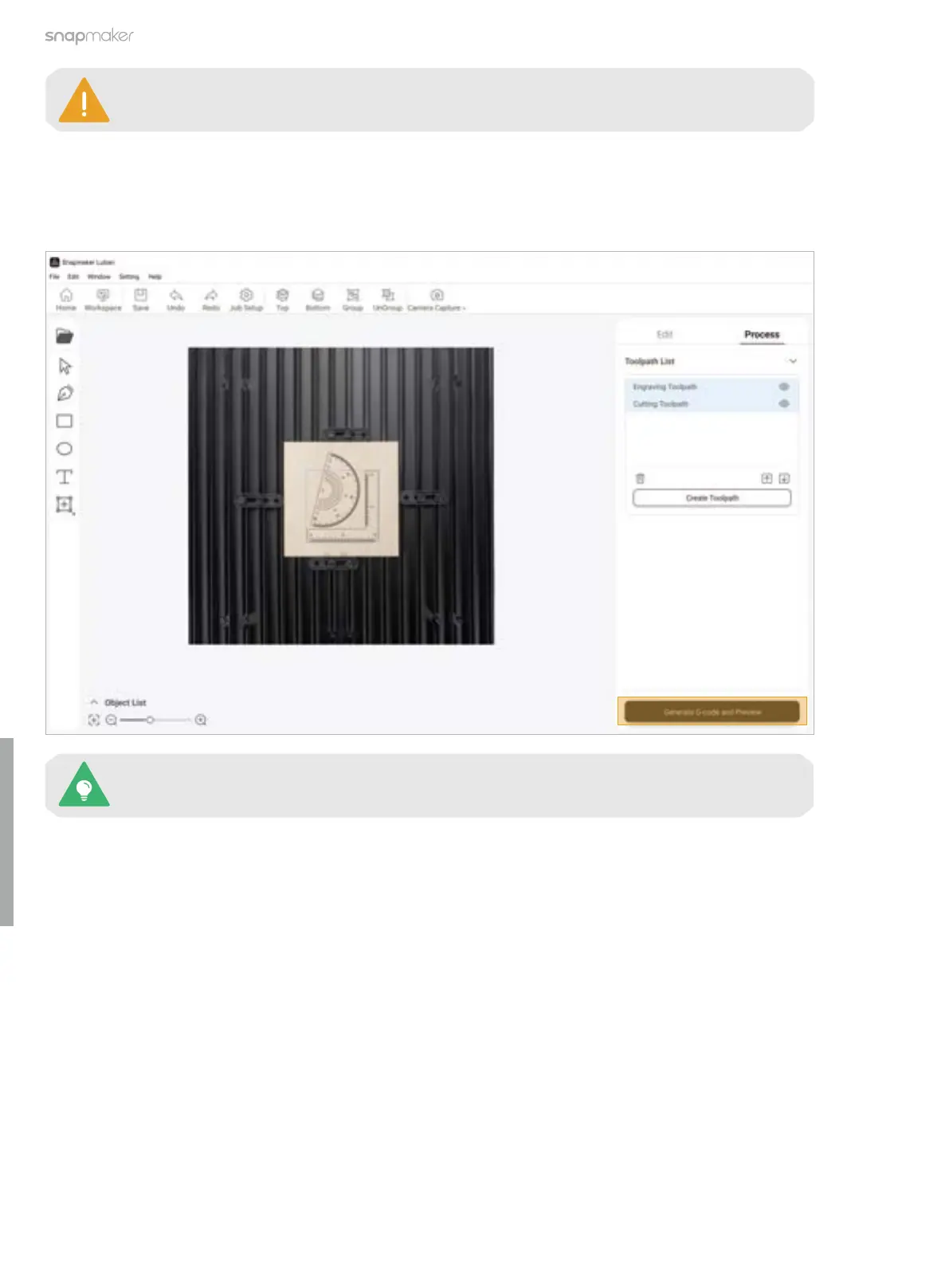
4. With the captured image as the background, press Ctrl + A on the keyboard to select all the objects on the
canvas and drag them to the area where you want to laser engrave and cut. Then, click Generate G-code and
Preview.
For detailed information about generating G-code files, refer to our online User Manual: On
the navigation bar of the Snapmaker official website, click Support > Product Support >
Snapmaker Artisan > User Manual.



 To Next Page