128-129
Laser Engraving and Cutting
5.3.3 Start Your First Job
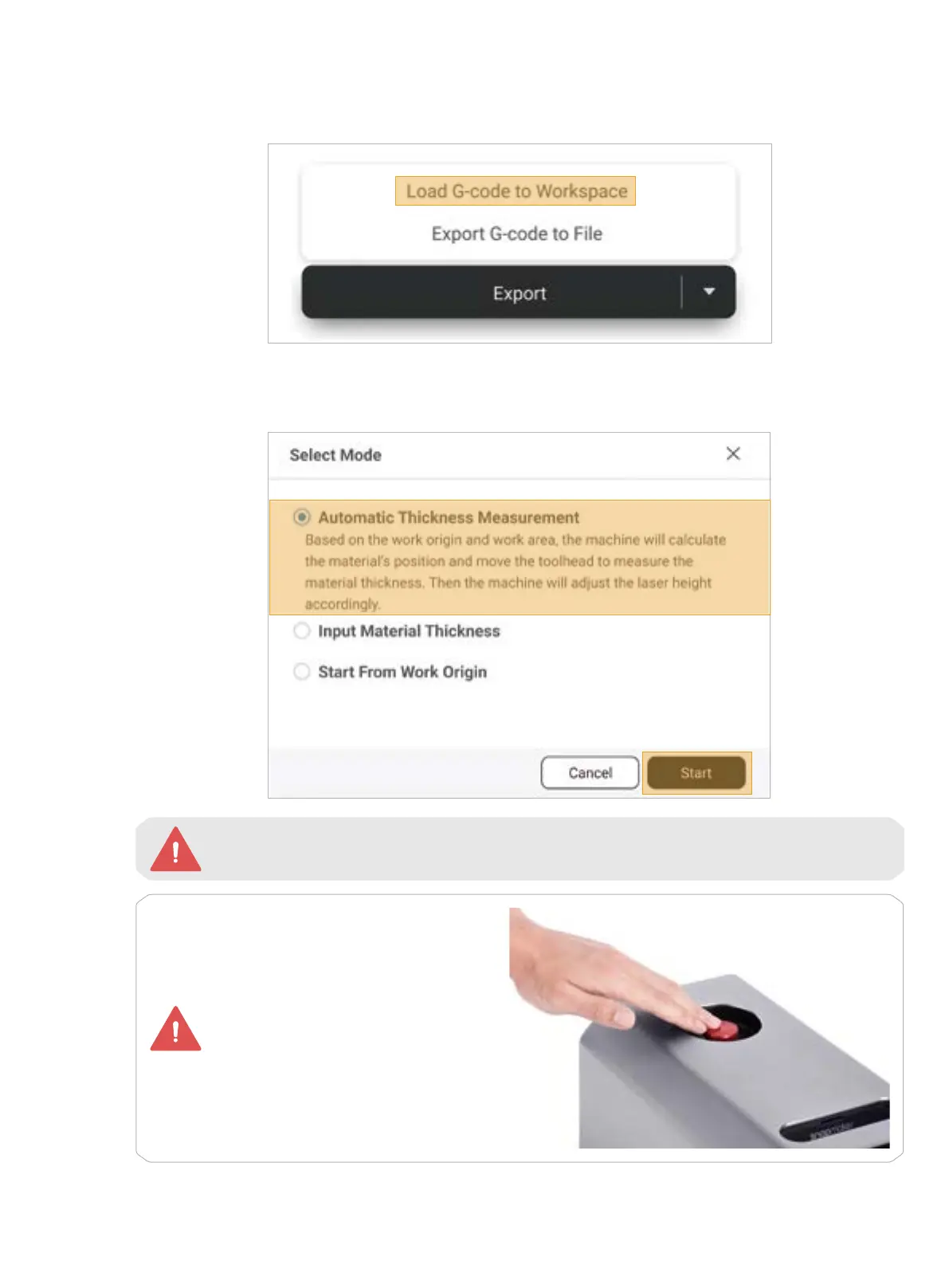
1. At the bottom-right corner of Luban, click Export > Load G-code to Workspace.
2. In the Preview window, click Start Job > Start on Luban. In the Select Mode window, select Automatic
Thickness Measurement and click Start.
In case of an emergency, press the
emergency stop button on top of
the Integrated Controller to stop the
printing immediately. After you have
handled the emergency, you can
release the emergency stop button
by rotating it clockwise.
Before you click Start, ensure that the Enclosure is correctly assembled and powered on, and
that the Enclosure door has been closed.



 To Next Page