130
https://snapmaker.com/
Luban provides three laser focusing modes. You are recommended to use Automatic
Thickness Measurement as instructed by this guide, since this mode is the most convenient
one. You can also select other modes based on your needs.
- Input Material Thickness: If the material thickness is known, you can use this mode and
enter the material thickness.
- Start From Work Origin: To use this mode, you must first manually focus the laser and set
the Work Origin. For detailed steps, refer to our online User Manual: On the navigation bar of
the Snapmaker official website, click Support > Product Support > Snapmaker Artisan > User
Manual.
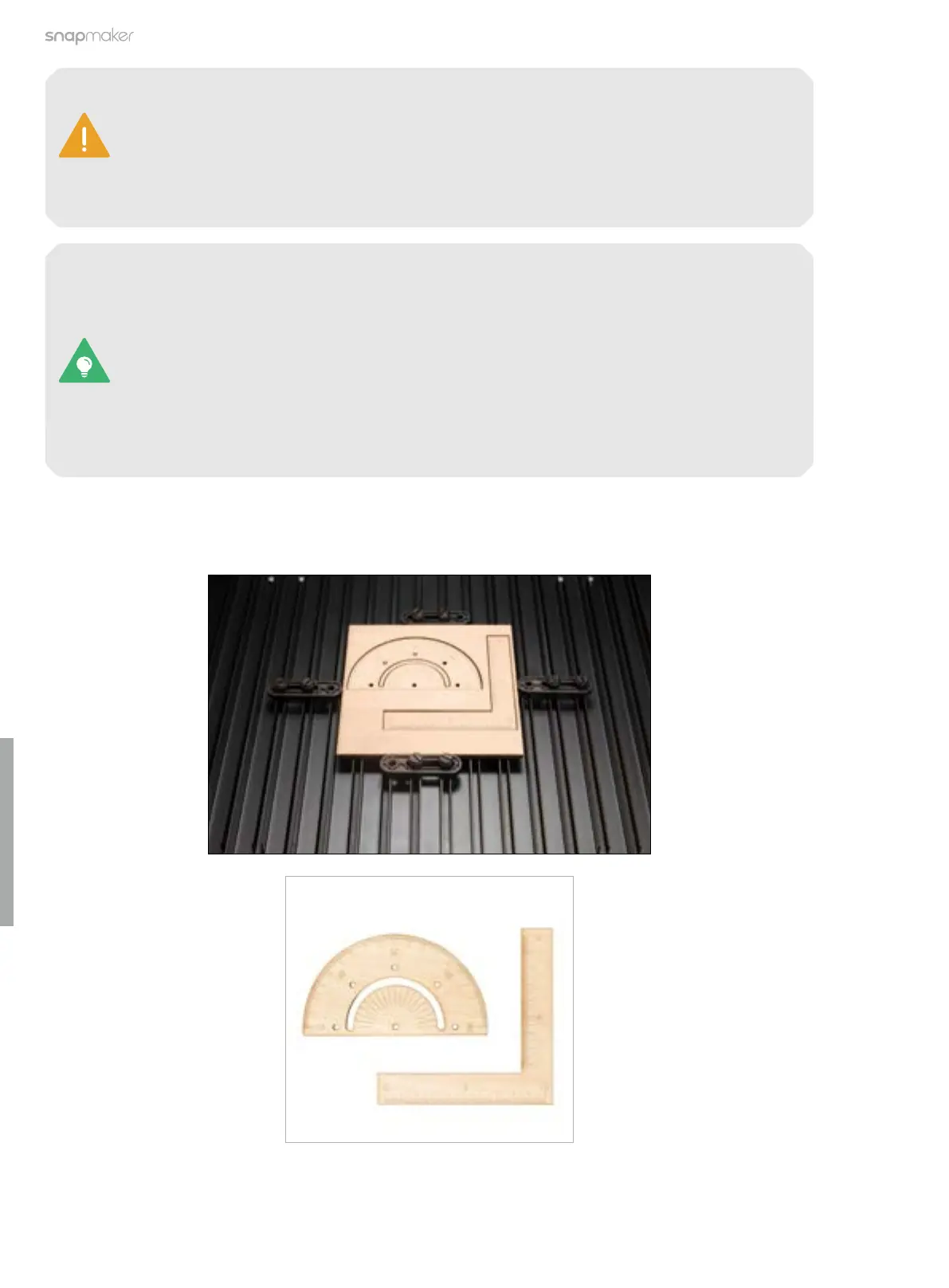
3. After the laser engraving and cutting job is completed, open the Enclosure and take out the finished work.
If you use a material with one of the following properties, the thickness measurement may
fail.
- The material thickness exceeds 50 mm.
- The material texture is transparent.
- The material surface is glossy or specular.
- The material color is red or black.
- The material is hollow.



 To Next Page