MedDream VideoStation v4.00 User Manual 10
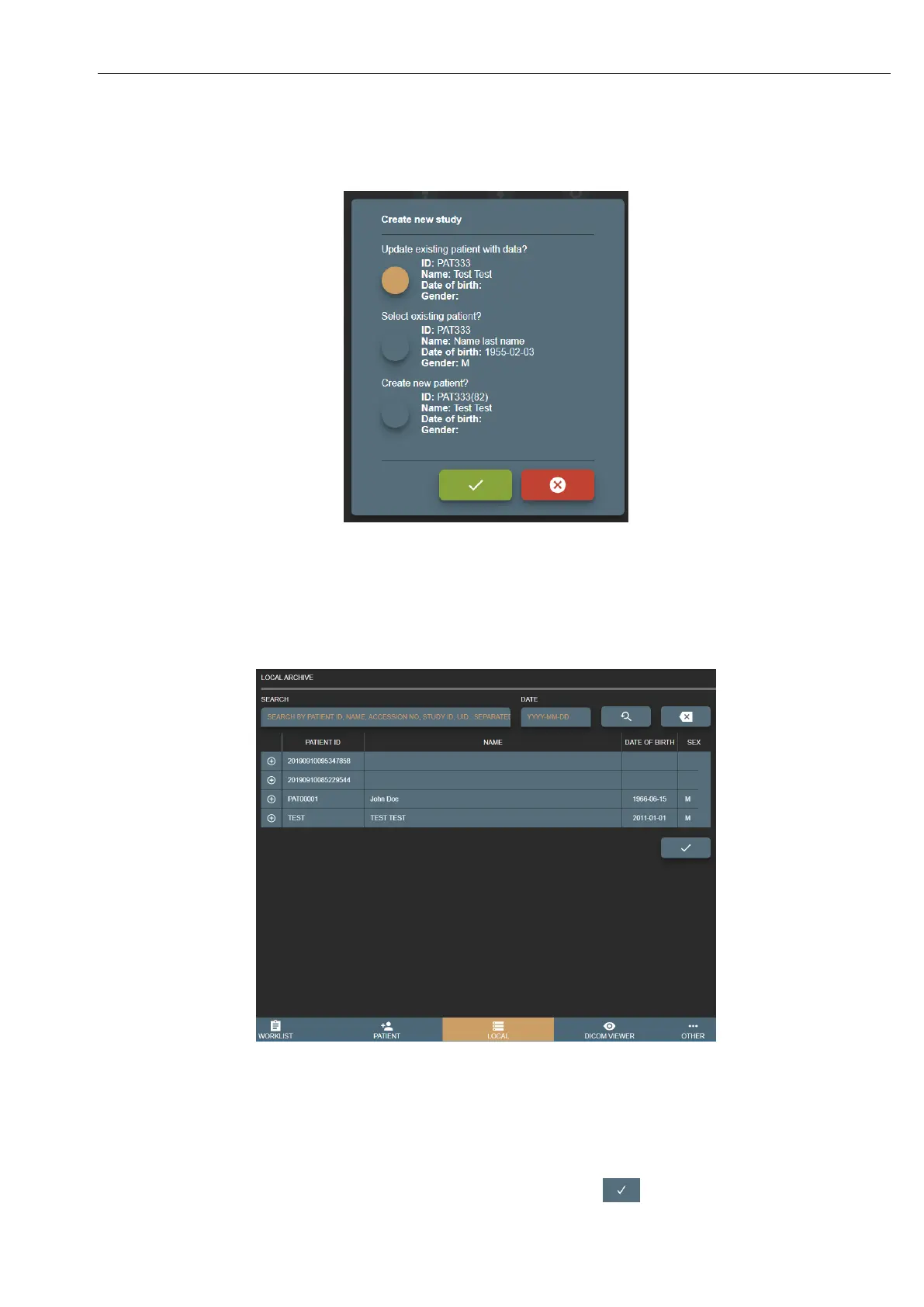
• Create new patient? – will create patient with new patient ID (will add extra random number tu added paient ID)
and create new study.
Picture 9. Enter/Select existing patient from form.
1.3 Select patient from local storage
VS creates patients and studies on local machine, that can be accessed by pressing LOCAL button in main menu.
Picture 10. Select patient from Local archive.
Search result is combination of patients and its studies (patient list, where you can expand and see patient studies). To get
exact patient or study in search result - fill search field with patient ID, name, accession number, study description, study id
or study UID. DATE field will allow search patients studies with desired study date (see more on section 3. Search for patients
and studies).
To create empty study - select row with patient information and press the button . Confirm the action.



 To Next Page