MedDream VideoStation settings
MedDream VideoStation v4.00 User Manual 32
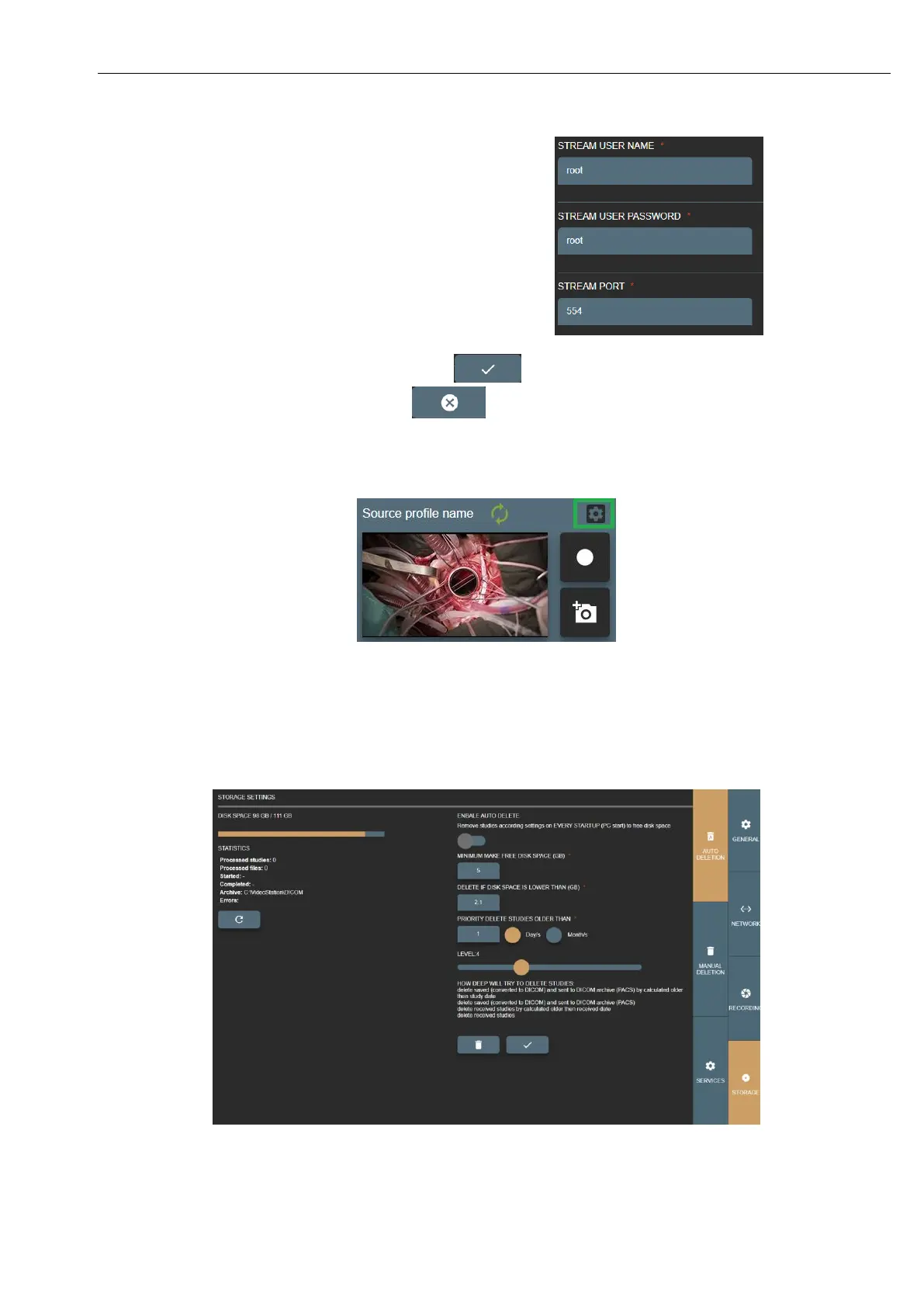
STREAM USER NAME and PASSWORD – RTSP stream security
option.
STREAM PORT – this is default RTSP stream port 554 and it is
recommended not to change. For multiple profiles with stream
enabled – set different port number. Recommended to consult with
network administrator not to conflict with other streams.
If profile has DIRECTSHOW enabled – all STREAM
options will not be possible.
Changed or new profile can be saved by pressing button .
Cancel changes or return to the list – press button .
Also, more direct access to profile options by pressing settings button near input stream window:
Picture 47. Fast entering into profile settings.
7.3 Storage - disc space and service management
Manage disc space and services. You can set auto-deletion or delete studies manually by study date.
Picture 48. Storage settings.



 To Next Page