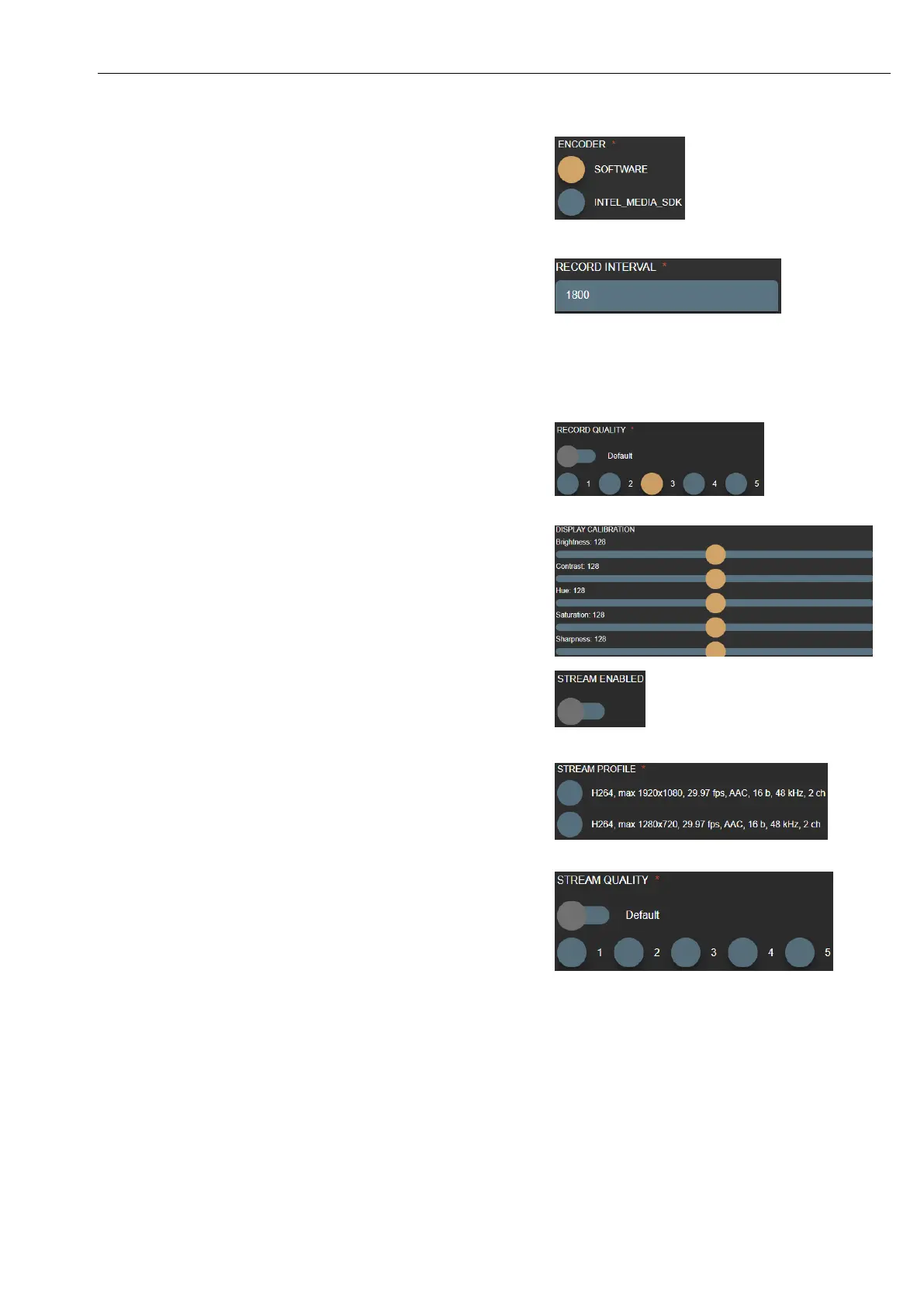
MedDream VideoStation settings
MedDream VideoStation v4.00 User Manual 31
ENCODER – define PC resources during video compression.
SOFTWARE – default option to use CPU.
INTEL_MEDIA_SDK – to use Intel integrated GPU. This requires
to install Intel media SDK from https://software.intel.com/en-
us/media-sdk/choose-download/client .
RECORD INTERVAL – defines one video size in seconds. Default
value is 1800s = 30min for average quality.
Requires a little bit testing, because it depends on video quality. VS
application built for 32bit architecture system to run on most of
Windows OS and limitation is 2GB of video size. Try record small
chunk of video and calculate max size (more dynamic video – more
frames will be added).
RECORD QUALITY – try adjust video quality from 1-5 (low to
high). Some capture devices have different quality capabilities and
this calculation will be different. Sometimes it depends on OS
compatibility with capture device.
DISPLAY CALIBRATION – enchant video view.
STREM ENABLED – enable input source signal to stream by RTSP
protocol via network.
If profile has DIRECTSHOW enabled – all STREAM
options will not be possible.
STREAM PROFILE – select one of desired video compression and
size. Consult with network administrator.
If profile has DIRECTSHOW enabled – all STREAM
options will not be possible.
STREAM QUALITY – try adjust video stream quality from 1-5 (low
to high). Some capture devices have different quality capabilities and
this calculation will be different. Sometimes it depends on OS
compatibility with capture device. Default value is 3.
If profile has DIRECTSHOW enabled – all STREAM
options will not be possible.



 To Next Page