MedDream VideoStation v4.00 User Manual 13
LOCAL – will open LOCAL window to select patient from local archive.
If study and patient was created from worklist – changing patient, will lose worklist information (will generate new study
UID). After change – will ask to confirm:
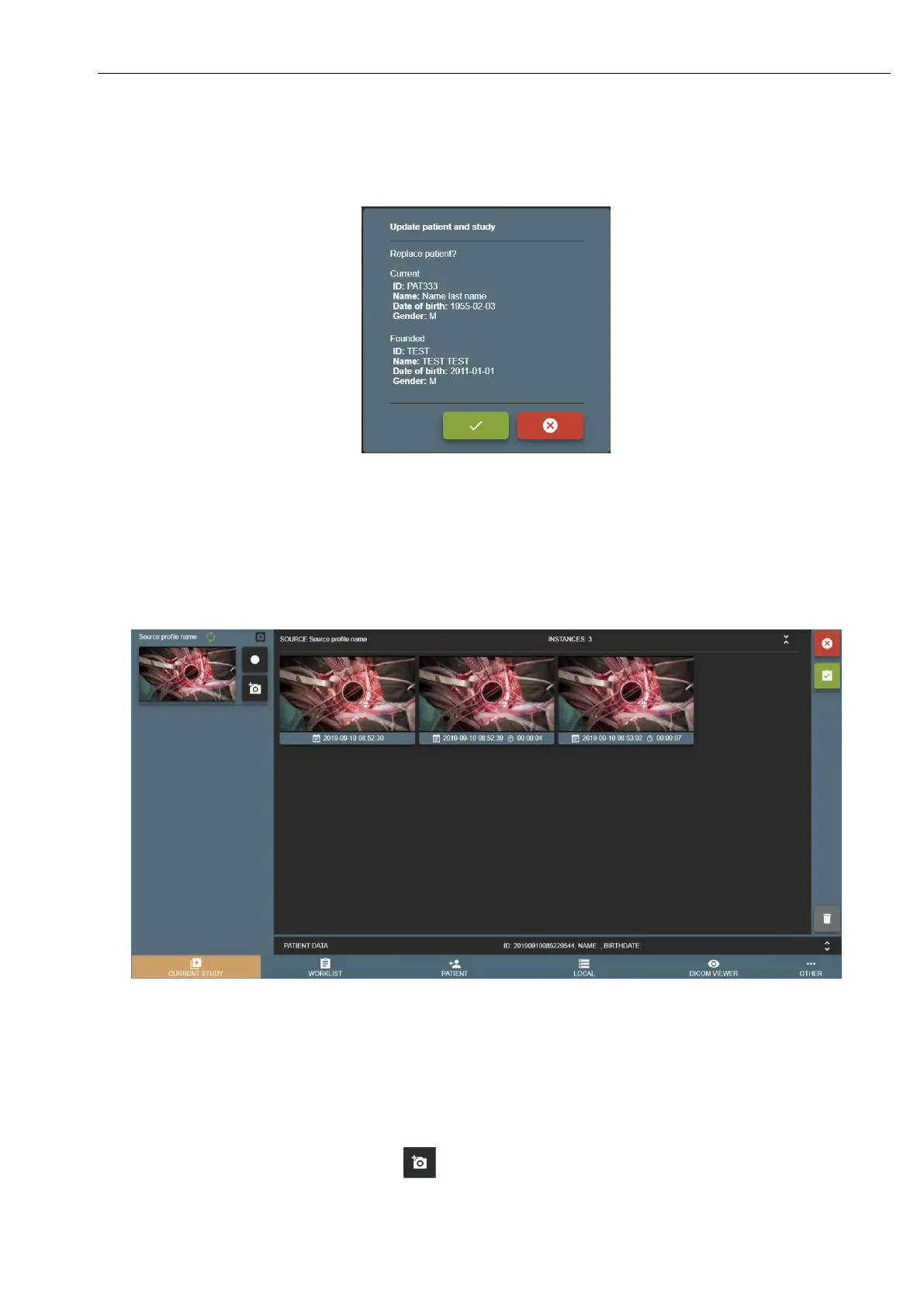
Picture 16. Confirming that patient update from local storage.
2.Recording study
New study can be recorded by pressing CURRENT STUDY button in main menu. If user select patient or just start recording
by pressing pedals - will open CURRENT STUDY window.
Picture 17. Recording study.
Left side of VS software reserved for multiple input signals streaming windows (max 4 sources for 1920x1080 current design)
and right side is for study records.
VS software is designed to record every input signal into separate series. Series description will be input signal source profile
name – to identify device input for every series. For other situations, then input signal stream window is reloaded or study
was opened to continue recording – will cause to create another separate series for every input source signal.
• To take a snapshot/photo - press button (can take a snapshot while recording).



 To Next Page