MedDream VideoStation v4.00 User Manual 20
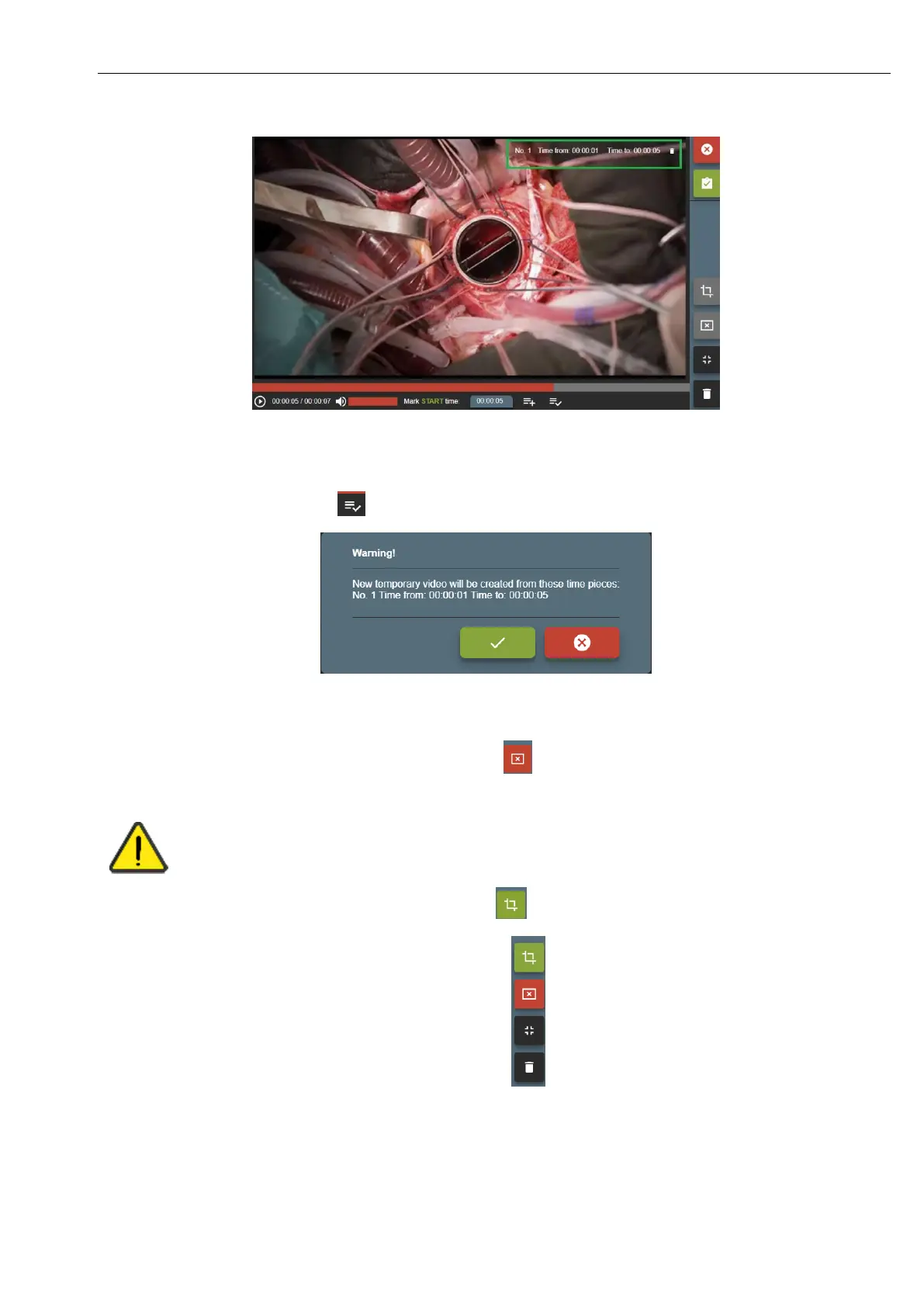
Picture 32. Trim time interval.
• Time periods can be updated, deleted or added more.
• To trim video – press button and confirm video time pieces:
Picture 33. Make trim.
After a few seconds (depends on system load) will combine new temporary video. You can review video and see if all been
done correctly. If some parts are missing – press cancel button to remove temporary video and go back to original.



 To Next Page