To display correct DICOM modality worklist search result, please see 7.1.2 Network settings and adjust
correct worklist character set and wildcard options.
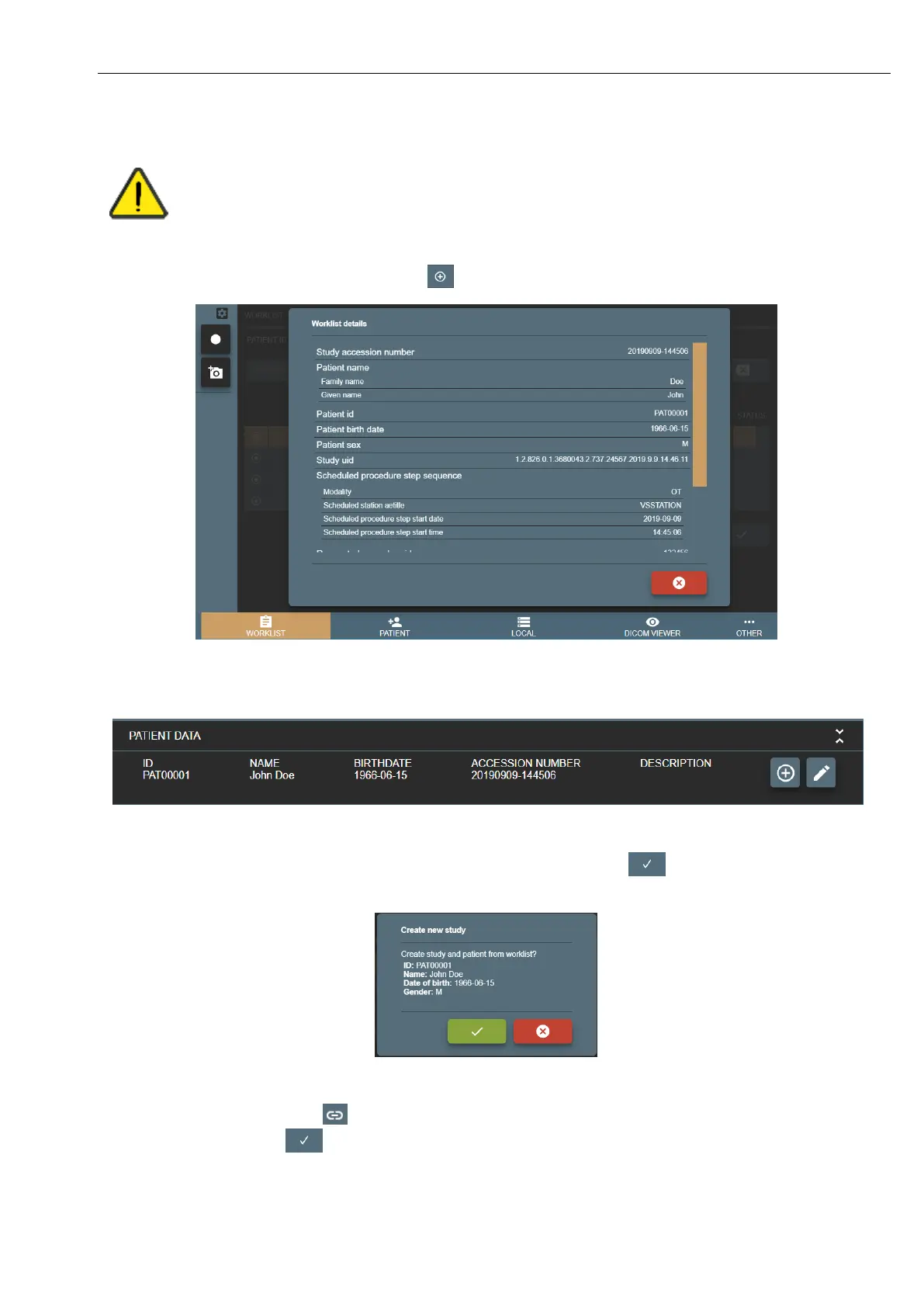
To display more detailed information – press button
Picture 5. Patient information from Worklist.
The same information can be accessed via CURRENT STUDY window patient information.
Picture 6. Patient information from Current study.
Select worklist item with required patient (will highlight in orange) and press button . Confirm your action.
Picture 7. Create new study from worklist.
Column STATUS can have icon - - which indicates, that worklist item study already created on VS. In this case, by
selecting and pressing button - system will open existing study with the same worklist information.



 To Next Page