MedDream VideoStation v4.00 User Manual 16
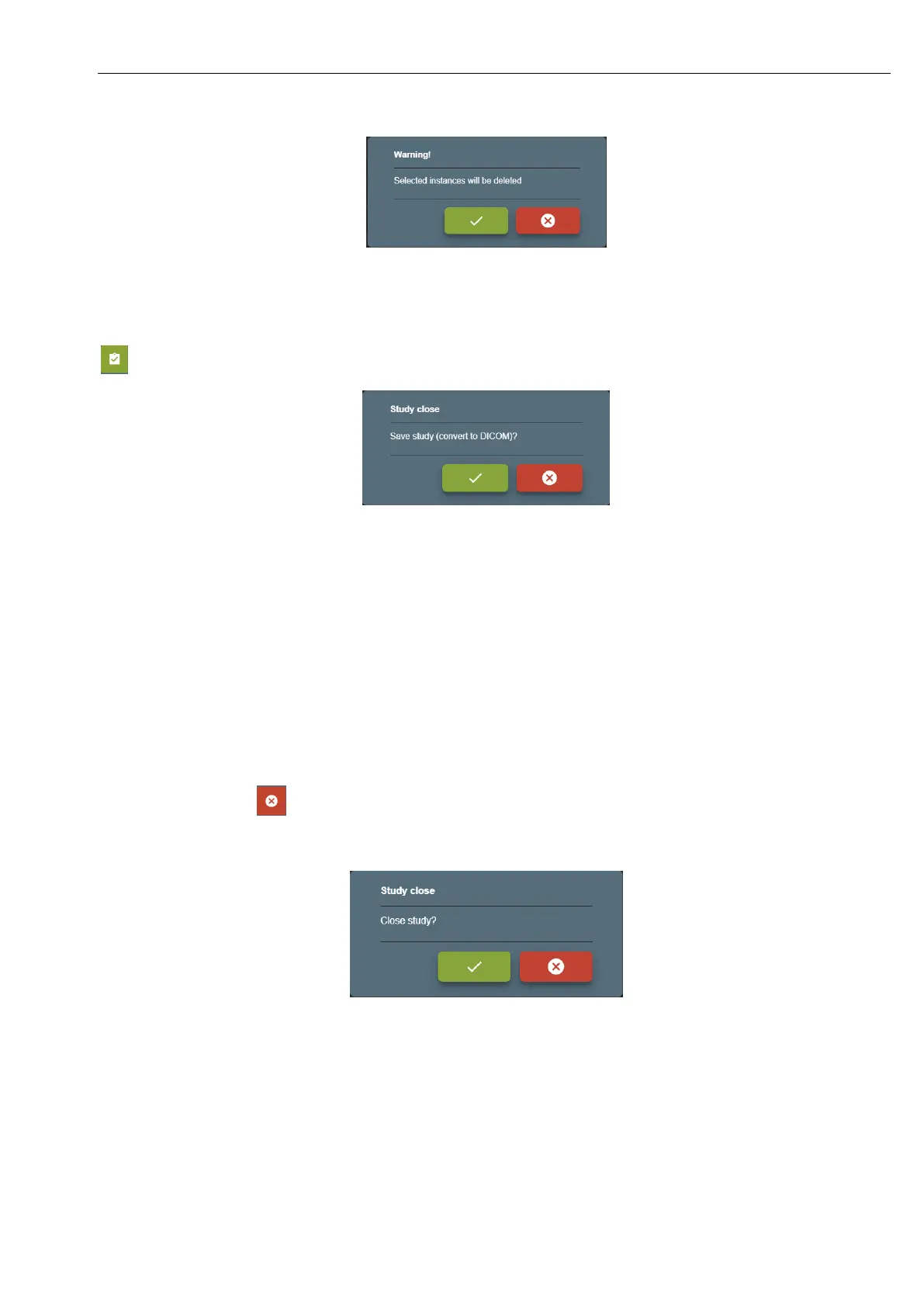
Picture 25. Delete multiple image/video.
Saving recorded study:
Then recording completed (bad images or video was deleted or video trimmed) and patient data is correct – press save button
and confirm action to complete study.
Picture 26. Close study and complete.
User will be redirected to TASKS window and can see information about saved and send study: files will be converted to
DICOM format. After study is completed (converted to DICOM) – will try to send to hospital DICOM archive (requires to
setup remote DICOM archive in 7.1.2 Network settings).
During conversion to DICOM – user will not be able to open this study. User can stop the task and roll back
to image and video. After roll back task is completed – can open study for editing in CURRENT STUDY
window.
After conversion complete – can open study in DICOM VIEWER window.
If user press close button and confirm action - study will be closed (no conversion to DICOM). This is not recommended
action, but in quick situations, where need to start new patient recording and previous study requires review/edit – press the
button and confirm study close.
Picture 27. Close study.



 To Next Page