MedDream VideoStation settings
MedDream VideoStation v4.00 User Manual 29
7.2 Recording settings
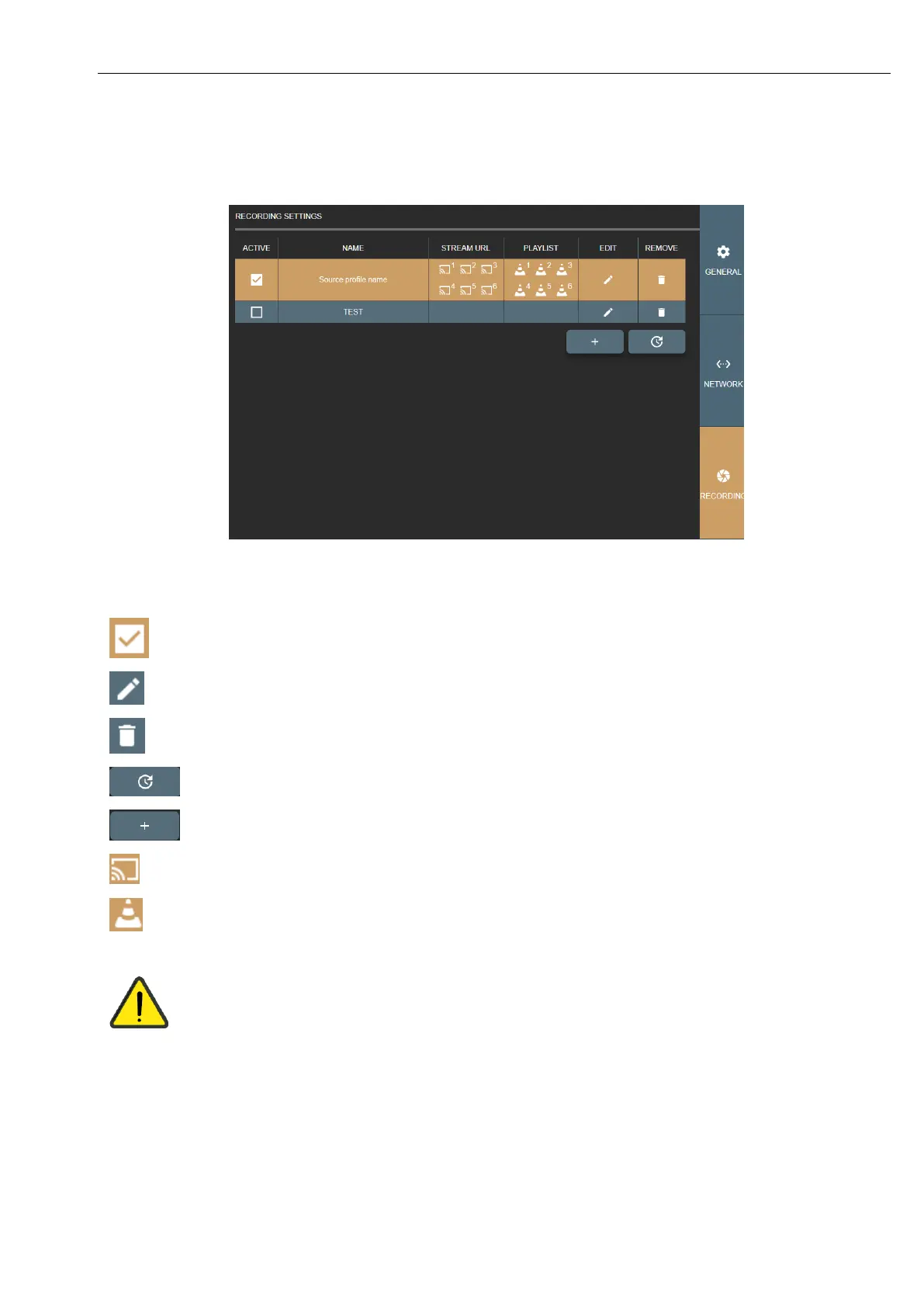
Recording settings let you manage video input sources. Allows to define multiple input source configurations – profiles.
Picture 46. Recording settings.
Activate source profile - display video input source streaming window in application include on startup.
Update or change source profile settings.
Delete source profile. If source is active – requires to stop source.
Reload all active sources.
Can copy full stream address.
Download VLC media player format playlist file, that contains the same stream address.
Do not enable the same video input source from multiple profiles. For e.g. added camera to profile A and
the same camera to profile B and enabled both of them, to be active in VS application. In this situation,
just profile A will start and profile B will fail, because input signal will be taken.
There are possibility to play A and B profiles, but card must allow this (play input signal via windows
direct show and other via capture card interface – if this exist). This possibility does not make any seance
to have 2 the same signals recording and it can cause unstable input stream recording process.



 To Next Page