MedDream VideoStation v4.00 User Manual 12
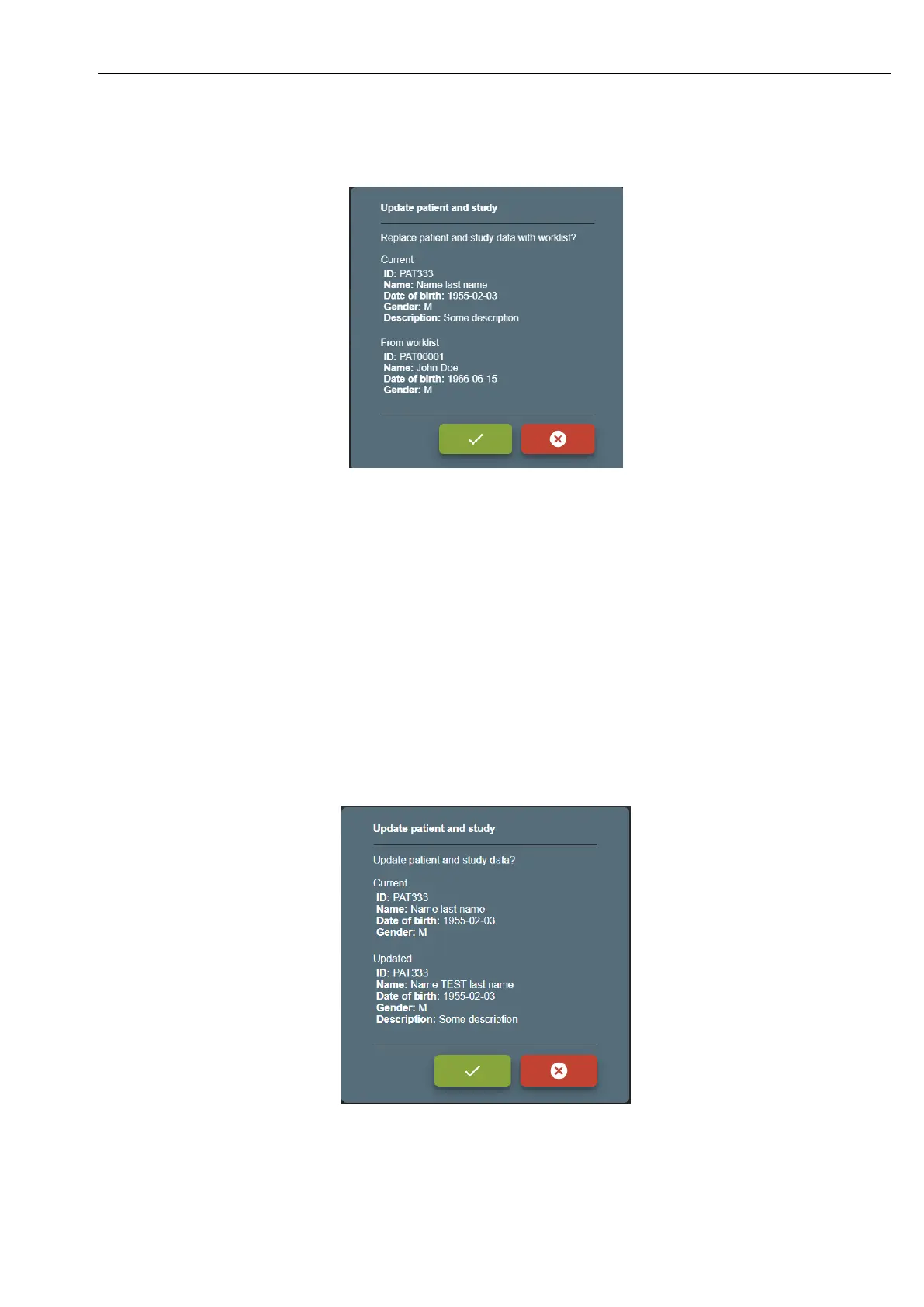
WORKLIST – will open WORKLIST window to select and replace patient and update study data from remote worklist
server. After selecting – will ask to confirm patient replace:
Picture 14. Confirming patient update from worklist.
PATIENT – will open PATIENT window to manually update patient form.
If updated patient is different patient with the same patient ID – will open confirmation window:
• Update existing patient with data?
• Select existing patient?
• Create new patient ?
If study and patient was created from worklist – changing patient data, will lose worklist information (will generate new
study UID).
After changes – will ask to confirm:
Picture 15. Confirming patient update from form.



 To Next Page