MedDream VideoStation v4.00 User Manual 34
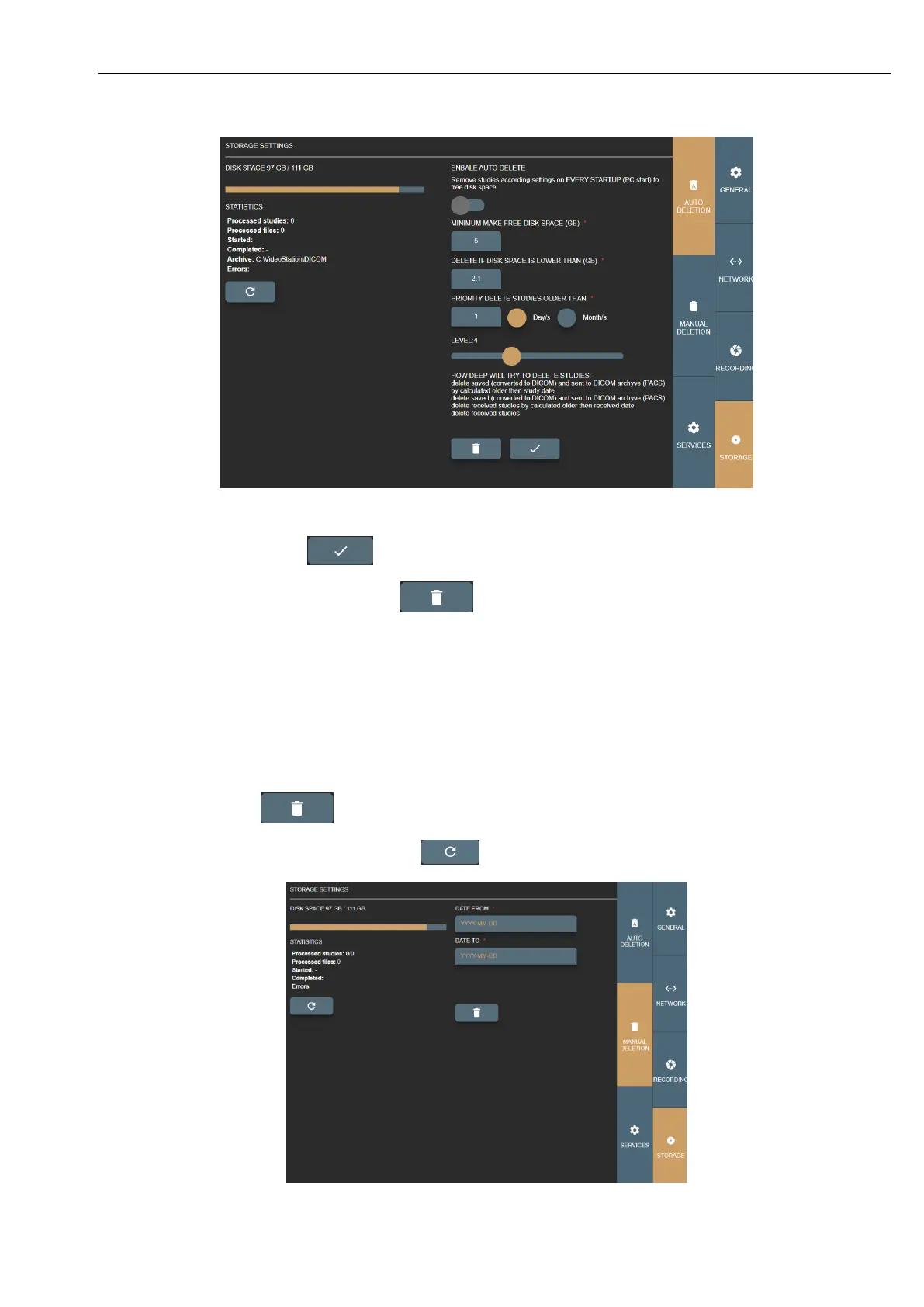
Picture 49. Auto deletion settings.
Save changes by pressing button .
To start auto delete manually – press on button (requires to activate ENABLE AUTO DELETE).
7.3.2. Manual deleting
Manual deletion main idea to delete all studies that is created between date range.
DATE FROM – set start date, when studies were created.
DATE TO – set end date, when studies were created.
Fill date fields and press .
Progress can be updated by pressing refresh button .
Picture 50. Manual deleting settings.



 To Next Page