MedDream VideoStation v4.00 User Manual 15
Picture 22. Maximized video.
Images or completed video can be deleted by pressing button and confirming delete action.
Picture 23. Deleting selected image/video.
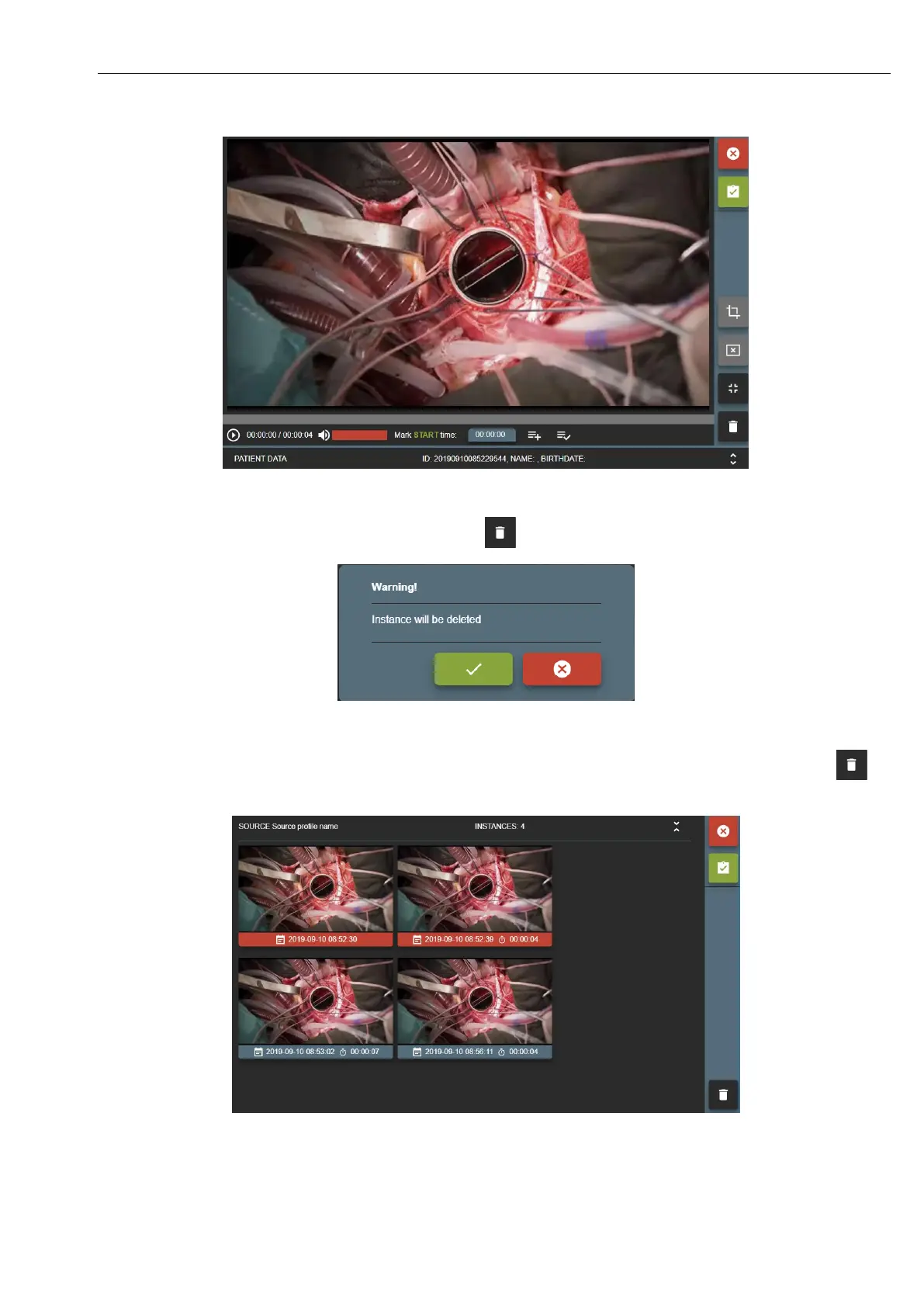
To delete multiple images or video – press (to select) on thumbnail bottom (date and time bar) and press button .
Picture 24. Selected multiple image/video.


 To Next Page