MedDream VideoStation v4.00 User Manual 28
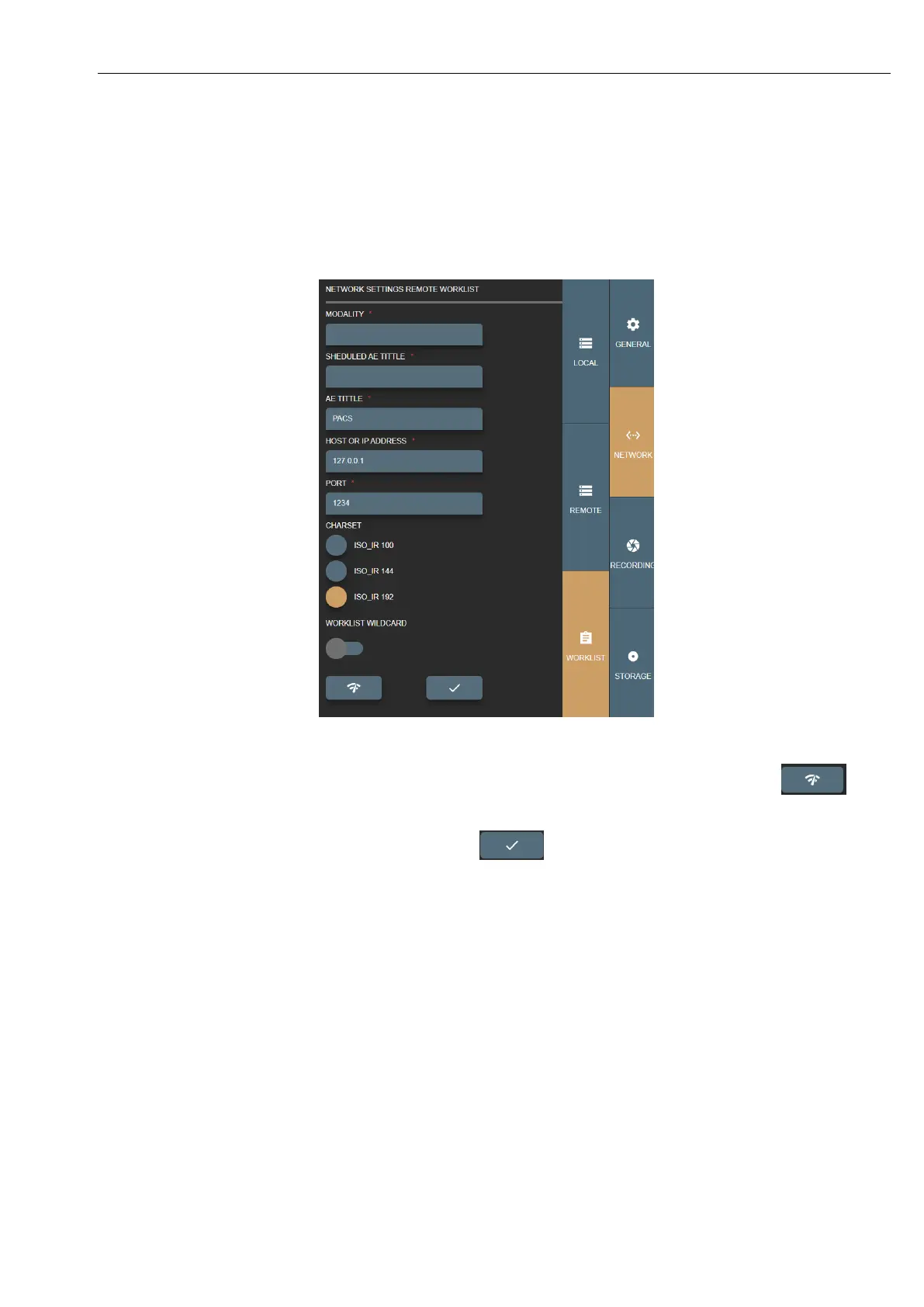
• CHARSET – setup encoding for worklist results. Result comes in DICOM standard and most results do not define
encoding – need to be set and tested manually.
• WORKLIST WILDCARD – add wild card symbol “*” on search parameters. Some worklist servers do not support
this for example on patient ID or accession number and requires to search exact patient ID or accession number.
Recommended to consult with administrator (typically this information can be found in worklist server or DICOM
archive conformance statement document).
Picture 45. Worklist settings.
To check worklist server - requires LOCAL VS AET TITLE to be registered on worklist server. Press button to
send DICOM C-ECHO and verify basic connectivity by DICOM protocol.
Once all settings are set, double check and press save button



 To Next Page