EasyManua.ls Logo

Solartron 1287 - Page 26

Default Icon
134 pages
Print Icon
To Next Page IconTo Next Page
To Previous Page IconTo Previous Page
Loading...
4.2
INITIALIZING SI1
287
When
the SI1287 is switched
on, the
following
will
appear on the
display:
v~/i
lapici
c.
[
POWER
RESTORED
]
v
; /
The following
LEDs will be lit on
power up:
ON/STANDBY
with STANDBY
lit
PSTAT/GSTAT
with PSTAT lit
LIMIT
BANDWIDTH lit
LOCAL
lit
The instrument
should now
be
initialized
so that all
parameters are returned
to
their
default states.
To
do this press the
"BREAK/SELF TEST” key.
Then step through
the menu
selections
by continually pressing the
key or by pressing
the "SELECT
{
}"
keys.
When
the selection {initialise}
is displayed press
"ENTER"
to initialize
the
instrument.
The following
will appear on
the display:
[
INITIALISED
]
k
4.3
SETTING
UP
PARAMETERS
Press the
"SET UP" key;
the led will flash indicating
that you
are in the set up
mode. Once this is
pressed the display
will change showing:
Key Press
Resulting
Display
[
ARE
]
I
CURRENT
MEASUREMENT
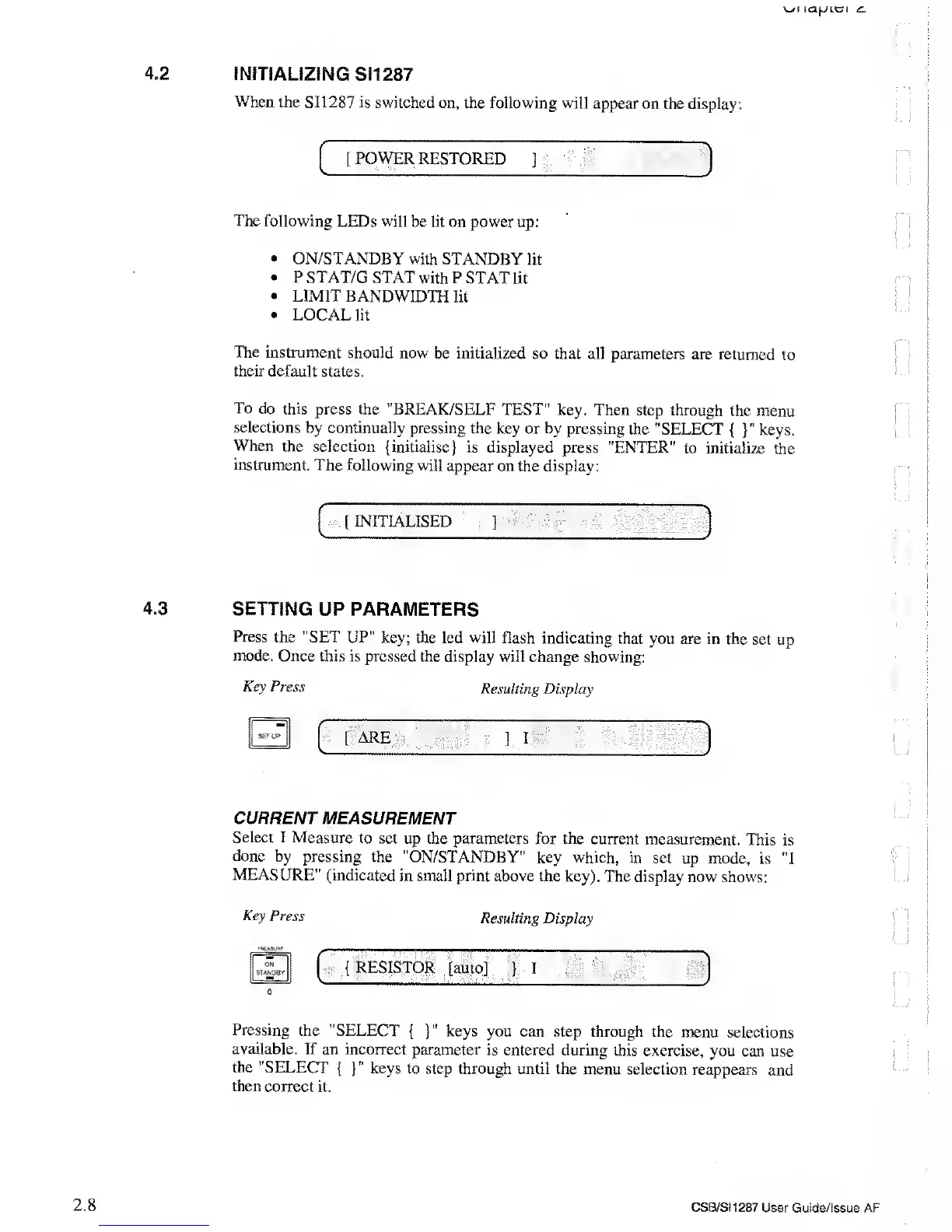
Select
I Measure
to set
up the parameters for the
current measurement.
This
is
done
by pressing
the "ON/STANDBY"
key which, in
set up mode,
is
"1
MEASURE" (indicated
in small print
above the key).
The display now
shows:
Key Press
;MC»su*r.
ON
STANDBY
0
Resulting
Display
{
RESISTOR
[auto]
i
i
\
Pressing
the "SELECT
{
}"
keys
you can step through the
menu selections
available. If an
incorrect parameter
is entered during
this exercise,
you can use
the "SELECT
{
}"
keys
to step through until the
menu selection
reappears
and
then
correct it.
2.8
CSB/SI1287
User Guide/Issue AF