EasyManua.ls Logo

Solartron 1287 - Page 30

Default Icon
134 pages
Print Icon
To Next Page IconTo Next Page
To Previous Page IconTo Previous Page
Loading...
v/i mpioi
c-
PLOT
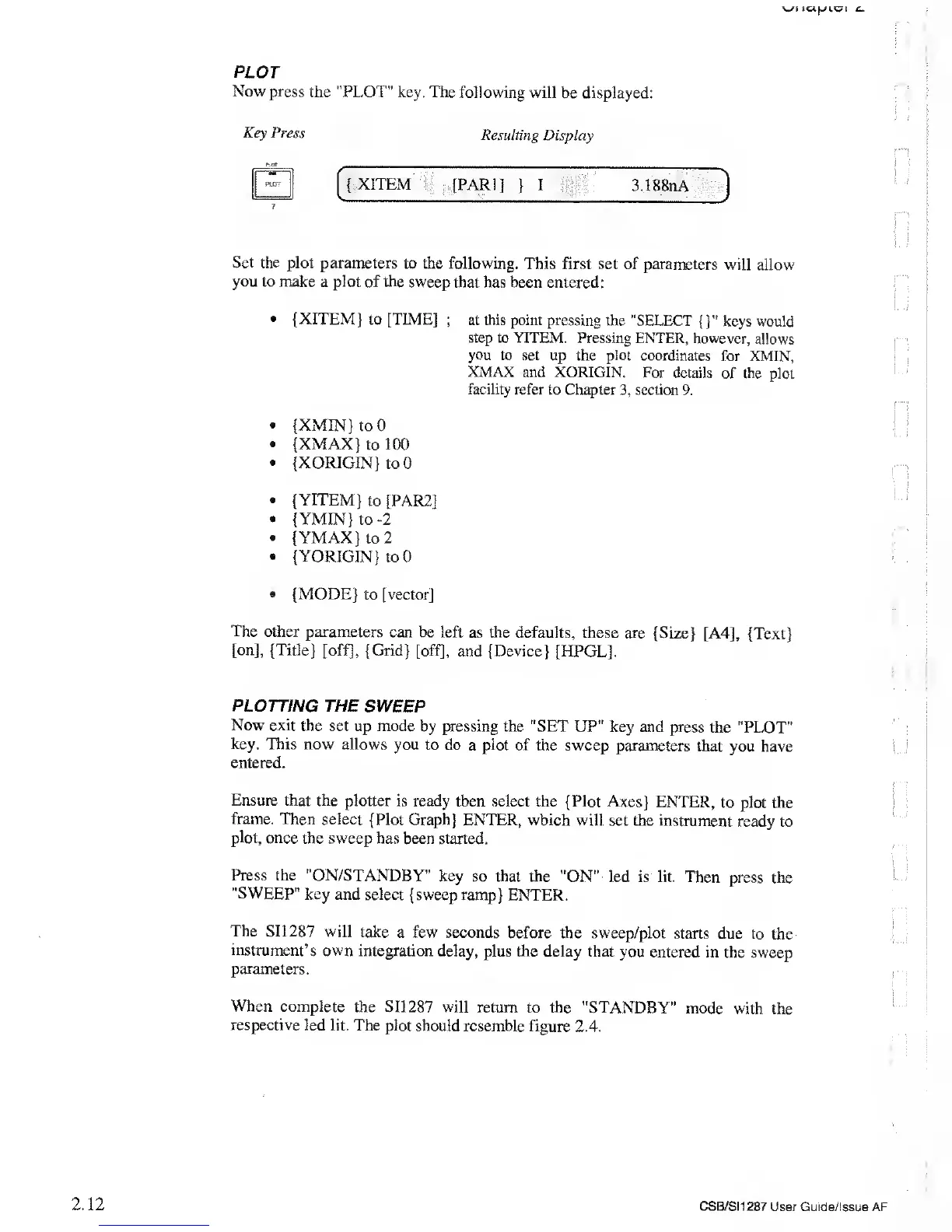
Now press the "PLOT"
key. The
following will be displayed:
Key Press
Resulting
Display
Set the plot parameters
to the following.
This first set of
parameters
will allow
you
to
make
a plot of the
sweep that has been entered:
{XITEM} to [TIME]
;
at this point pressing
the "SELECT
{
}"
keys would
step to YITEM.
Pressing ENTER,
however,
allows
you to
set up the plot coordinates
for XMIN,
XMAX
and XORIGIN.
For details
of the plot
facility
refer to Chapter
3,
section
9.
{XMIN}
to 0
{XMAX}
to
100
{XORIGIN}
to 0
{YITEM}
to
[PAR2]
{ YMIN} to
-2
«
{YMAX} to 2
{ YORIGIN
}
to 0
{MODE} to [vector]
The
other parameters
can
be
left
as
the defaults,
these are
{Size} [A4], {Text}
[on], {Title} [off],
{Grid} [off],
and
{Device}
[HPGL],
PLOTTING
THE SWEEP
Now
exit the
set up mode by pressing
the "SET UP" key
and press
the "PLOT"
key. This
now allows
you to do
a
plot
of the sweep parameters
that you have
entered.
Ensure
that the
plotter is ready
then select the {Plot Axes}
ENTER,
to
plot
the
frame.
Then
select {Plot Graph}
ENTER, which
will set the instrument
ready
to
plot, once
the sweep has
been started.
Press
the "ON/STANDBY"
key so that the
"ON" led is lit.
Then press
the
"SWEEP" key and
select {sweep ramp}
ENTER.
The
SI1287 will take
a few seconds
before the sweep/plot
starts
due to the
instrument’s own
integration delay,
plus the delay that
you entered in
the sweep
parameters.
When complete
the
SI1287
will
return to the "STANDBY"
mode
with the
respective
led lit. The plot
should resemble figure
2.4.
2.12
CSB/SI1287
User Guide/Issue AF