J 1^1 I IWLC/
VU!
lit Uf
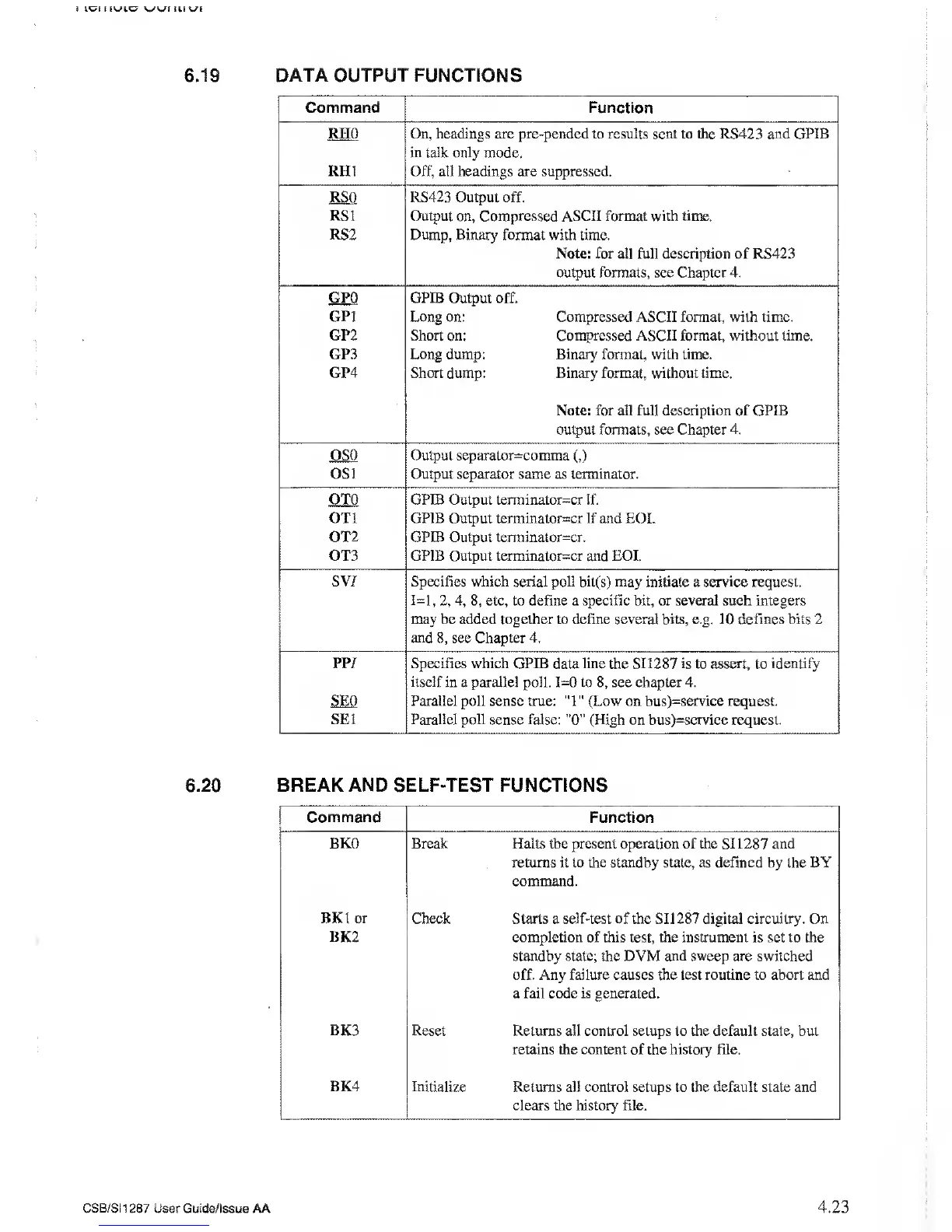
6.1 9
DATA OUTPUT
FUNCTIONS
Command Function
RHO On, headings are pre-pended to results sent to the RS423 and GPIB
in talk only
mode.
RH1
Off, all headings are suppressed.
RSQ RS423 Output off.
RSI
Output on, Compressed ASCII format with
time.
RS2 Dump, Binary format with time.
Note: for all
full
description
of RS423
output formats, see Chapter 4.
GPO GPIB
Output off.
GP1 Long on: Compressed ASCII format, with time.
GP2 Short on: Compressed ASCII format, without time.
GP3 Long dump: Binary format, with time.
GP4 Short dump: Binary format, without time.
Note: for all full description of GPIB
output formats, see Chapter 4.
OSQ Output separator=comma
(,)
OS1 Output separator same as terminator.
OTO GPIB Output terrninator=cr
If.
on
GPIB
Output terminator=cr
If
and
EOI.
OT2 GPIB Output terminaior=cr.
OT3 GPIB
Output terminator=cr and EOI.
S
V/ Specifies
which serial poll bit(s) may initiate a service request.
1=1,
2, 4,
8,
etc, to define a
specific
bit, or
several
such
integers
may be added together to define
several
bits, e.g. 10 defines bits 2
and
8,
see Chapter 4.
pp/
Specifies which GPIB data line the SI 1287 is to assert, to identify
itself
in a parallel poll.
1=0
to
8,
see
chapter 4.
SEP Parallel
poll sense true:
"1"
(Low
on
bus)=service
request.
SE1 Parallel poll
sense
false:
"0”
(High on bus)=service request.
6.20 BREAK AND SELF-TEST FUNCTIONS
Command Function
BKO Break Halts
the
present operation
of the SI 1287
and
returns it to the standby state, as defined by the BY
command.
BK1
or
BK2
Check Starts a self-test of the SI 1287 digital circuitry. On
completion of this
test,
the instrument
is set
to the
standby state; the DVM and sweep are switched
off. Any failure causes the lest routine to abort and
a fail code is generated.
BK3
Reset Returns all control setups to the default state, but
retains the content of the history file.
BK4
Initialize Returns all control setups to the default state and
clears the history file.
CSB/SI1287
User Guide/issue AA 4.23



 To Next Page