9 Copyright © 2019 SOMFY ACTIVITES SA. All rights reserved.
EN
Video phone V100+
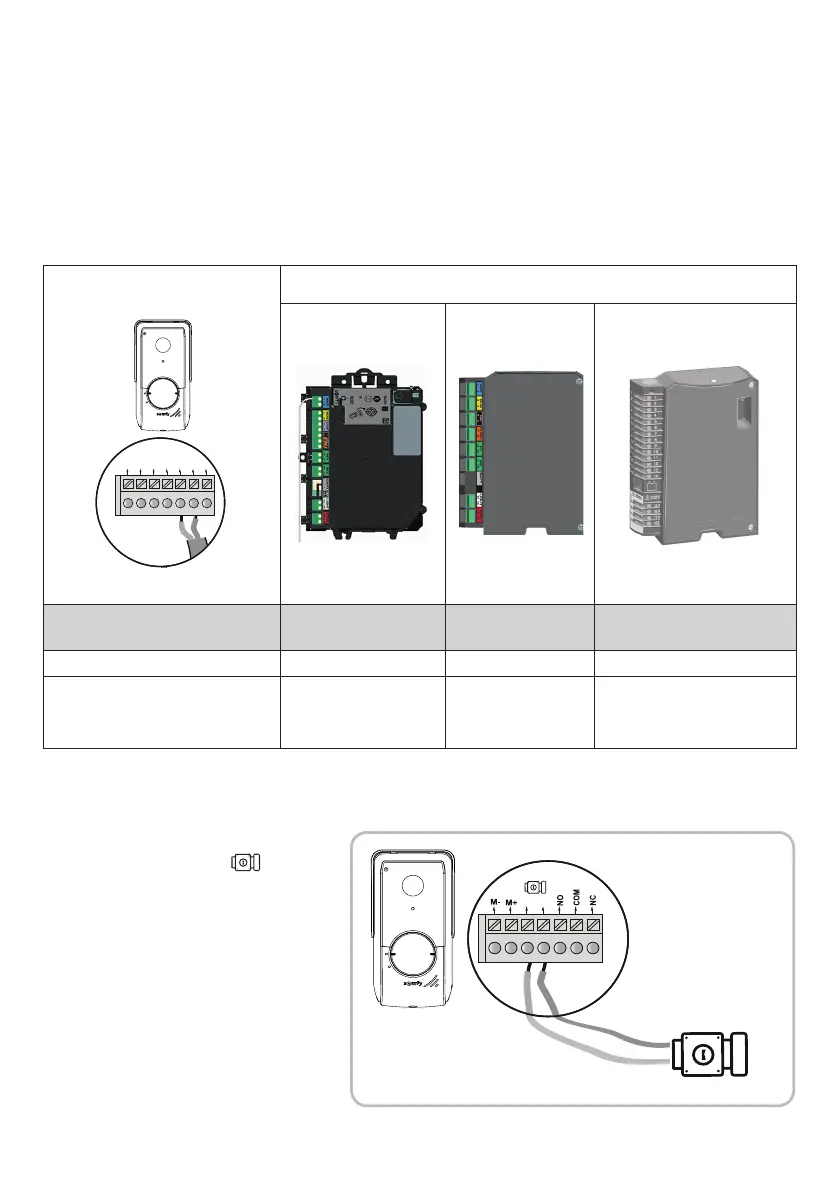
5.1 Connecting the door station
5.1.1 To a Somfy gate motorisation
M- M+ L- L+ NO COMNC
Somfy motorisations electronics
Connect... to the START
terminals
to the BUS
terminals
to the numbered terminals
COM 5 3 3
NO 6 4
5 (for complete opening)
or
6 (for pedestrian opening)
Note: To connect the door station to another brand of gate motorisation, please refer to the installation guide for that motorisation.
5.1.2 To a door-opener/electric lock
Connect the door station output to the latch /
lock as shown in the diagram below.
Observe the +/- polarity if indicated in the door latch/lock
instructions.
* not provided
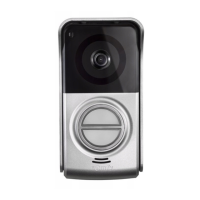
Door station
Note: When the motorisation is solar-powered, the wired controls are deactivated. In this case, you must use the monitor's wireless control to control
your gate motorisation (see page 12).
[1]. Disconnect the motor from the mains power supply.
[2]. Remove the cover from the control cabinet or from the motor containing the electronics.
[3]. Connect the door station dry contact output (COM and NO) to the motorisation electronics. It is best to consult the gate motorisation instructions
to connect the door station to the key contact input on the motorisation.


 To Next Page
 Loading...