SonicWall SonicWave <Version> Deployment Guide
Mounting Wireless Access Points
63
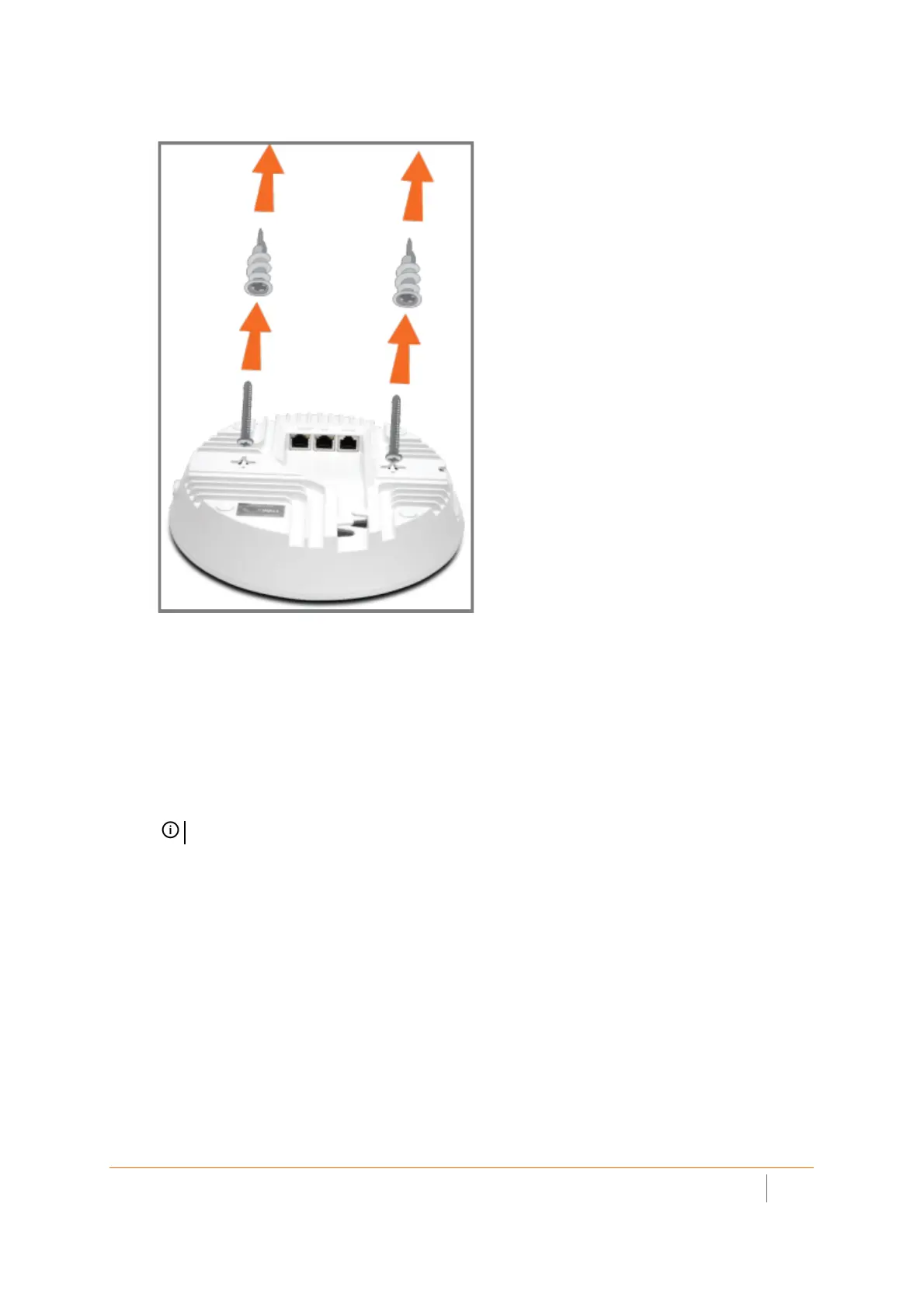
Using Anchor Screws
To mount the later configuration SonicWave 432i using anchor screws:
1 On the mounting surface, mark the location to make four screw holes. The marks should match the holes
of the later configuration mounting bracket.
2 Screw the anchor screws into the ceiling tile or drywall to their full depth.
3 Align the bracket with the anchors. Insert the screws into the anchors through the bracket holes, and
then screw them in securely.
4 Supporting the SonicWave in your hands, securely slide and click the SonicWave onto the bracket stubs.
NOTE: Your actual hardware may differ from what is shown.



 To Next Page