SonicWall SonicWave Deployment Guide
Hardware Overview
17
The bottom of the SonicWave 231o has four slots for inserting the pegs on the mounting bracket, and a
threaded hole for the mounting bracket locking screw. The ground connection point is also on the bottom of the
device.
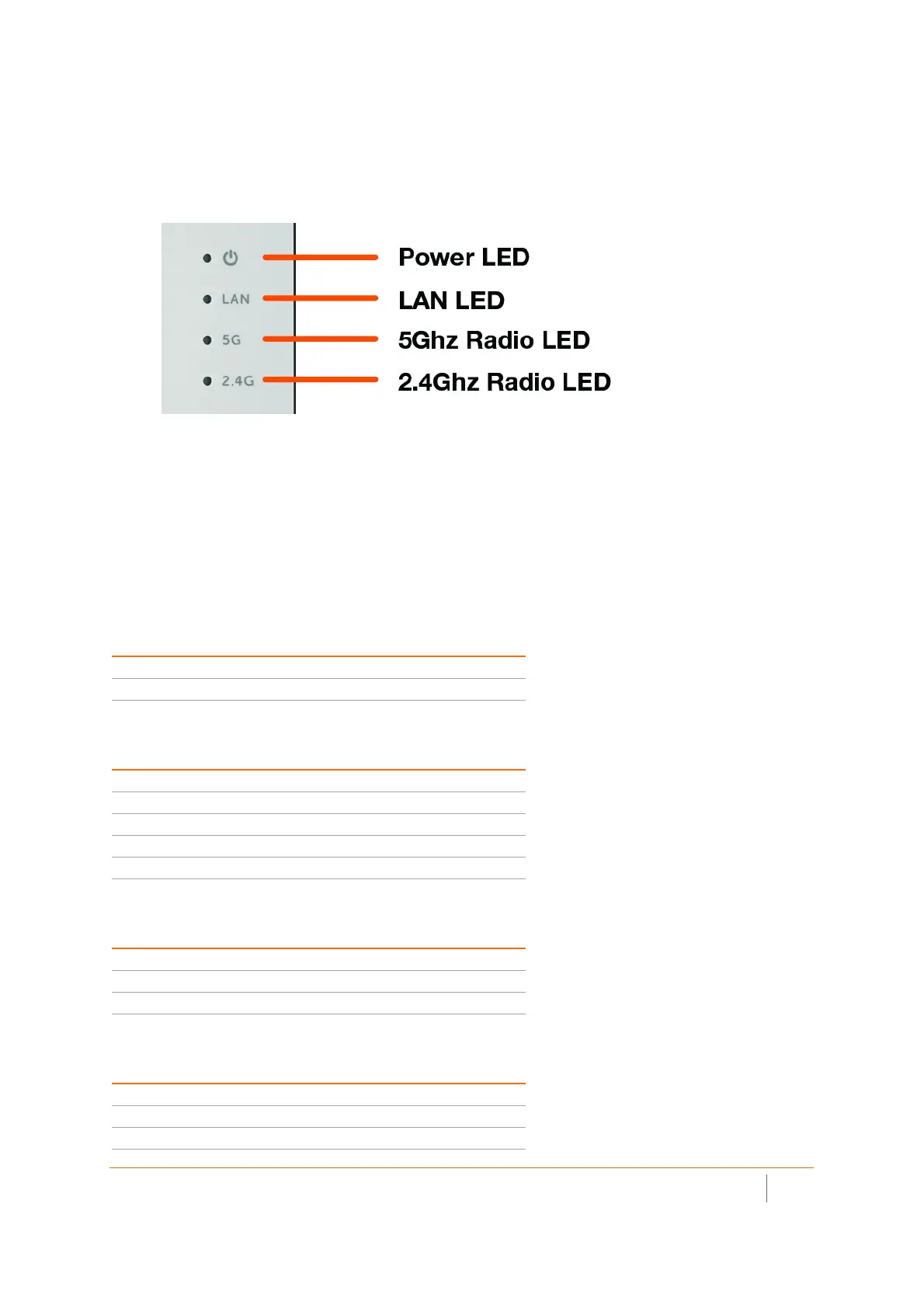
SonicWave 231o LEDs
The side panel of the SonicWave 231o has the LED indicators.
For information about the LEDs, see the SonicWave 224w LED Activity section.
SonicWave 231o LED Activity
The SonicWave 231o LEDs provide essential status information about the access point.
Power LED
LED Color Description
Off No power
Blue Power is on
LAN LED
LED Color Description
Off No link
Solid Yellow Link established at 1 Gbps
Blinking Yellow Active traffic at 1 Gbps
Solid Green Link established at 100 Mbps or 10 Mbps
Blinking Green Active traffic at 100 Mbps or 10 Mbps
5 GHz Radio LED
LED Color Description
Off 5 GHz radio is off
Solid Green 5 GHz radio is on
Blinking Green Active traffic on 5 GHz radio
2.4 GHz Radio LED
LED Color Description
Off 2.4 GHz radio is off
Solid Green 2.4 GHz radio is on
Blinking Green Active traffic on 2.4 GHz radio



 To Next Page