SonicWall SonicWave Deployment Guide
Configuring SonicOS for Wireless Access
74
SonicOS 6.5 Interface Settings
Configuring the WLAN Zone
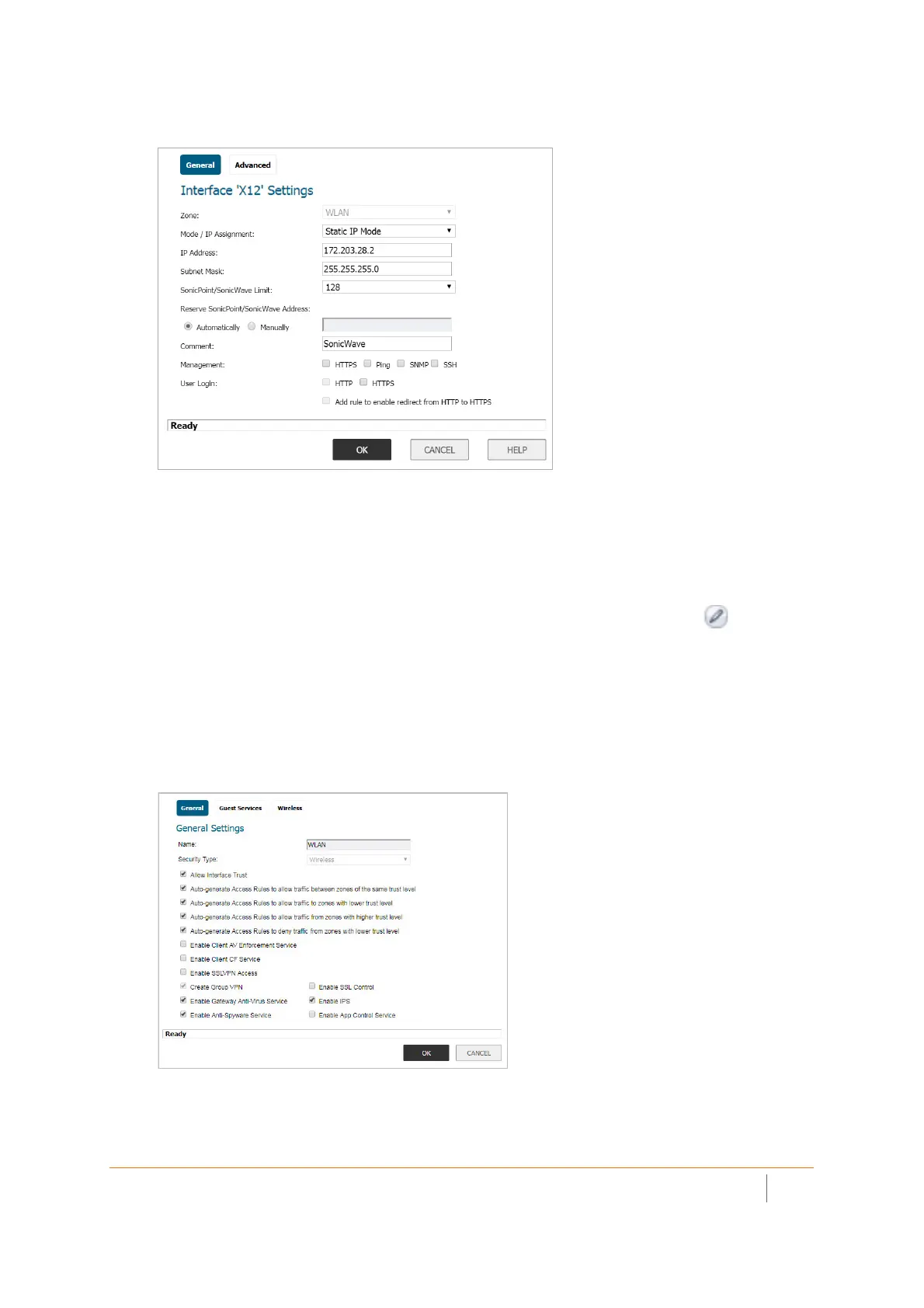
To configure the WLAN zone in SonicOS:
1 In the MANAGE view on the System Setup | Network > Zones page, click the Edit icon in the
Configure column of the WLAN row.
2 On the General page, under General Settings, select the Allow Interface Trust option to automate the
creation of Access Rules to allow traffic to flow between the interfaces within the zone, regardless of the
interfaces to which the zone is applied.
For example, if the WLAN zone has both the X2 and X3 interfaces assigned to it, selecting Allow Interface
Trust creates the necessary access rules to allow hosts on these interfaces to communicate with each
other.
3 Select the checkboxes to enable security services on this zone. Minimally, you would select Enable
Gateway Anti-Virus Service, Enable IPS, and Enable Anti-Spyware Service. If your wireless clients are all
running SonicWall Client Anti-Virus, select Enable Client AV Enforcement Service.



 To Next Page