SonicWall SonicWave Deployment Guide
Configuring SonicOS for Wireless Access
70
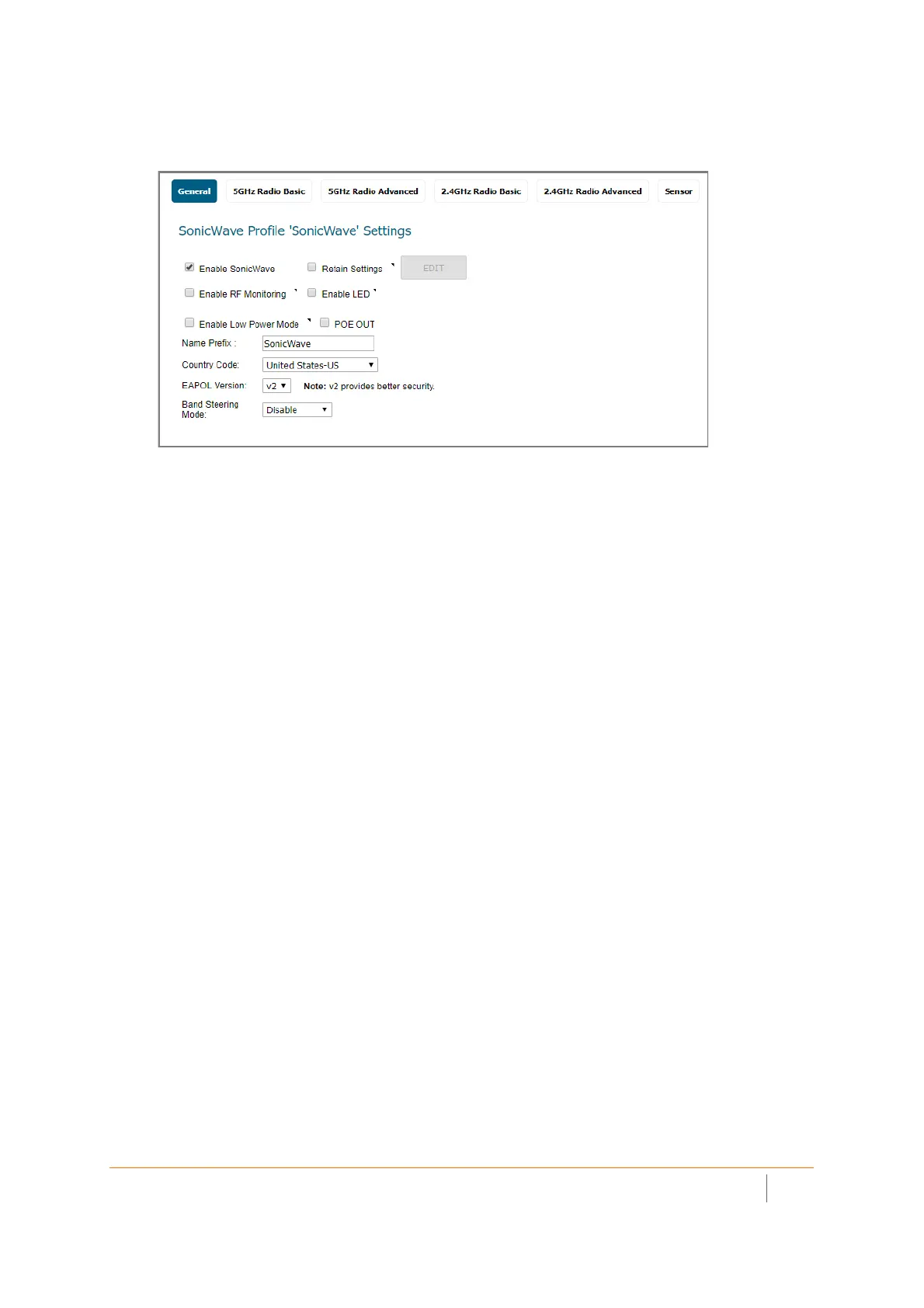
General screen settings:
1 Select Enable SonicWave. This is selected by default.
2 To turn on the LEDs for SonicWaves using this provisioning profile, select Enable LED. The LEDs are
turned off by default.
3 If adding a new profile, type a simple, descriptive name into the Name Prefix field. This is the name of
the provisioning profile. Optionally change the Name Prefix if editing the default SonicWave profile.
4 Verify the Country Code for the area of operation.
5 Accept the defaults or configure the remaining options as necessary. For more information, see the
SonicOS Connectivity Administration documentation.



 To Next Page