System settings
100
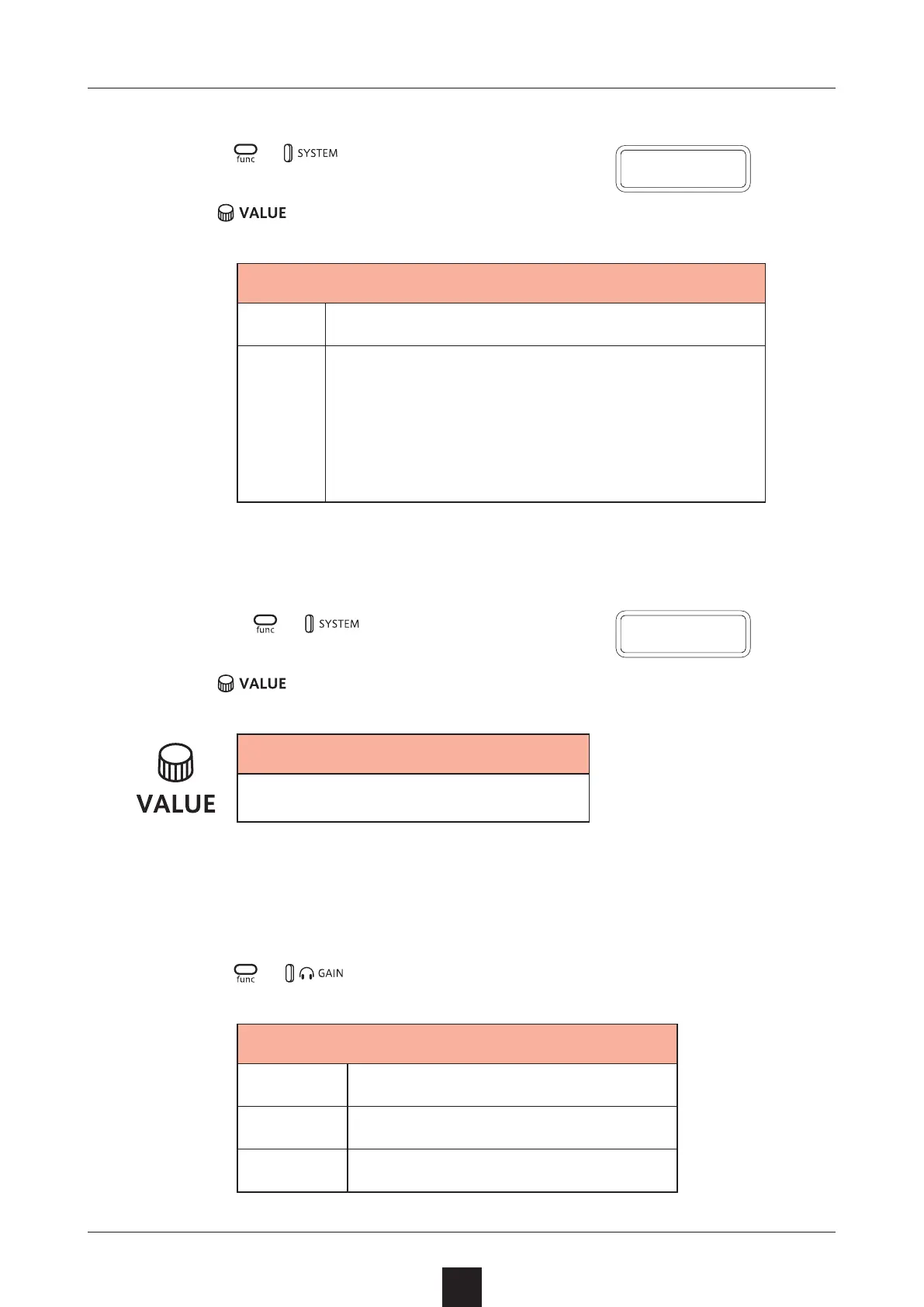
Changeing mute mode
1
Press + to seletct MT.MD.
2
Turn to change mute mode.
M T.M D
SND Mute all sound of muted track.
SEQ
Mute only notes from sequencer.
It can be played by keyboard or external
MIDI controllers.
Also it is still activated parameter lock
messages.
Setting the master tuning
1
を Press + to select TUNE.
2
Turn to set the master tuning.
Master Tune
-75 〜 0 〜 +75(cents)
Setting the headphone gain
1
Press + .
Headphone Gain
LOUD
Louder output
NORM
Factory default
SOFT
Quieter output
T U N E
M T
.
M D



 To Next Page