Track selection and basic adjustments
17
Selecting tracks
1
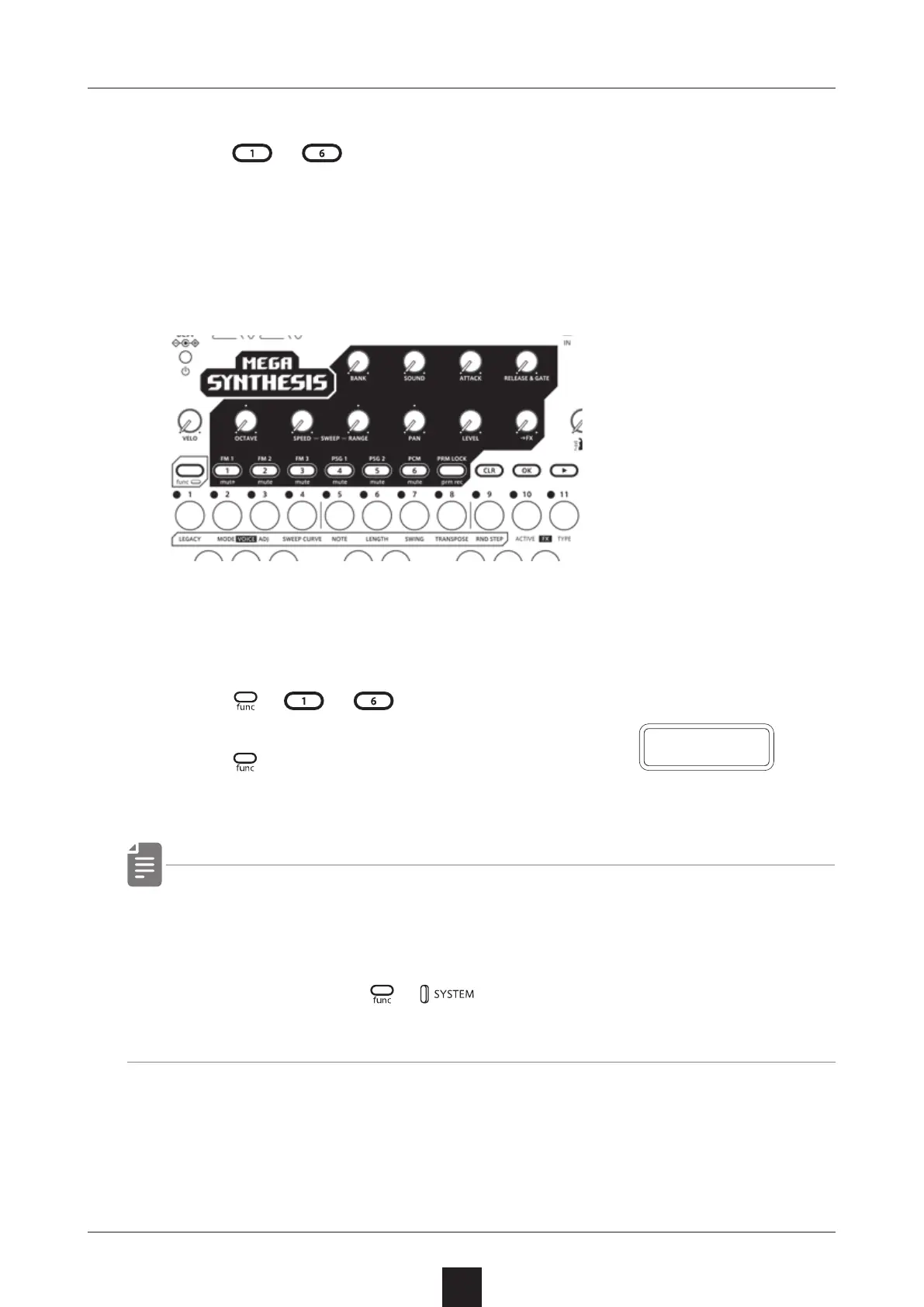
Press 〜 for the track you want to select.
The selected TRACK button will light red and its track number will
be shown on the display. (The unselected TRACK buttonswill light
green.)
The parameters shown in the gray areas on the top of the unit
can be controlled separately for each track.
Muting tracks
1
Press + 〜 for the track you want to mute.
The muted TRACK buttons will light orange.
Press + the button that is lit
orange to unmute the track.
・ By default, MT.MD (mute mode) is set to SEQ, allowing you to
play even if the track is muted.
If you want to completely mute the sound of a track, select
SND in M T.M D in
+ .
Regarding mute mode( → P.10 0)
M U T E



 To Next Page