Pattern renaming
81
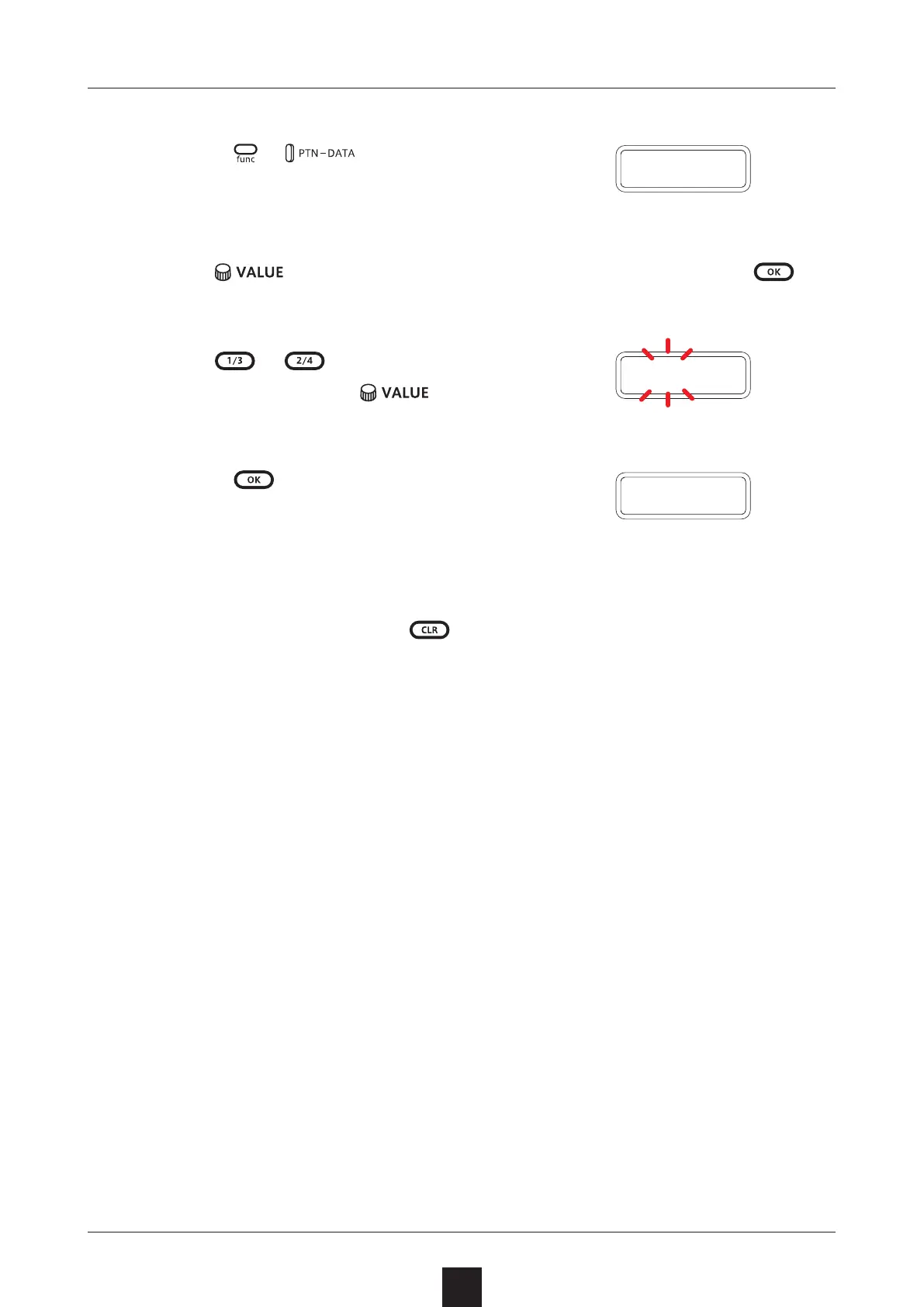
Renaming patterns
1
Press + multiple times to
select P.N.ED (pattern name editing).
2
Use to select the pattern for renaming, and press .
3
Use
/ to move the cursor left
and right, and turn
to select
characters.
4
Press .
This saves the name and returns to
pattern selection.
To rename other patterns,
repeat from procedure 2.
To end renaming, press
.
P
.
N
.
E D
N A M E
D O N E
Cursorpositionblinks



 To Next Page