Sampling settings
53
The following settings are used for sampling.
Setting auto recording
1
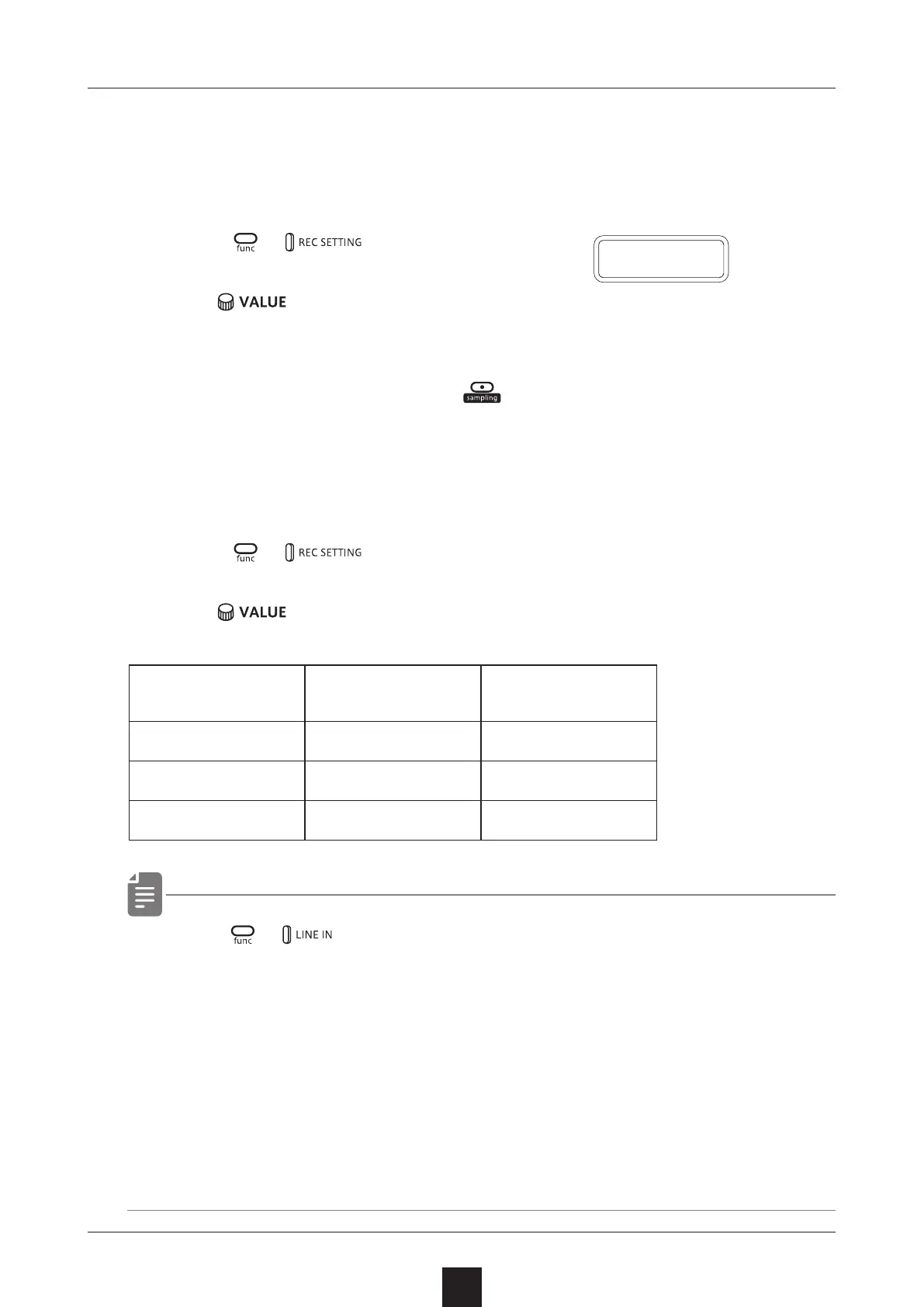
Press + to select A.R.LV.
2
Turn .
This can be set to OFF or the input signal level that starts
recording automatically ( − 60 〜 − 20 dB).
If auto recording is o, press
when in recording standby to
start recording.
Setting the sampling frequency
1
Press + , and select S.FRQ.
2
Turn to select one.
The sampling rate for each is 8 bit.
・ U s e + to adjust the LINE IN input gain.
・About adjusitng LINE IN GAIN(→ P.83)
・ Monaural recording will be performed even if MONO is OFF in
the LINE IN setting.
・ After recording completes, the volume of the sample will be
normalized automatically.
A
.
R
.
L V
Sample quality Sampling frequency
Maximum recording
time
Low 12k Hz 8 seconds
Mid 24kHz 4 seconds
Hi 48kHz 2 seconds



 To Next Page