Creating sequences – Step recording
64
Clearing steps
1
Press +
〜
.
During step recording, only the note information for that step will
be cleared.
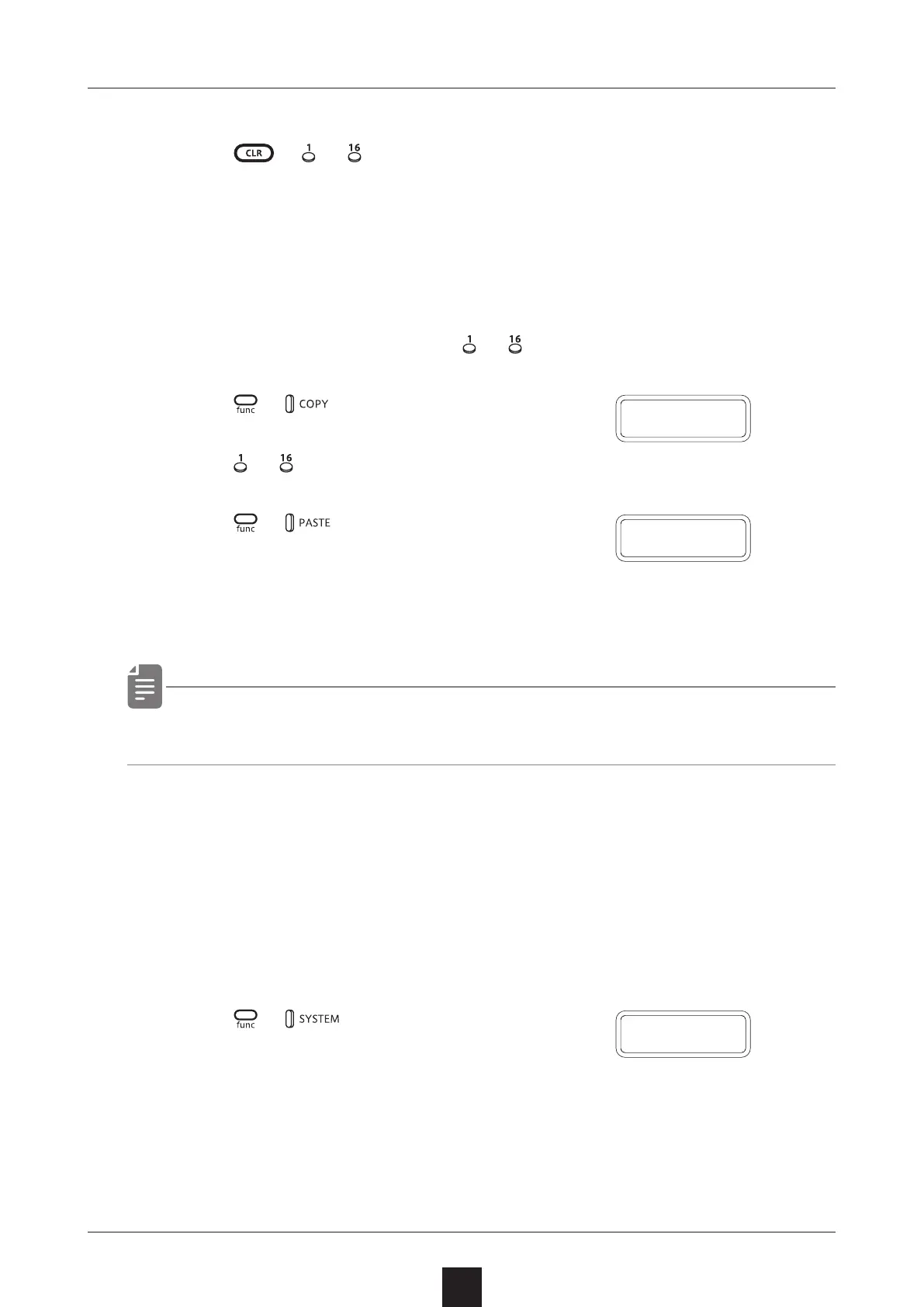
Copying steps
1
During step recording, press
〜
to select the step to copy.
2
Press +
.
3
Press 〜
to select the paste destination step.
4
Press +
.
The note and parameter lock data
from the copy source step will be
pasted to the destination step.
・ Data for ties cannot be copied.
Automatically advancing steps during step
recording (Auto Step mode)
In step recording mode, the step can be advanced automatically each
time a key of the keyboard is pressed.
1
Press + o select A.STEP.
2
Turn this mode on/o.
D O N E
C O P Y
A
.
S T P



 To Next Page