Exporting/Importing user data
98
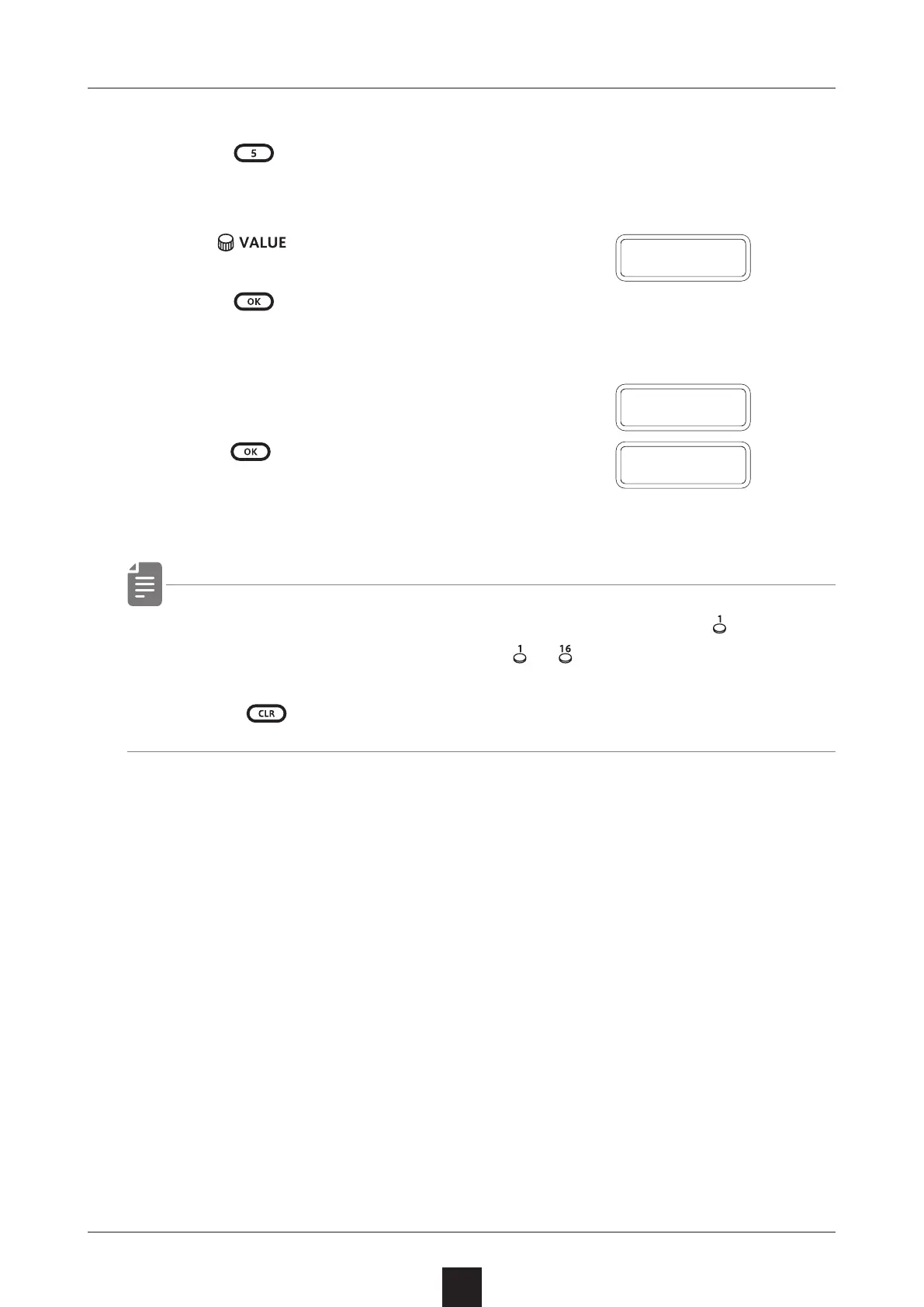
Restoring (importing) user data
1
Press
+ the POWER switch to turn on the MEGA
SYNTHESIS.
2
Turn to select IMPT.
3
Press . This makes the unit ready to receive data.
Start exporting from the sending device.
4
When SAVE appears on the display
after receiving completes,
press to restore (load)
the received data.
・ The step LEDs show the progress. (They light from in order.
Transmission is complete when
〜 have all lit.)
・ Press to cancel.
I M P T
S A V E
D O N E



 To Next Page