Exporting/Importing user data
96
Exporting a single pattern
1
Select the pattern you want to export.(→ P.13)
2
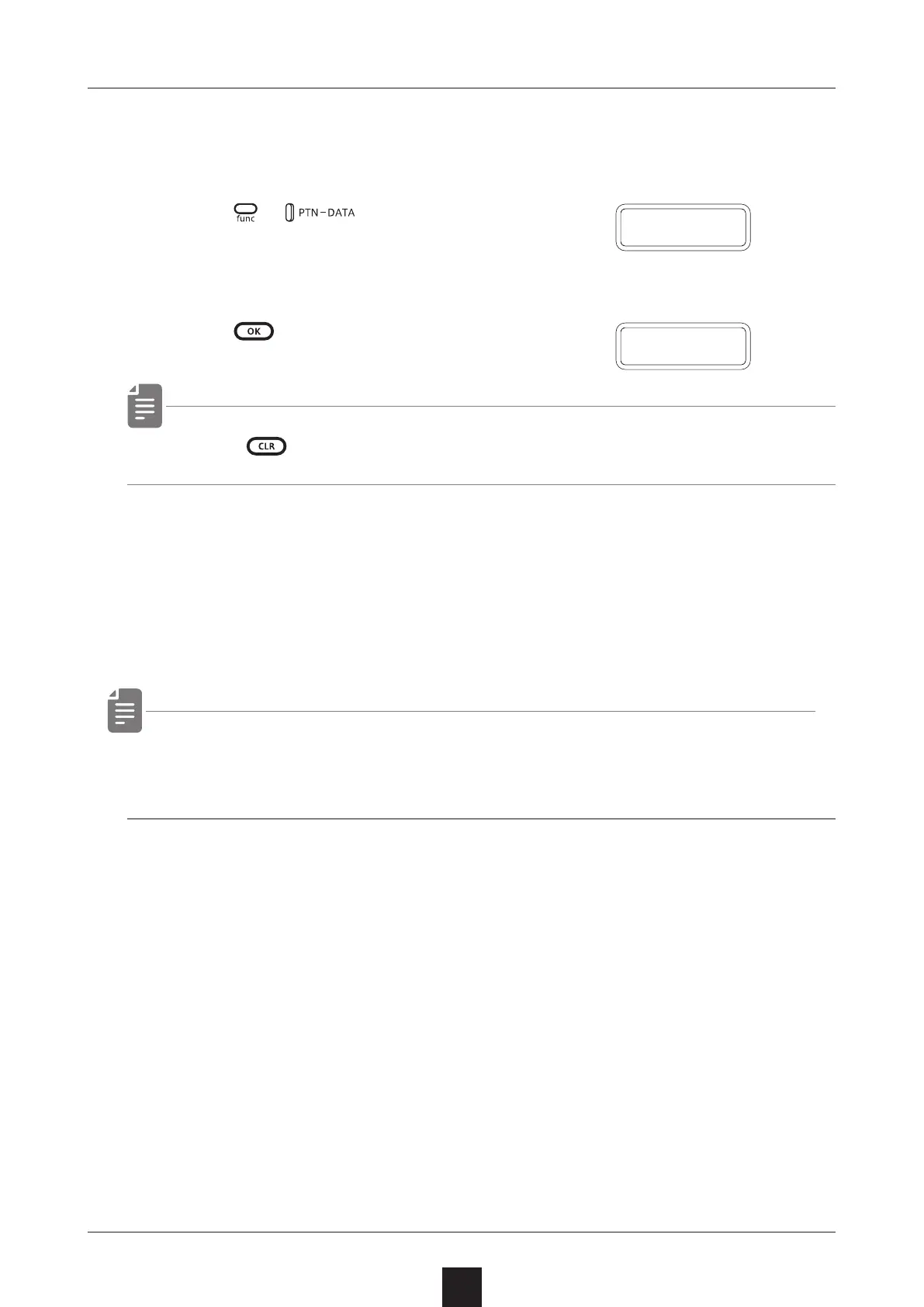
Press + and select P.EXP.
3
Set your PC to receive MIDI data.
4
Press .
・ Press to cancel.
Importing a single pattern
1
Put the unit into regular mode, and start transmitting data from
the transmitting device.
・ The received pattern will not be saved automatically. Save the
pattern as necessary.(→ P.80)
P
.
E X P
D O N E



 To Next Page