Creating sequences – Settings
61
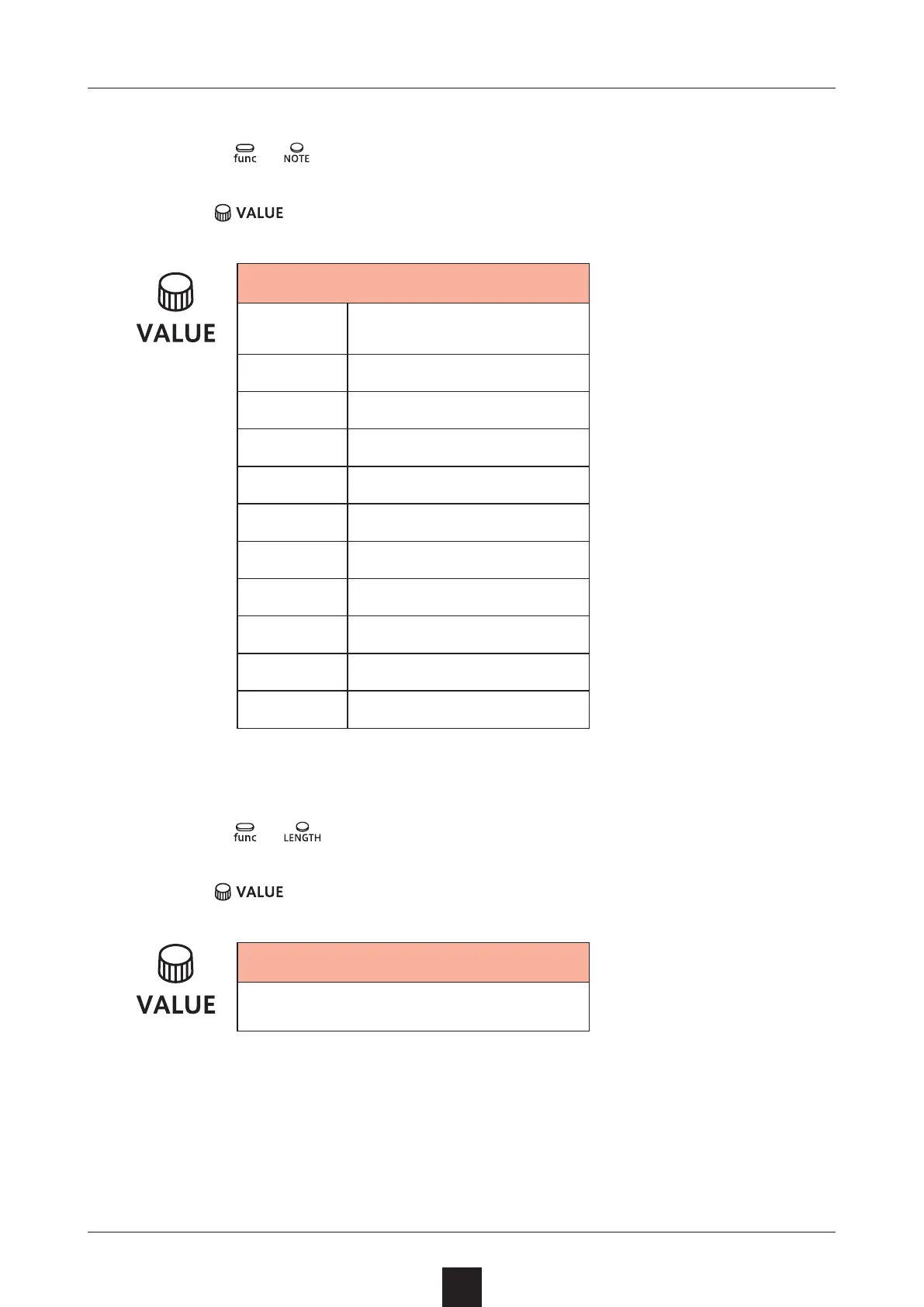
Setting the note length of one step
1
Press + .
2
Use to select the note length.
Note
1/1 Whole note
1/2 Half note
1/. 4 Dotted quarter note
1/4 Quarter note
1/. 8 Dotted 8th note
1/2T Half note triplet
1/8 8th note
1/.16 Dotted 16th note
1/4T Quarter note triplet
1/16 16th note
1/32 32nd note
Changing the sequence length
1
Press + .
2
Use
to set the sequence length.
Length
1 – 128 (steps)



 To Next Page