Clearing steps
1
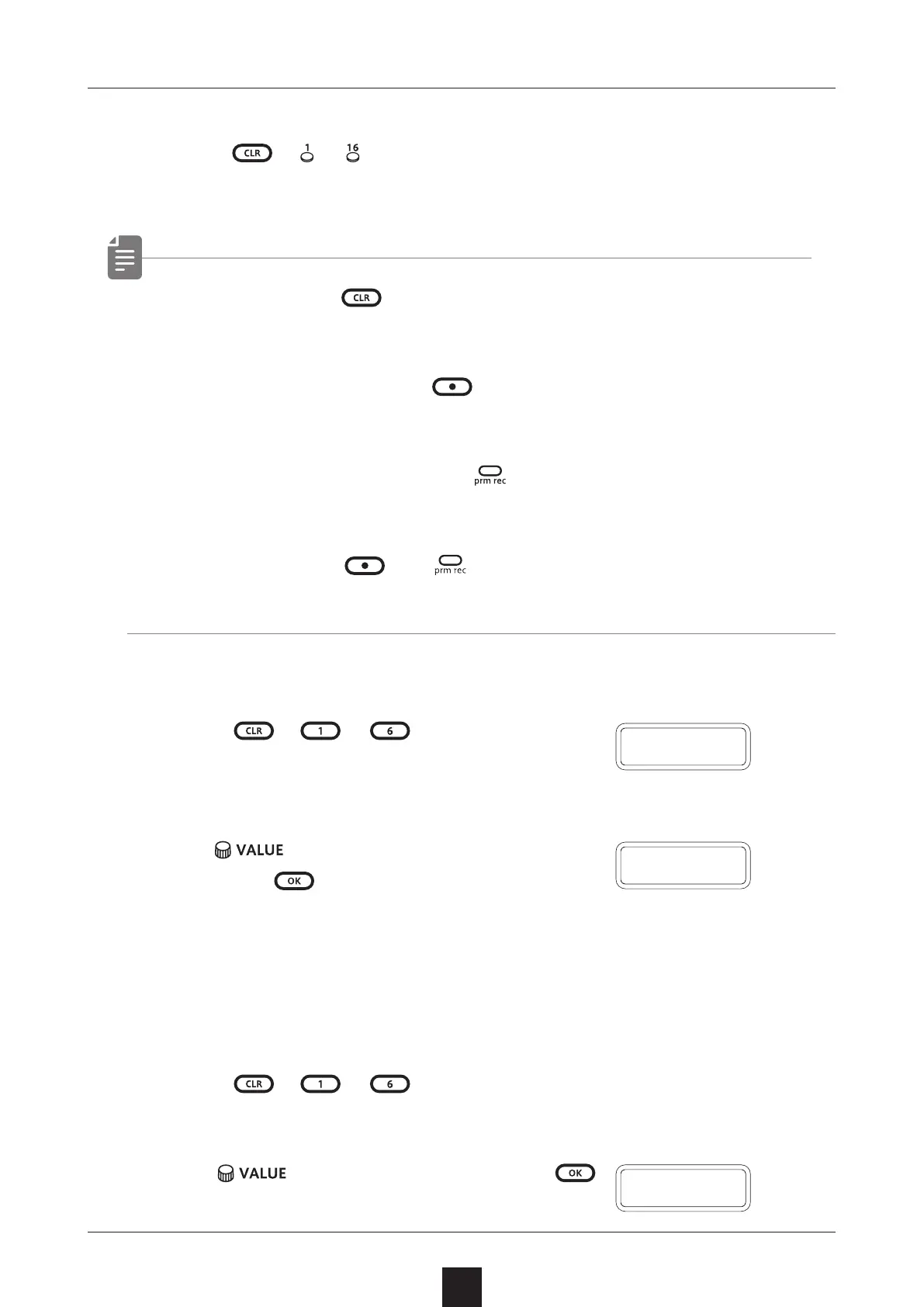
Press + 〜
.
The note and parameter lock data from that step will be cleared.
• While pressing , steps that have parameter lock data blink
red.
• When recording notes (
button lit red), only note data will
be cleared.
•
When parameter recording (
lit red), only parameter lock
data will be cleared.
• Normally, when
and buttons are lit red, both note and
parameter data will be cleared.
Clearing all note data in a sequence
1
Press
+ 〜 for the track with
the sequence to be cleared.
2
Use to select NOTE,
and press
.
This clears all notes on all steps of the sequence.
Restoring only track sounds to the last saved
state
1
Press
+ 〜 for the track with the sound to be re-
stored.
2
Turn
to select SND, and press
.
Deleting sequences
78
N O T E
C L R
S N D



 To Next Page