Track selection and basic adjustments
21
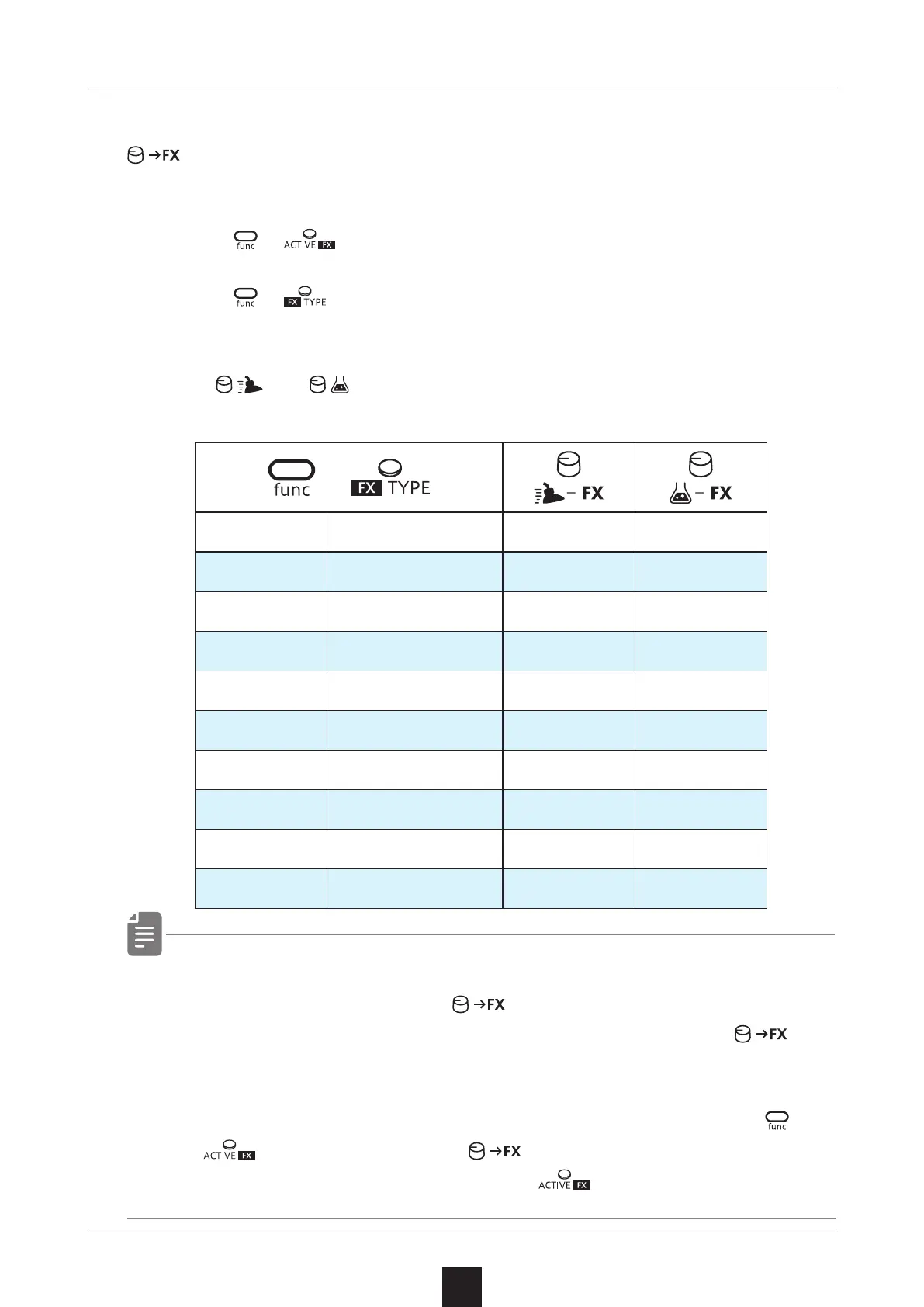
Adjusting the send amount to the FX
allows you to adjust the send amount to the eect for each track.
Set the eect as follows.
1
Press + and turn ON the eect.
2
Press + and select the eect.
You can also select the eect type with VLAUE.
3
Turn and to adjust the parameters
・ Send Delay and Reverb are send type FX whose send amount
can be adjusted using the
.
Other FXs are insert type that apply eects when the
is
set to 1 or higher.
・ R.MIX repeats the sound at the moment when pressing
+
FX to activate if the is set to 1 or higher.
The FX will continue to sound until
is turned OFF.
+
S . D LY
Send Delay Time Amount
I . D LY
Insert Delay Time Amount
R VB
Reverb Decay Mix
CRSH
Crusher Sample rate LPF Cut o
DIST
Distortion Gain Tone
COMP
Compressor Ratio Threshold
LPF
Low pass lter Cut o Resonance
HPF
High pass lter Cut o Resonance
ISO
Isolator Frequency Balance
R . M IX
Remix Length Amount



 To Next Page