Slicing
55
1
Press .
2
Turn
and to
select a sample.
3
Press
+ to select
DRUM.
D R U M
4
Press
+ .
The value of slice length is
displayed.
2 0 5
・ Each time you press
+
, it switches
between 175, 205, and
255, automatically slicing
the sample into 8, 6, and
4.
5
While playing the leftmost
key (F), set the length of one
beat using the
.
The entire sample will be
sliced evenly by the length
set by the
+
parameter.
In most cases, the rst 4 to
8 keys will be usable sounds.
Find just the right length
by playing the rst 2 or 3
keys and ne tuning the
+
setting if necessary.
One slice has a maximum
length of 2 second.
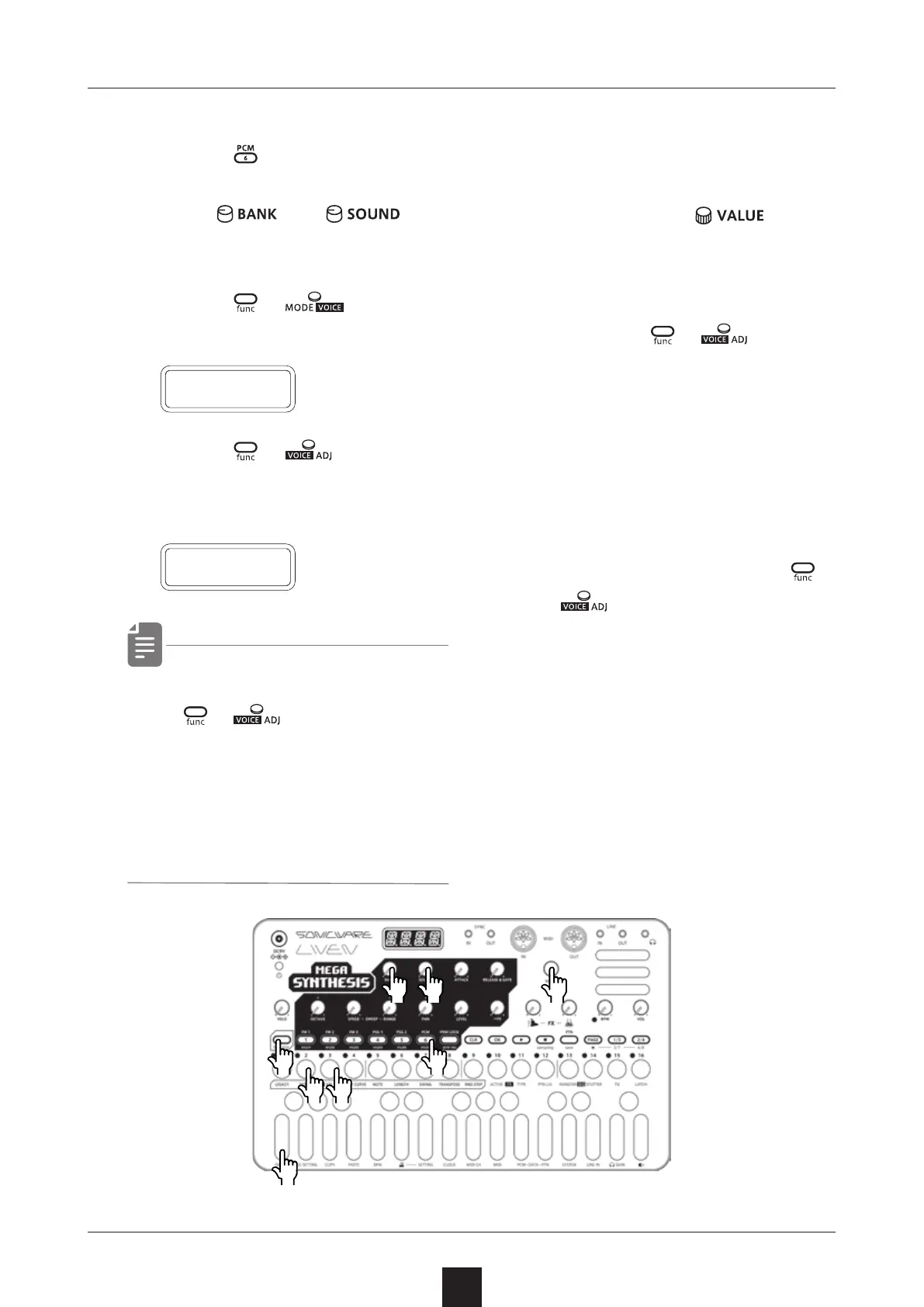
Slicing a sample
●❸●❹
●❷ ●❷ ●❺
●❸
●❹
●❶
●❺



 To Next Page