Sequences created on every track can be saved as patterns.
Saving patterns
1
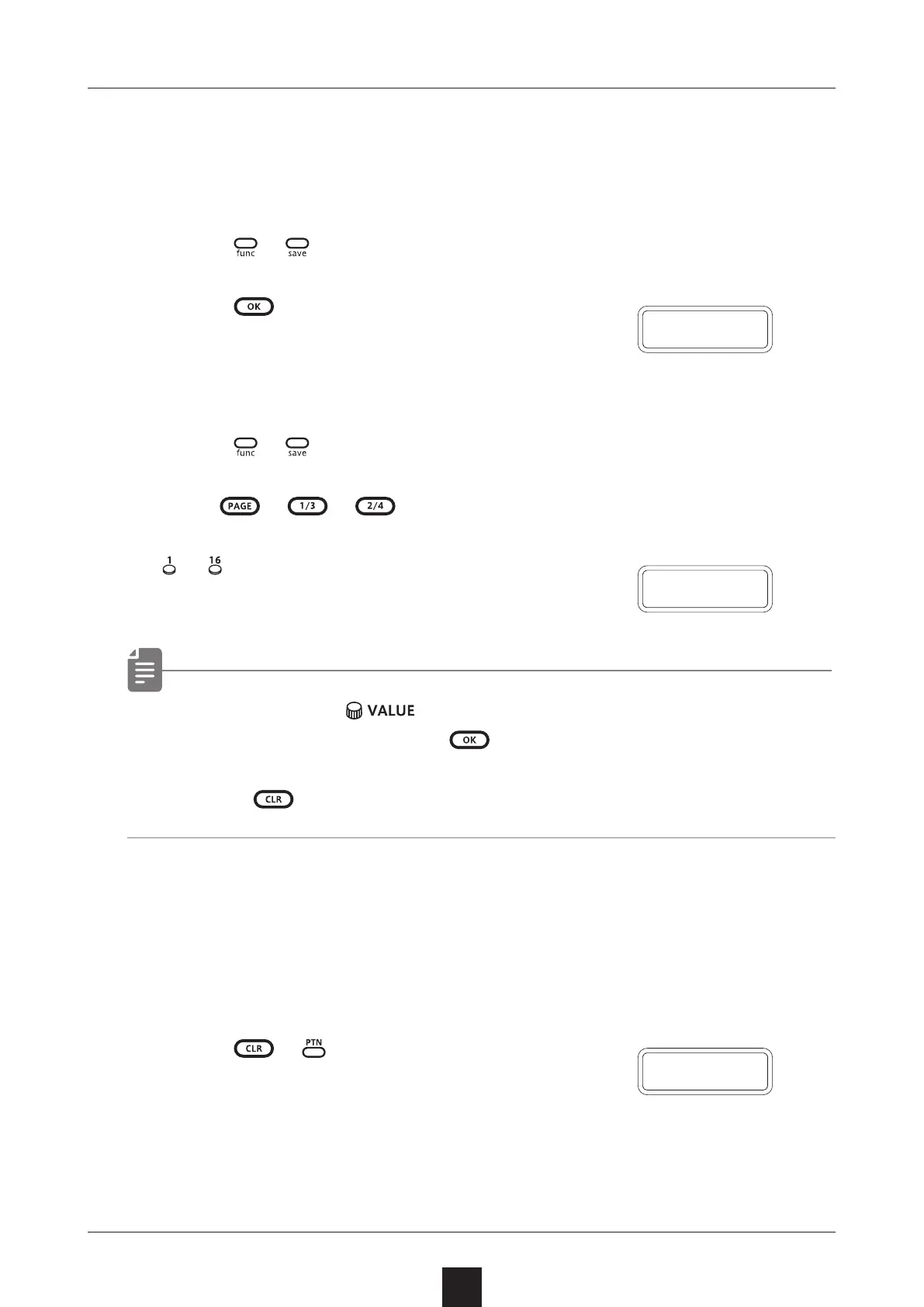
Press + .
2
Press .
DONE will appear, and it will be saved.
Changing the save destination or copying the pattern
1
Press + .
2
Use 、 、 to select the save destination bank.
3
〜
to select the save destination pattern.
DONE will appear, and it will be saved.
• In procedure 2, can also be used to select the save
destination (execute with
).
• Press during a procedure to cancel it.
Initializing patterns
1
Select the pattern to be initialized.
(→ P.80)
2
Press + .
CLR will be shown, and pattern settings
along with note and parameter lock data will all be cleared.
3
Save the pattern.
Pattern saving
80
C L R
D O N E
D O N E



 To Next Page