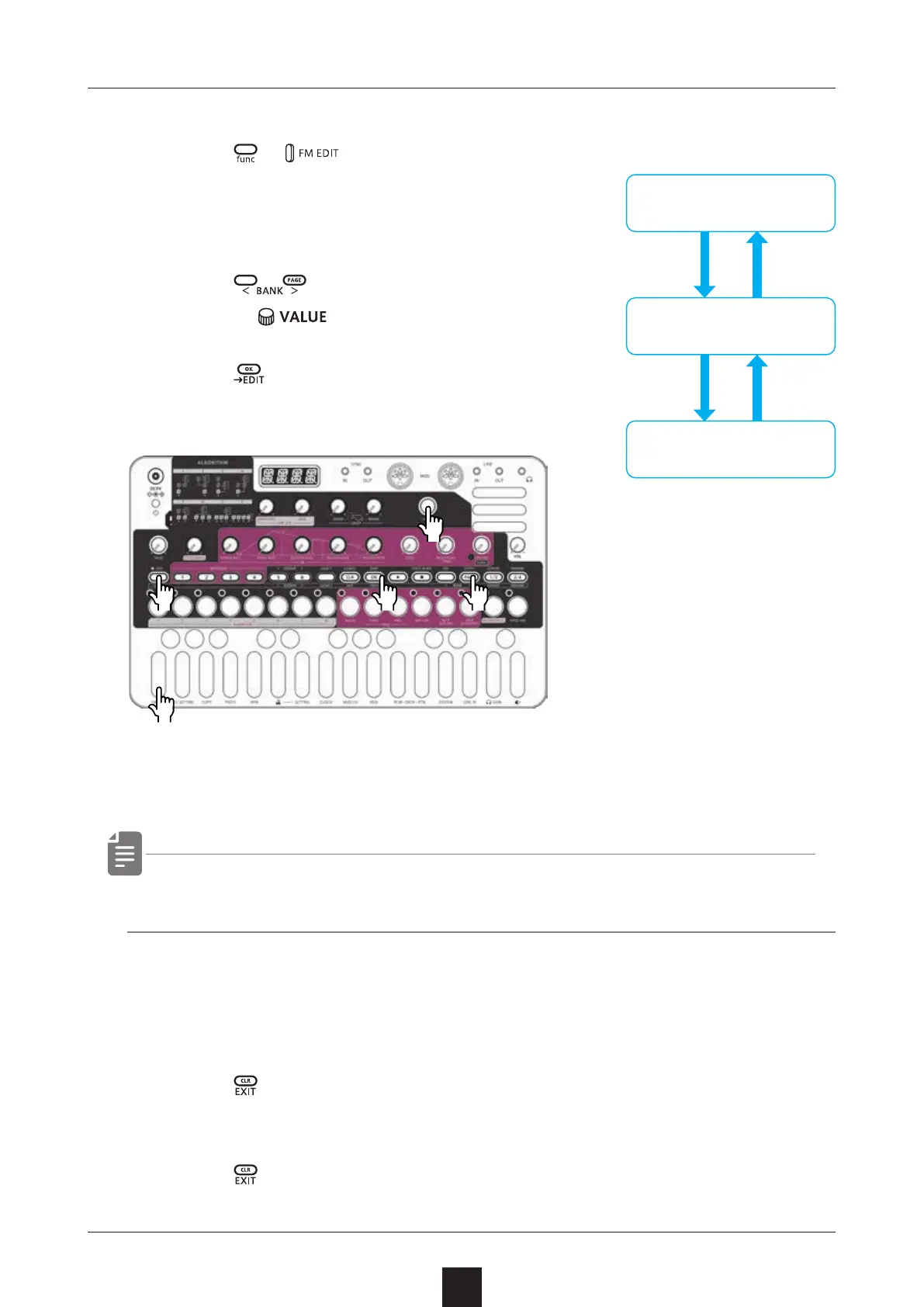
Activating and deactivating FM EDIT mode
29
Activating FM EDIT mode (sound selection)
1
Press + .
Selecting sounds
2
Press to select BANK,
and turn
to select sounds.
3
Press .
→ This activates FM EDIT mode (editing).
Place the included FM EDIT overlay on the unit.
・ sound can be auditioned by playing the keyboard.
Deactivating FM EDIT mode (returning to
Regular mode)
1
Press .
This returns to slot selection.
2
Press
.
This returns to regular mode.
Regular mode
FM EDIT mode
(sound selection)
FM EDIT mode
(editing)
●❶
●❶
●❷
●❷●❸



 To Next Page