70
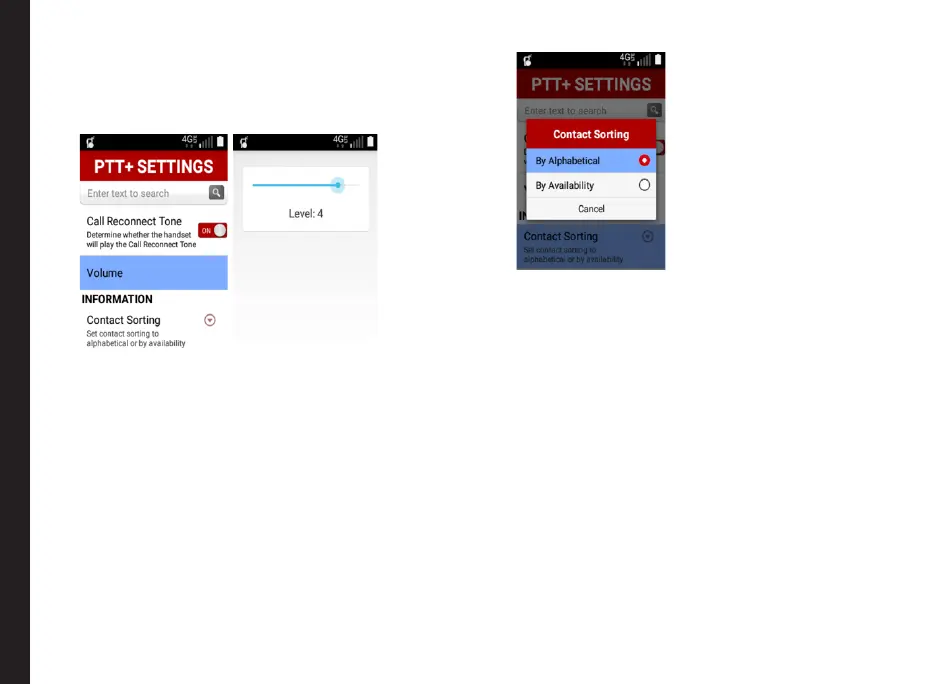
• Volume:
• You will have an option to set the PTT media
volume using this setting.
• By default it will be set to level 4.
Information:
• Contact sorting:
• PTT contacts can be sorted alphabetically or
based on their availability.
• By default, PTT contacts are sorted
alphabetically.
• Display Name:
• This option specify your PTT display name.
• This can be changed by the corporate
administrator.
• My PTT Number:
• Species your PTT MDN.
• This is the MDN that will be provisioned in the
server to get you the PTT subscription.
PTT Settings Overview



 To Next Page