4 Preparing the system
Connecting transducers
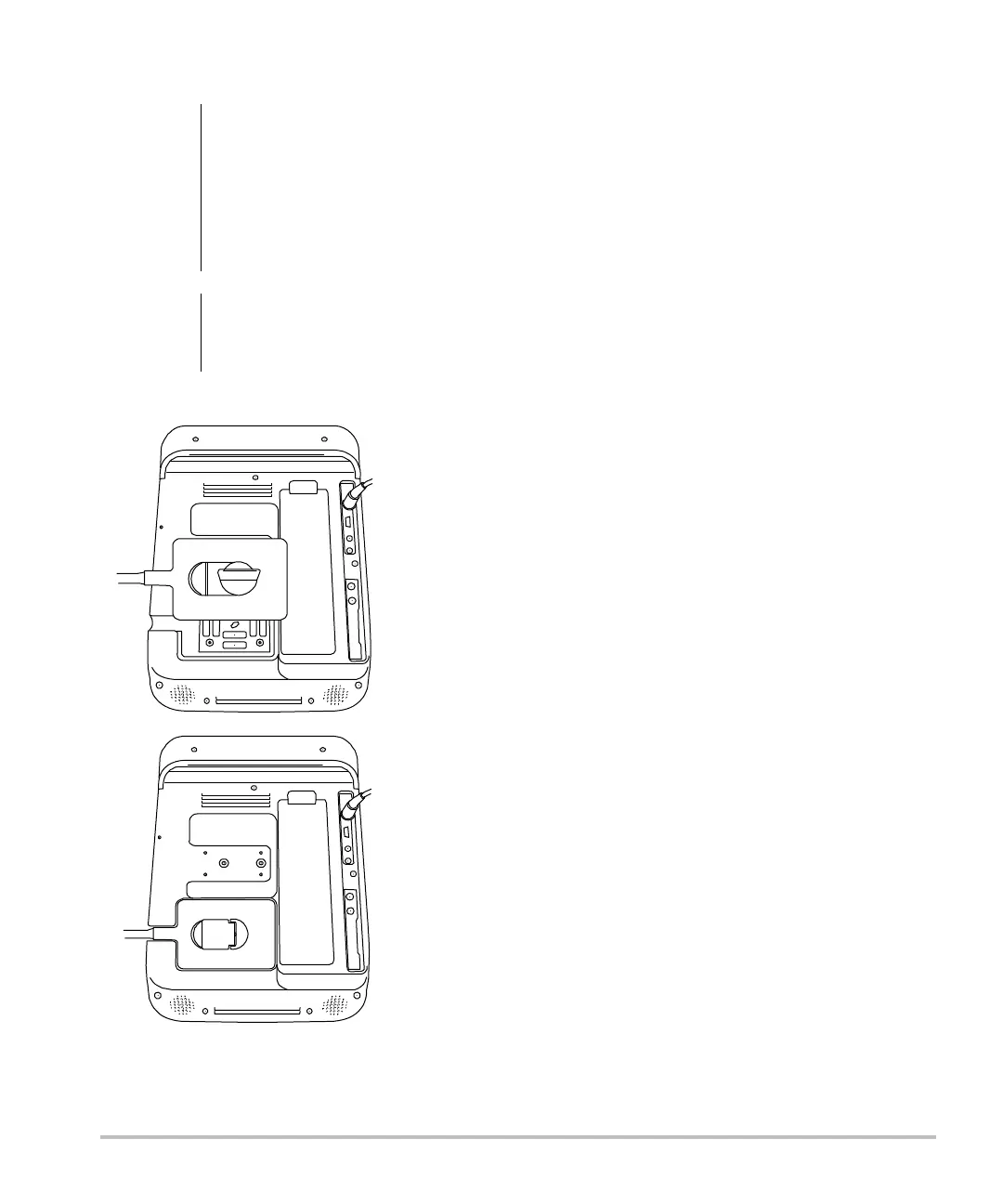
Figure 2 Connect the Transducer
To connect a transducer
1 Pullthetransducerlatchup,androtateit
clockwise.
2 Alignthetransducerconnectorwiththe
connectoronthebackofthesystem.
3 Insertthetransducerconnectorintothe
systemconnector.
4 Turnthelatchcounterclockwise.
5 Pressthelatchdown,securingthetransducer
connectortothesystem.
To remove a transducer
1 Pullthetransducerlatchup,androtateit
clockwise.
2 Pullthetransducerconnectorawayfromthe
system.
Inserting and removing USB storage
devices
Imagesandclipsaresavedtointernalstorageand
areorganizedinasortablepatientlist.Youcan
archivetheimagesand clipsfromtheultrasound
systemtoaPCusingaUSBstoragedevice.
Althoughtheimagesandclipscannotbeviewed
fromaUSBstoragedeviceontheultrasound
system,youcanremovethedeviceandview
themonyourPC.
Youcanalsoimportandexportuseraccountsand
theEventlogusingaUSBstoragedevice.
TherearethreeUSBportsonthesystem:twoon
theback,andoneontheside.ForadditionalUSB
ports,you
canconnectaUSBhubintoanyUSB
port.
Note: Thesystemdoesnotsupportpassword‐
protectedUSBstoragedevices.Makesurethatthe
USBstoragedeviceyouusedoesnothavepassword
protectionenabled.
WARNING:
To avoid injury to the patient, do
not place the connector on the
patient. Operate the ultrasound
system in the S Series stand, the
V-Universal™ stand, or on a
convenient surface to allow air flow
past the connector.
Caution:
To avoid damaging the transducer
connector, do not allow foreign
material in the connector.



 To Next Page