Manual Integrator Supercal 531 06-06-2011 45
7.8 Menu service
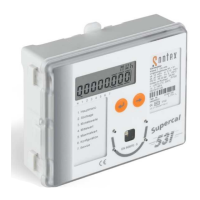
Here, the configuration values of the Supercal 531 can be checked and altered if required.
Path:
Please proceed as described in 7.1.
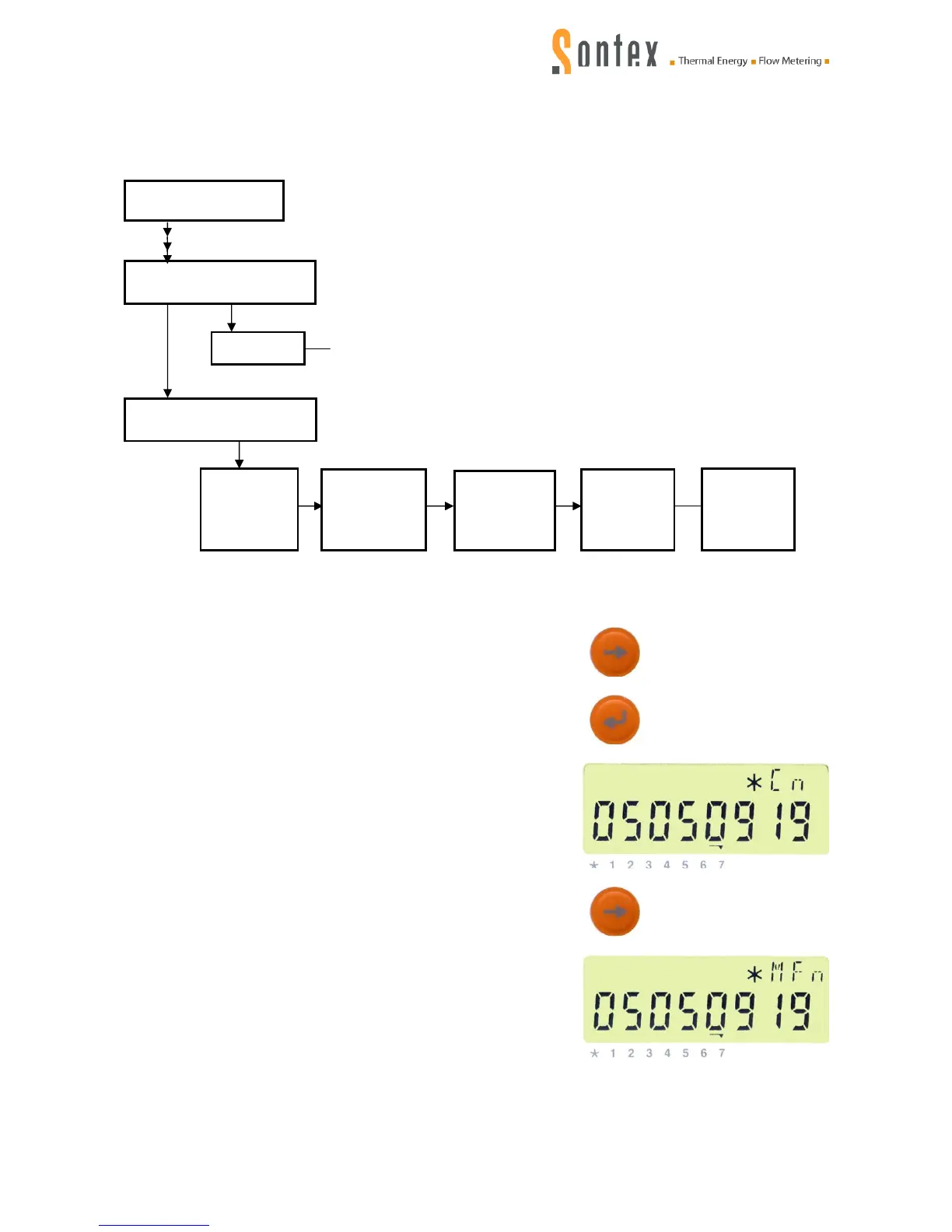
Press the control key six times:
The index for the menu navigation goes to „7“. Confirm the
menu 7 = menu service by pressing the enter key:
The index for the menu navigation which is above „7“ flashes
and the identification number / customer number (index
Cn), display with 8 digits, is displayed.
By repeatedly pressing the control key the display sequence
of the menu service can be called:
Manufacturer’s numberMET (index MFn)
Menu service
Menu configuration
Main menu
Time
etc.
Manufactur-
er’s number
upper part
(index MFn)
Customer
number
base part
(index CFn)
Software-
version
(index SW)
Customer
number
(index Cn)


 To Next Page