Manual Integrator Supercal 531 06-06-2011 59
10.3 Calibration Mode
The Supercal 531 may only be switched over to calibration mode by authorized personnel. To ac-
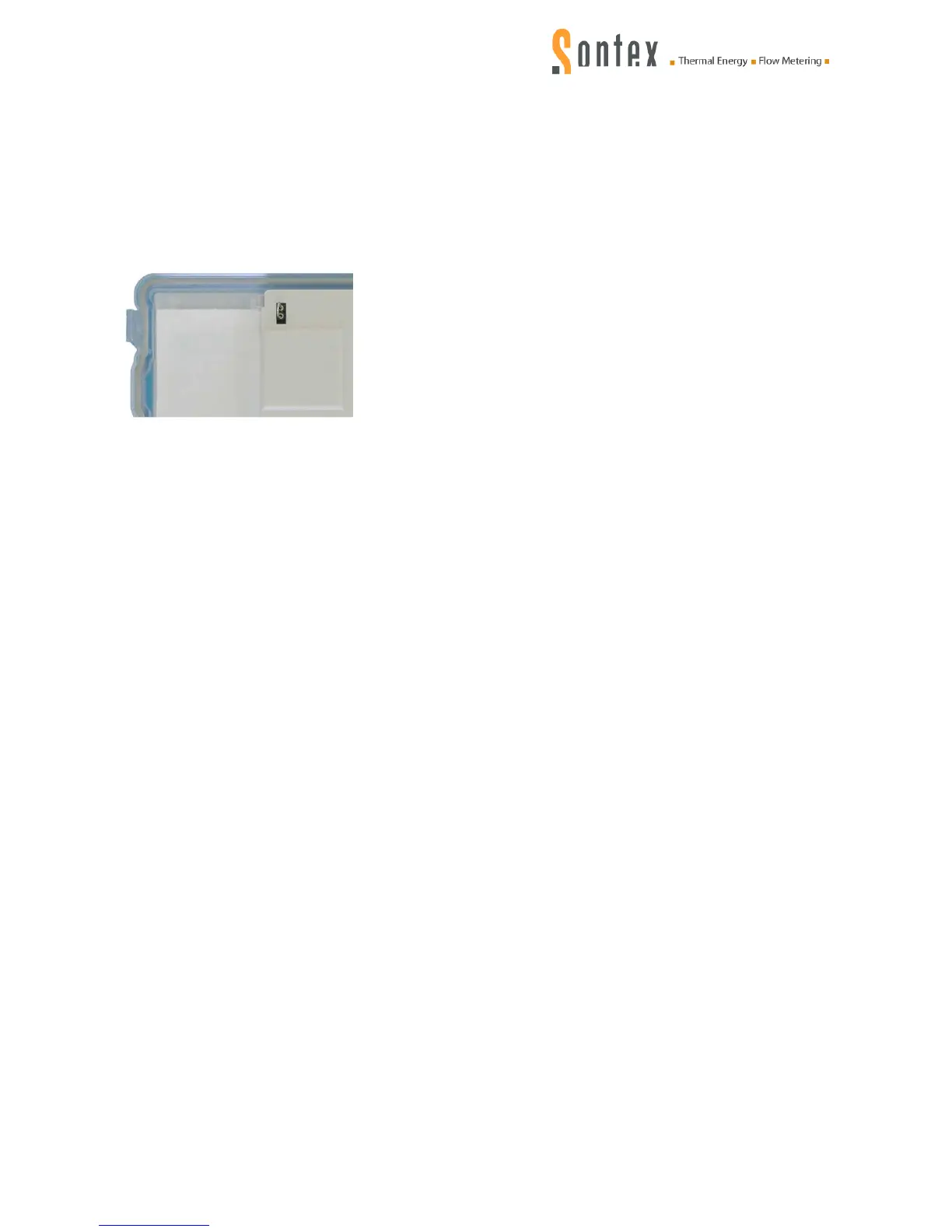
cess the calibration mode, the seal (C) on the back side of the integrator cover has to be removed.
As soon as the seal is damaged or removed, the validity of the official calibration test and
the warranty from Sontex are void.
A jumper connection point is located below the calibration seal (C).
The jumper for the calibration mode has to be plugged in here. The calibration-relevant functions
can only be activated and set over the optical interface with the service software Prog531.
As soon as the jumper is removed, the Supercal 531 goes back automatically to measuring mode.
10.4 Nowa / Unicon
See annexe 16.1


 To Next Page