EasyManua.ls Logo

Sony a200 - Page 57

Sony a200
203 pages
Print Icon
To Next Page IconTo Next Page
To Previous Page IconTo Previous Page
Loading...
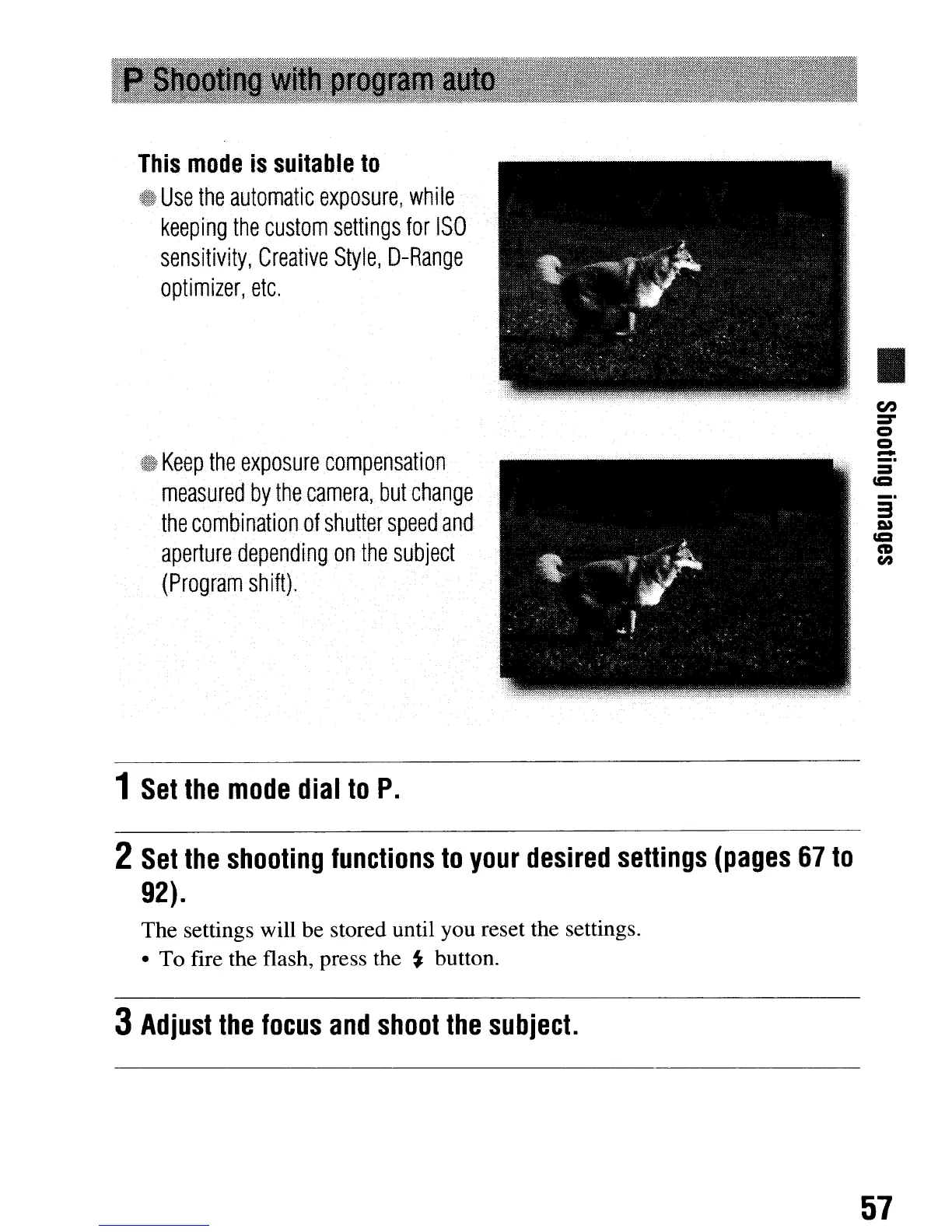
This
mode
is
suitable
to
Use
the
automatic
exposure,
while
keeping
the
custom
settings
for
ISO
sensitivity,
Creative
Style,
D-Range
optimizer,
etc.
Keep
the
exposure
compensation
measured
by
the
camera,
but
change
the
combinationaf
shutter
speed
and
aperture
dependIng
on
the
subject
(Program
shift).
1
Set
the
mode
dial
to
P.
en
=-
o
o
-
_.
3
CCI
CD
en
2
Set
the
shooting
functions
to
your
desired
settings
(pages
67
to
92).
The settings will be stored until you reset the settings.
To fire the flash, press the
~
button.
3
Adjust
the
focus
and
shoot
the
SUbject.
57
This
mode
is
suitable
to
Use
the
automatic
exposure,
while
keeping
the
custom
settings
for
ISO
sensitivity,
Creative
Style,
D-Range
optimizer,
etc.
Keep
the
exposure
compensation
measured
by
the
camera,
but
change
the
combinationaf
shutter
speed
and
aperture
dependIng
on
the
subject
(Program
shift).
1
Set
the
mode
dial
to
P.
en
=-
o
o
-
_.
3
CCI
CD
en
2
Set
the
shooting
functions
to
your
desired
settings
(pages
67
to
92).
The settings will be stored until you reset the settings.
To fire the flash, press the
~
button.
3
Adjust
the
focus
and
shoot
the
SUbject.
57

Table of Contents

Related product manuals