64-GB
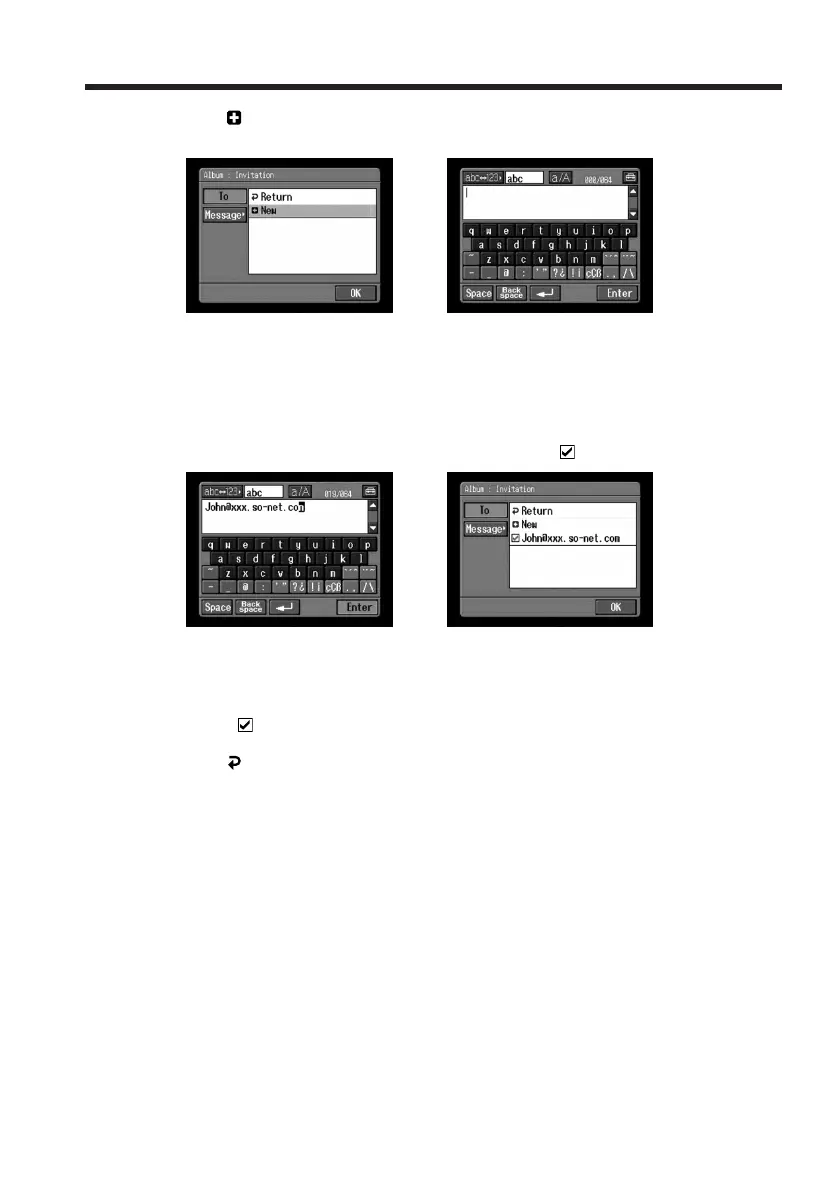
(3) Tap [ New].
The character input screen appears.
,
(4) Enter the destination email address.
For details of how to input characters, see “How to input characters” (p. 9).
(5) Tap [Enter].
The Album : Invitation screen appears again. The new email address is listed
and its check box is indicated by the check mark (
).
,
(6) If you want to send the invitation card to other addressees, tap other email
addresses.
The check boxes of the selected email addresses are indicated by the check
mark (
).
(7) Tap [
Return].
The Album : Invitation screen appears again.
Note
You can register up to 50 addresses in the address book. If you register a 51st address,
the least recently used address is overwritten. The message “Address Book Full
Overwrite the Data with Current Address?” appears for verification. To overwrite it,
tap [OK]. Otherwise, tap [Cancel], and delete the unnecessary address from the address
book, then enter and register the new address.
Making your Album on the Web














 To Next Page