71-GB
Network Operation
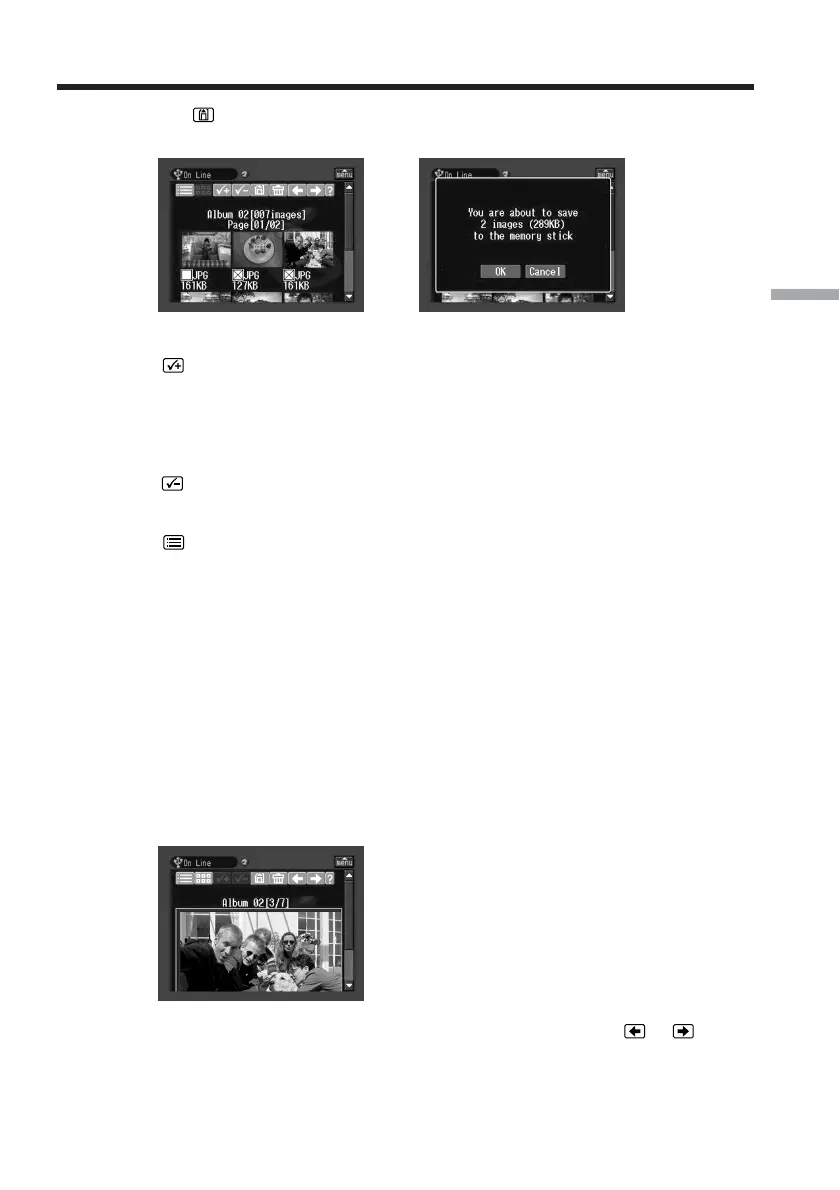
(3) Tap .
The screen for verification appears.
,
To select all the still images and/or moving pictures
Tap .
To cancel an image selection
Tap the check box of the still image or moving picture again.
To cancel all image selections
Tap .
To return to the album list page
Tap .
To select one still image or moving picture displayed on the single-
image page
You can select one still image or moving picture displayed on the full-screen and
download it.
When downloading is complete
The message “Download Complete “ appears on the screen.
Tap [OK].
(1) If the index page is displayed, tap the still image or moving picture you want
to enlarge.
The still image or moving picture appears on the single-image page.
(2) If you want to view more still images or moving pictures, tap
or .
Making your Album on the Web














 To Next Page