82-GB
Attaching still images and/or moving pictures to email
You can send still images and/or moving pictures by attaching them to email messages.
Before operation
Insert the “Memory Stick” that contains the desired still images and/or moving pictures
into your camcorder.
(1) Finish the following procedure:
“1 Specifying a destination address” (p. 74)
“2 Entering the subject of a message” (p. 77)
“3 Entering the text of a message” (p. 78)
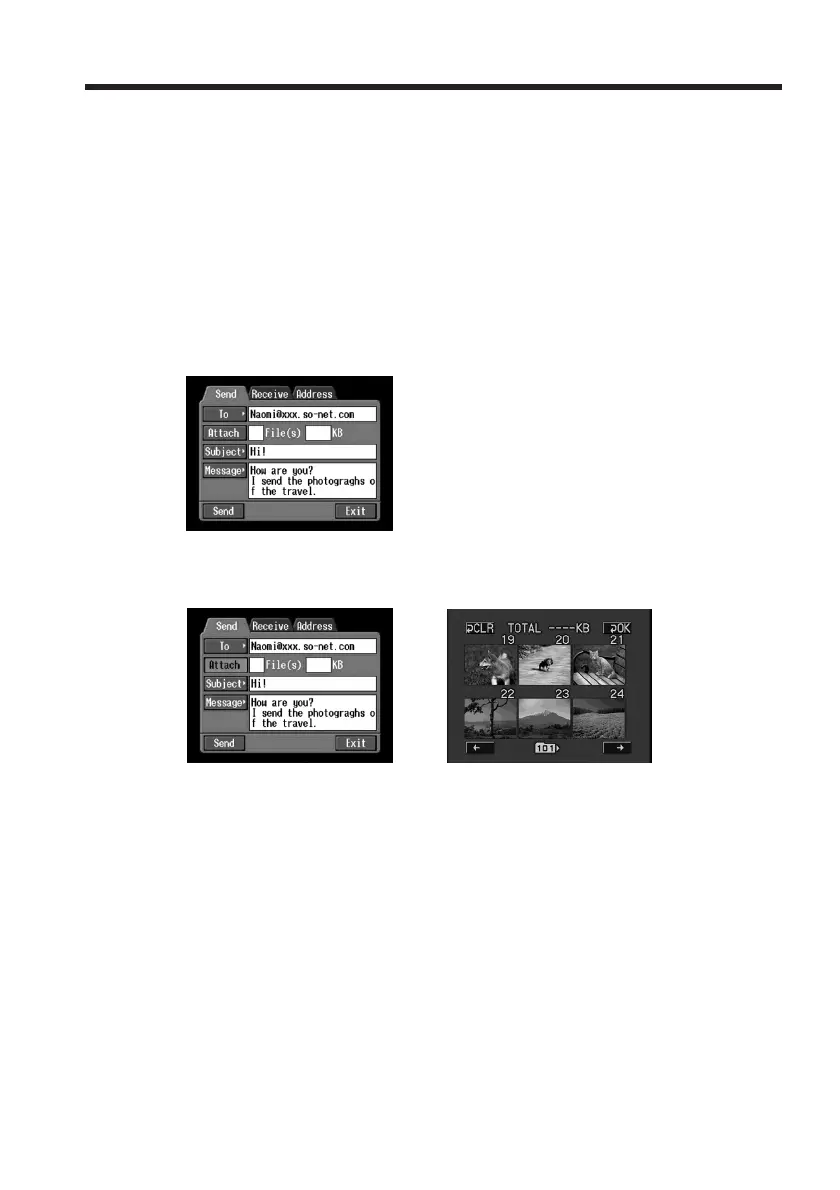
The Send screen appears.
(2) Tap [Attach].
The still images and/or moving pictures stored on the “Memory Stick” appear.
,
Using email














 To Next Page