81-GB
Network Operation
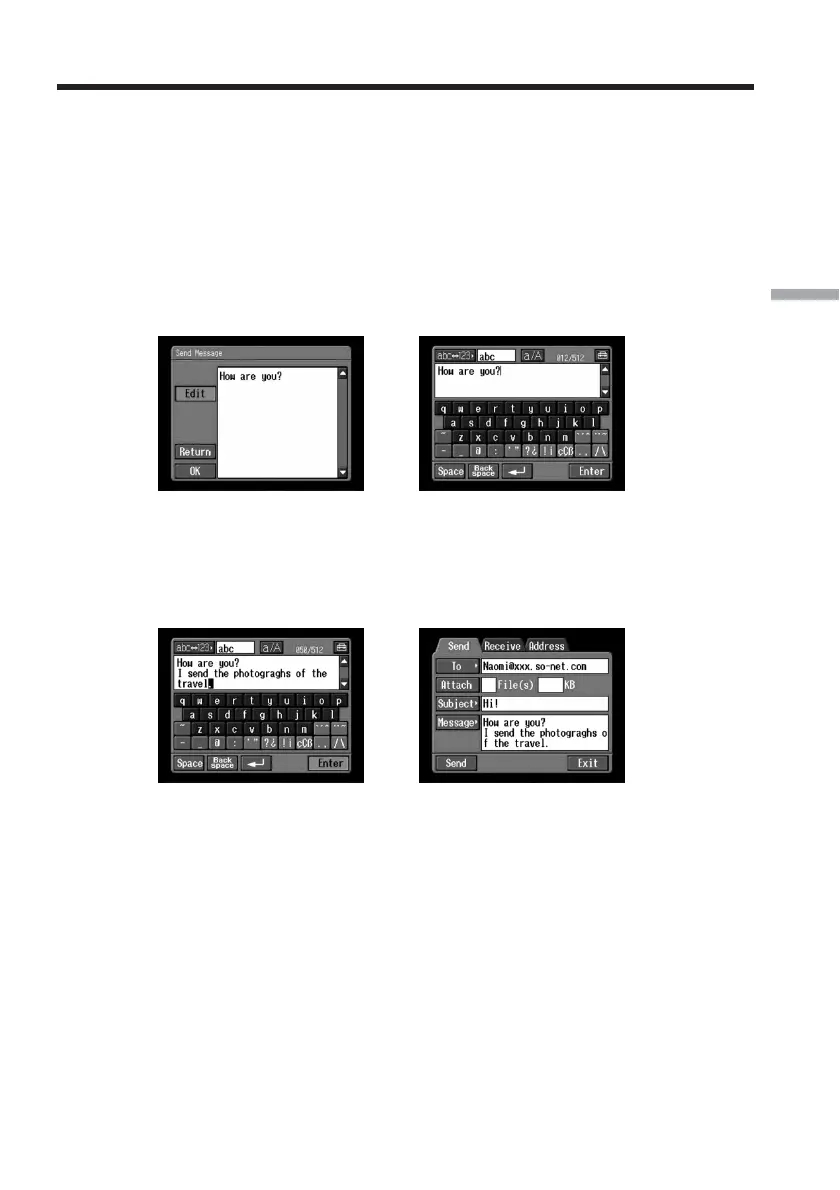
(4) Check or edit the message. If the message is long, tap the message area, then
tap the scroll button V to scroll the message.
To only check the message:
After checking the message, tap [OK]. The Send screen appears again.
To edit the message:
Follow steps 5 to 7 below.
(5) Tap [Edit].
The character input screen appears.
,
(6) Edit the message.
For details of how to input characters, see “How to input characters” (p. 9).
(7) Tap [Enter].
The Send screen appears again.
,
Using email












 To Next Page